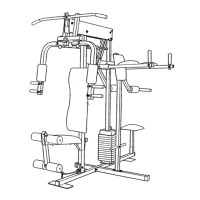
32
59
2
7
87
6
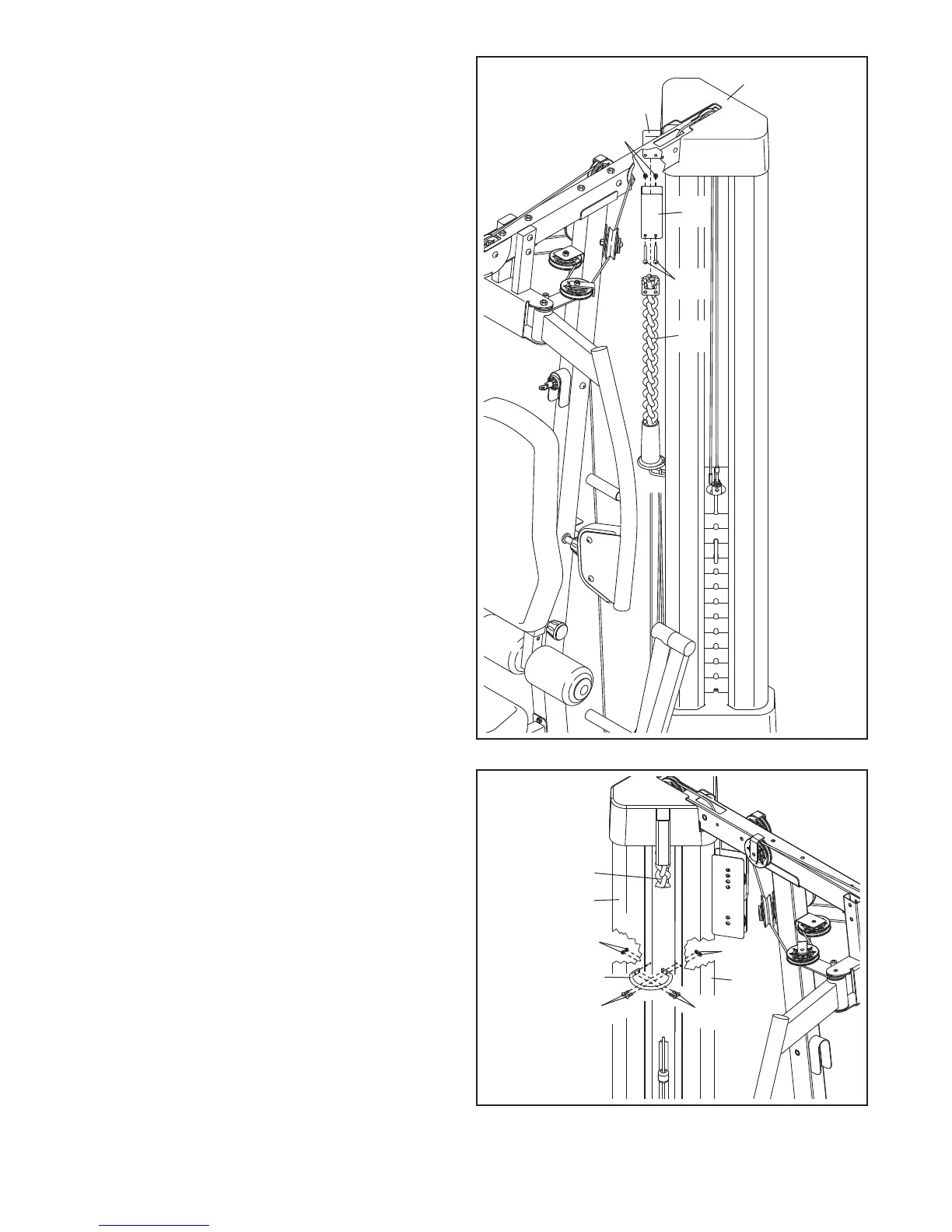
59. Press the Top Cover (27) onto the Top Frame
(6) as shown.
O
rient the Burn Band (26) and the Burn Bracket
(14) as shown. Insert the Burn Band into the
B
urn Bracket.
Attach the Burn Bracket (14) and the Burn Band
(26) to the Top Frame (6) with two M6 x 45mm
Bolts (85) and two M6 Locknuts (87).
14
85
26
60. Attach one side of the Containment Bracket
(109) to the Center Shroud (33) with two M4 x
12mm Bolts (107) and two M4 Locknuts (108).
Then, attach the other side of the Containment
Bracket (109) to the Right Side Shroud (34) with
two M4 x 12mm Bolts (107) and two M4
Locknuts (108).
Insert the Burn Band (26) through the center of
the Containment Bracket (109).
60
107
107
109
108
108
33
34
26




 To Next Page