14
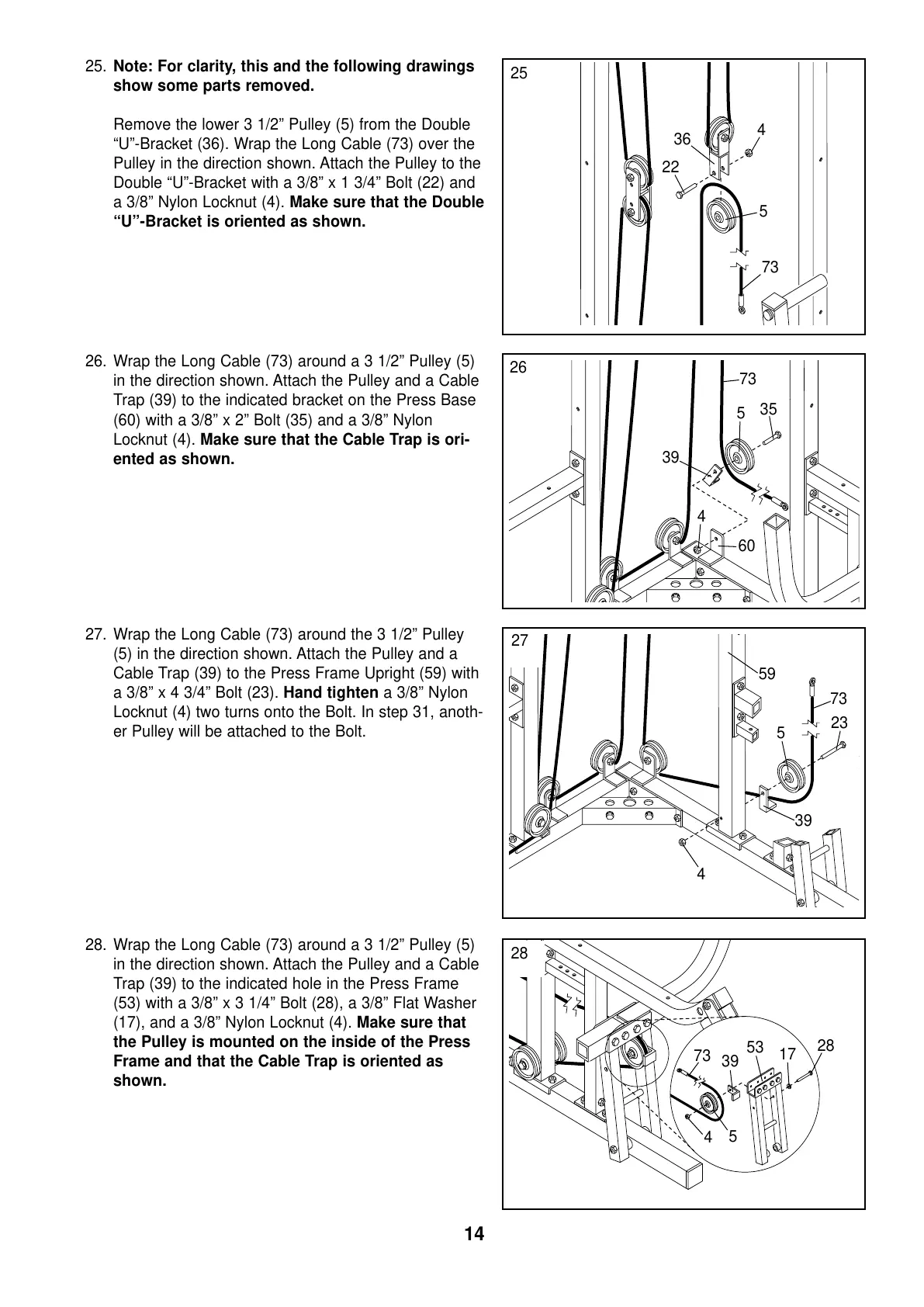
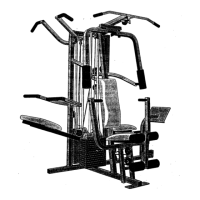
26. Wrap the Long Cable (73) around a 3 1/2” Pulley (5)
in the direction shown. Attach the Pulley and a Cable
Trap (39) to the indicated bracket on the Press Base
(60) with a 3/8” x 2” Bolt (35) and a 3/8” Nylon
Locknut (4). Make sure that the Cable Trap is ori-
ented as shown.
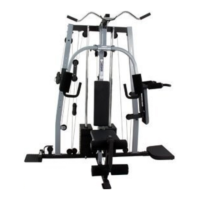
27. Wrap the Long Cable (73) around the 3 1/2” Pulley
(5) in the direction shown. Attach the Pulley and a
Cable Trap (39) to the Press Frame Upright (59) with
a 3/8” x 4 3/4” Bolt (23). Hand tighten a 3/8” Nylon
Locknut (4) two turns onto the Bolt. In step 31, anoth-
er Pulley will be attached to the Bolt.
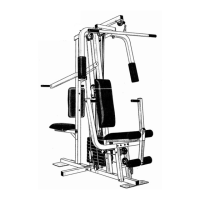
25. Note: For clarity, this and the following drawings
show some parts removed.
Remove the lower 3 1/2” Pulley (5) from the Double
“U”-Bracket (36). Wrap the Long Cable (73) over the
Pulley in the direction shown. Attach the Pulley to the
Double “U”-Bracket with a 3/8” x 1 3/4” Bolt (22) and
a 3/8” Nylon Locknut (4). Make sure that the Double
“U”-Bracket is oriented as shown.
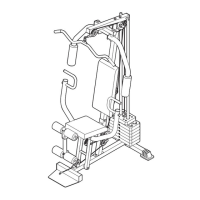
28. Wrap the Long Cable (73) around a 3 1/2” Pulley (5)
in the direction shown. Attach the Pulley and a Cable
Trap (39) to the indicated hole in the Press Frame
(53) with a 3/8” x 3 1/4” Bolt (28), a 3/8” Flat Washer
(17), and a 3/8” Nylon Locknut (4). Make sure that
the Pulley is mounted on the inside of the Press
Frame and that the Cable Trap is oriented as
shown.
26
25
36
4
5
73
60
39
4
73
5
35
22
4
23
73
5
39
59
4
5
39
73
53
28
17
28
27



 To Next Page