6
7
Now, you can set up your personal information so it can calculate your
daily PointsPlus
TM
Target and show your weekly PointsPlus Allowance.
1. Press to start set up. This is the key you
press any time you want to set up your daily
target and weekly allowance. Also press this key
if you need to change your info (we will show
you how on the next page).
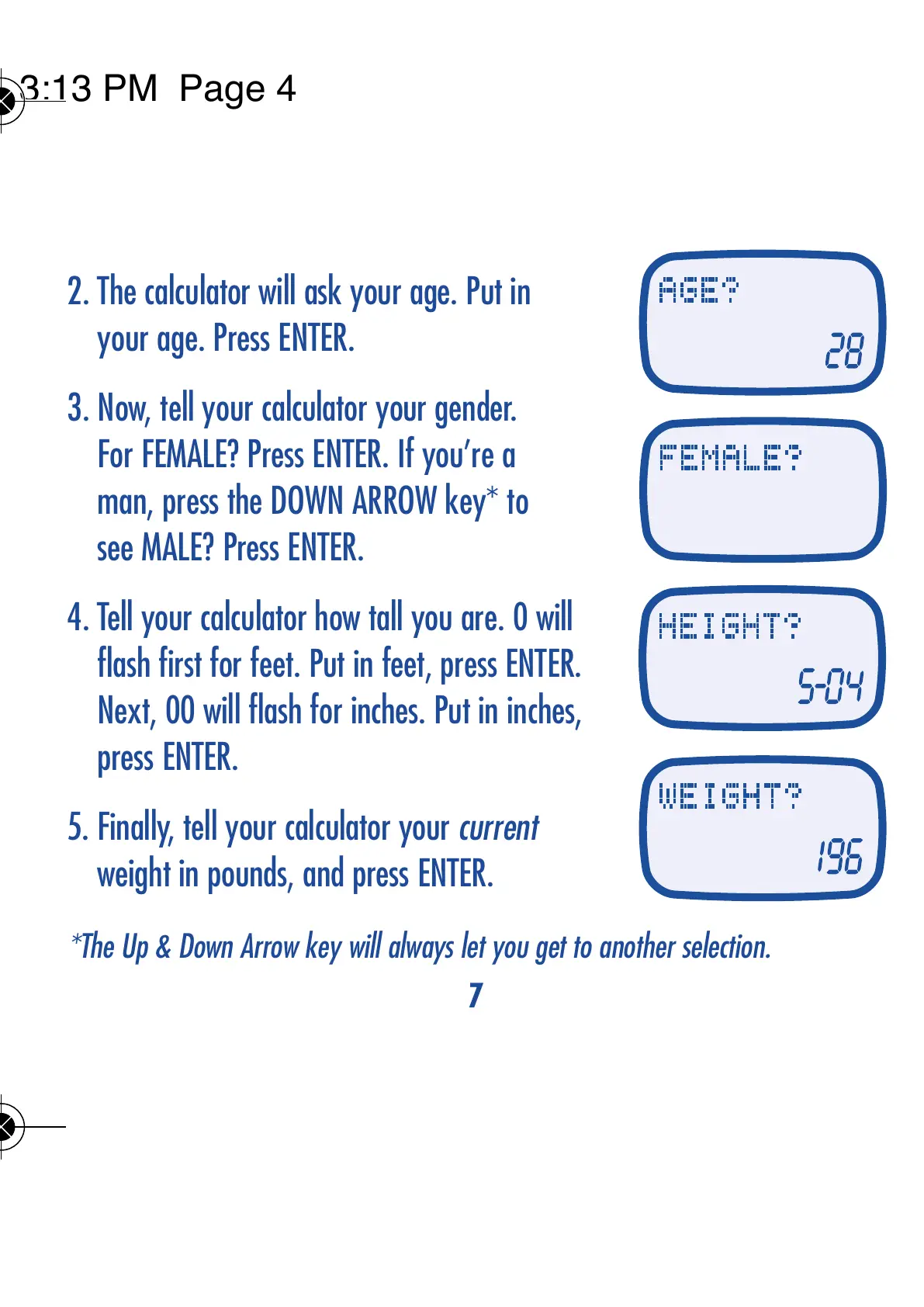
2. The calculator will ask your age. Put in
your age. Press ENTER.
3. Now, tell your calculator your gender.
For FEMALE? Press ENTER. If you’re a
man, press the DOWN ARROW key* to
see MALE? Press ENTER.
4. Tell your calculator how tall you are. 0 will
flash first for feet. Put in feet, press ENTER.
Next, 00 will flash for inches. Put in inches,
press ENTER.
5. Finally, tell your calculator your current
weight in pounds, and press ENTER.
ENTER YOUR PERSONAL INFORMATION
TIP: Any time you want to clear an entry, simply press CE once.
*The Up & Down Arrow key will always let you get to another selection.
Certain foods, especially sugar-free foods, may contain sugar alcohols, which may reduce total
PointsPlus values. These ingredients are not typically included on food labels. As a result, you
might notice discrepancies with the values you see in your lists and the values you calculate with
the Weight Watchers PointsPlus Calculator. For the most accurate values, please use the food
lists in the Pocket Guide or Companion books, or, if you’re a subscriber, use the database on
Weight Watchers eTools.



 To Next Page
 Loading...