89
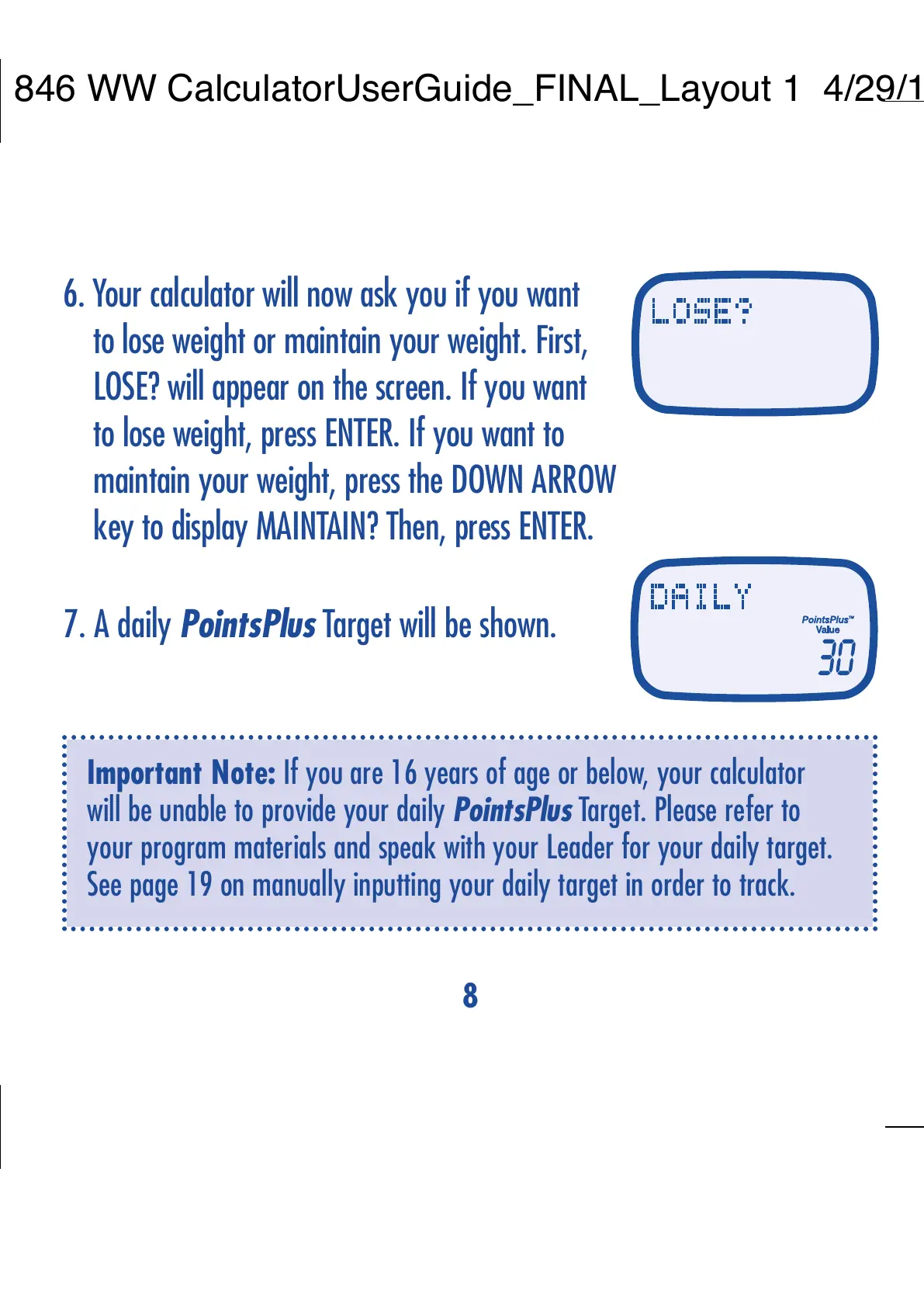
6. Your calculator will now ask you if you want
to lose weight or maintain your weight. First,
LOSE? will appear on the screen. If you want
to lose weight, press ENTER. If you want to
maintain your weight, press the DOWN ARROW
key to display MAINTAIN? Then, press ENTER.
7. A daily PointsPlus Target will be shown.
8. If you chose MAINTAIN, you will be asked
if you have extra PointsPlus
TM
values.
Default is 0*, or enter any extra values
and press ENTER.
9. Your total daily PointsPlus Target will now
appear on the screen.
CONGRATULATIONS – you’ve personalized your PointsPlus
calculator!
Important Note: If you are 16 years of age or below, your calculator
will be unable to provide your daily PointsPlus Target. Please refer to
your program materials and speak with your Leader for your daily target.
See page 19 on manually inputting your daily target in order to track.
*As nursing mothers receive additional PointsPlus values, we recommend they use
the MAINTAIN option when setting up their daily PointsPlus Target. If you need
more information about the daily PointsPlus Target for nursing moms, please see
the Weight Watchers
®
program materials or ask your Leader.


 To Next Page
 Loading...