Select the desired CPAP therapy using
the navigation knobs: PEEP, pMax,
ΔpASB. After adjusting the values,
begin the ventilation via “start”.
5
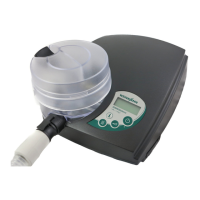
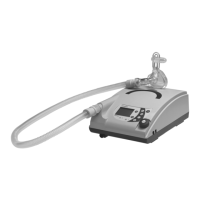
Now connect the patient to MEDUMAT
Standard². It is possible to adjust the
values using the navigation knobs while
the ventilation is running. The right-
hand navigation knob provides access
to additional ventilation parameters.
The ventilation mode can be changed
by pressing the menu button.
6
Select one of the following
ventilation modes: CPAP +
ASB (if available) or CPAP (CPAP is the
ventilation form
“CPAP + ASB” with a ΔpASB
of 0 mbar).
4


 To Next Page
 Loading...