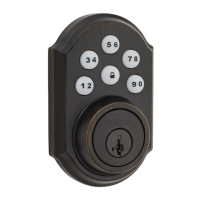
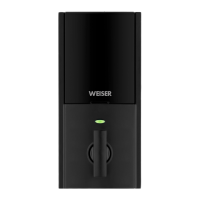
For fob-and-phone systems:
Refer to the fob enrollment instructions inside the Kevo app. For fob-only systems, see page 2.
For fob-only systems
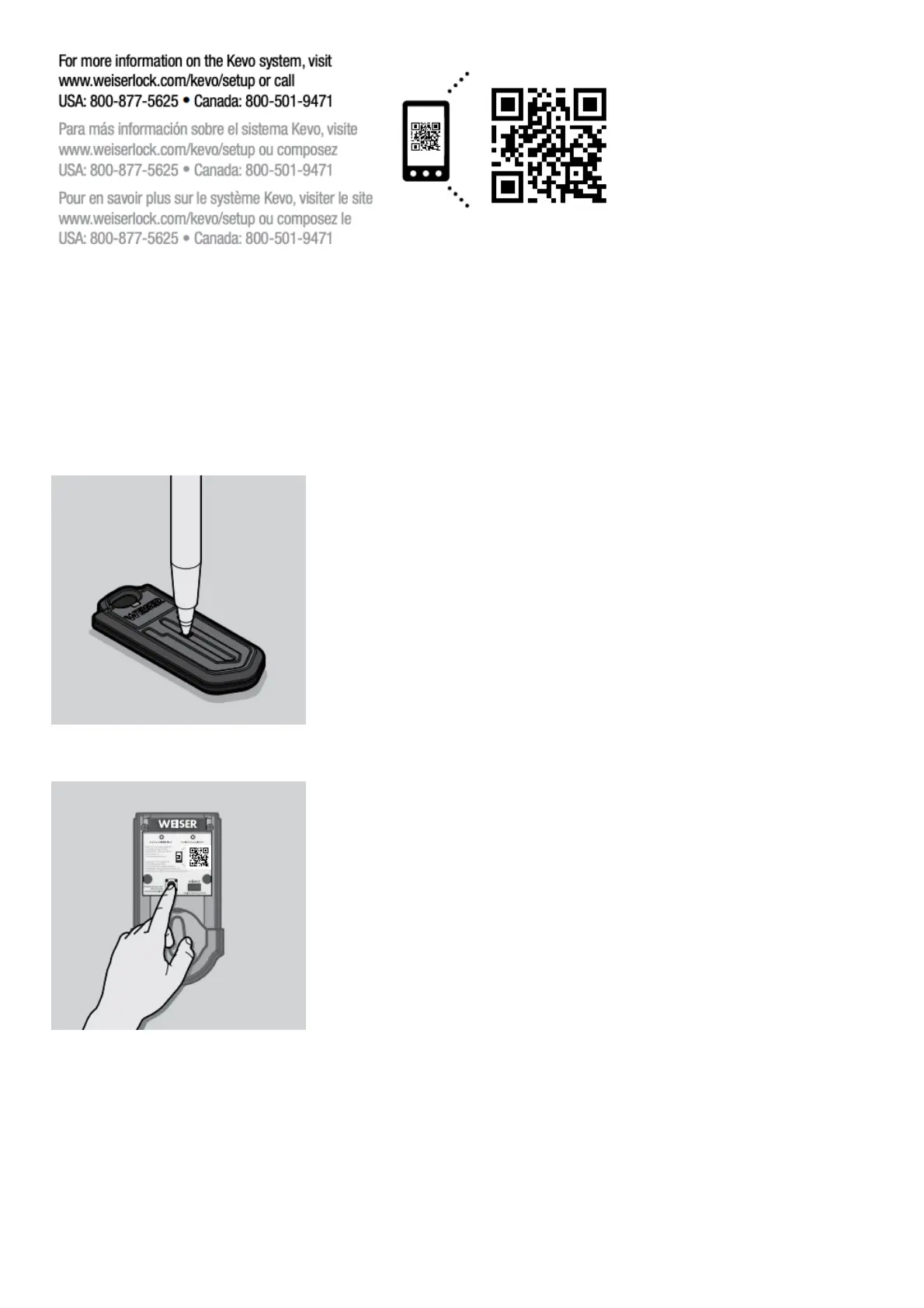
1. Use a ballpoint pen to press the enroll button on the new Kevo fob. The fob’s LED will begin to blink
green.
2. Push the Program button on the back panel.
3. Hold the new fob close against the back panel. The fob’s LED will begin to blink faster. Once the
Kevo beeps twice and the fob’s LED turns solid green, the fob has enrolled successfully. You may now
perform the Kevo fob calibration process. See User Guide for complete instructions.
Note: beeps will only be heard if switch #3 is on.


 To Next Page