Weiss Enginering Ltd. DSP501/DSP502
48 Presets, 12 each for output 1 and output 2 and their Output Termination (Speakers or Headphones). If
the Output and/or Output Termination is changed the Preset bank is automatically changed as well.
2.3.14 Firmware Update/ Download
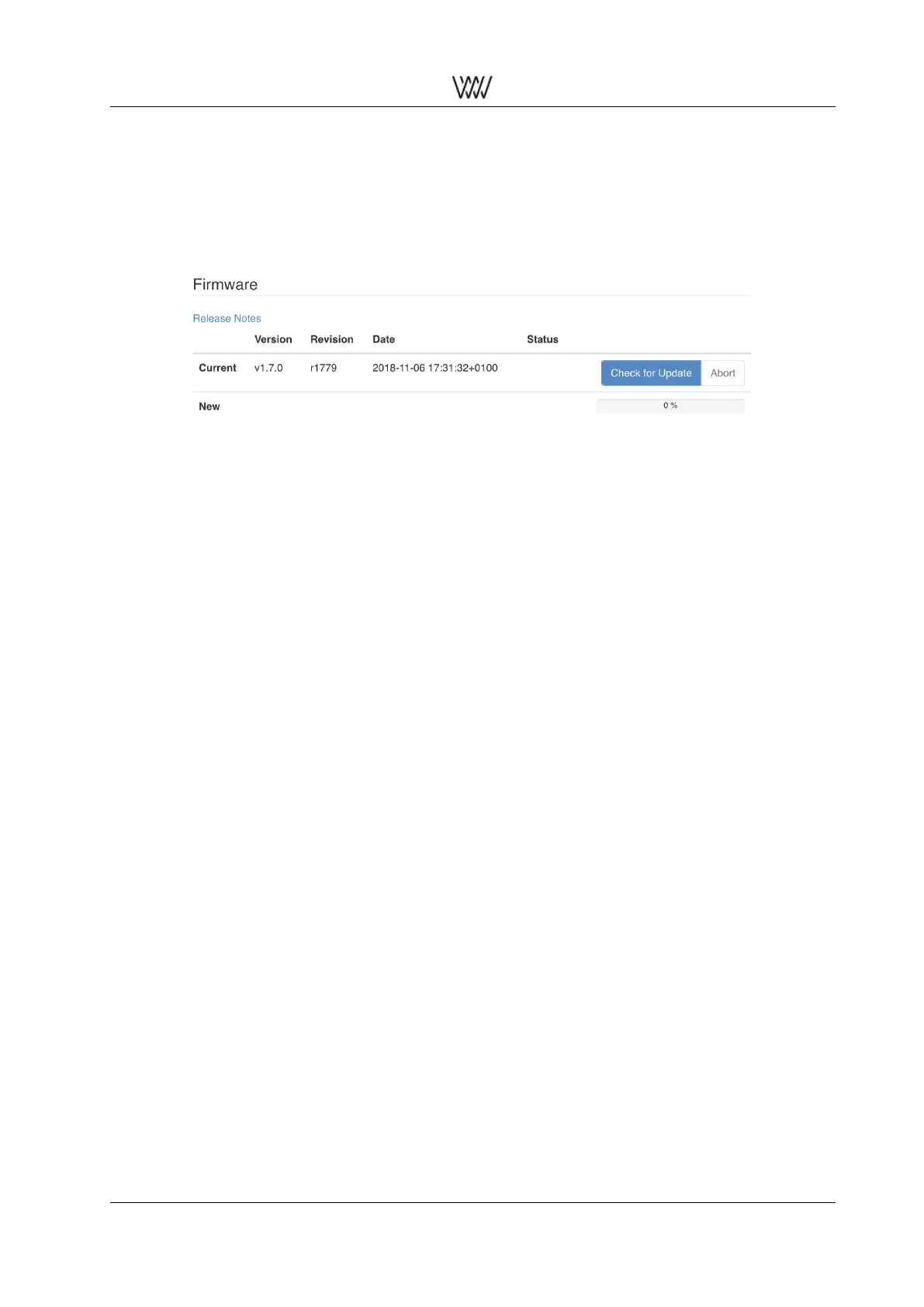
Figure 17: Firmware update
At the bottom of the web interface there is the Check for Update pad. Tapping on that pad starts the DSP50x
to connect to our Server to see whether there is any new device firmware available. (The DSP50x has to
be connected via Ethernet to your internet router.)
If new firmware is available the pad allows to download the firmware (allow for some time due to internet
speed) and after download the firmware can be activated (also allow some time for this).
Once this has been done the DSP50x needs to be rebooted in order to get the new firmware running.
For detailed information about the new and previous firmware releases tap on the Release Notes link.
2.3.15 M/S Control
→ to be announced
User Manual and 18 White Papers



 To Next Page