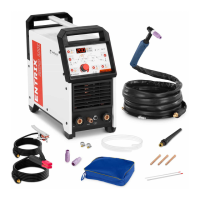
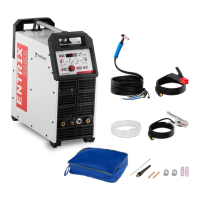
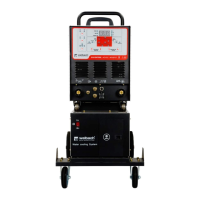
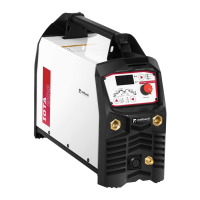
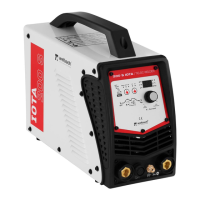
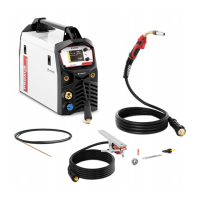
2 - Control panel
3 - Output terminal "+"
4 - Socket for TIG control line
5 - Gas outlet connection
6 - Output terminal "-"
7 - On/Off button
8 - Power cord
9 - Gas inlet connection
10 - Additional grounding terminal
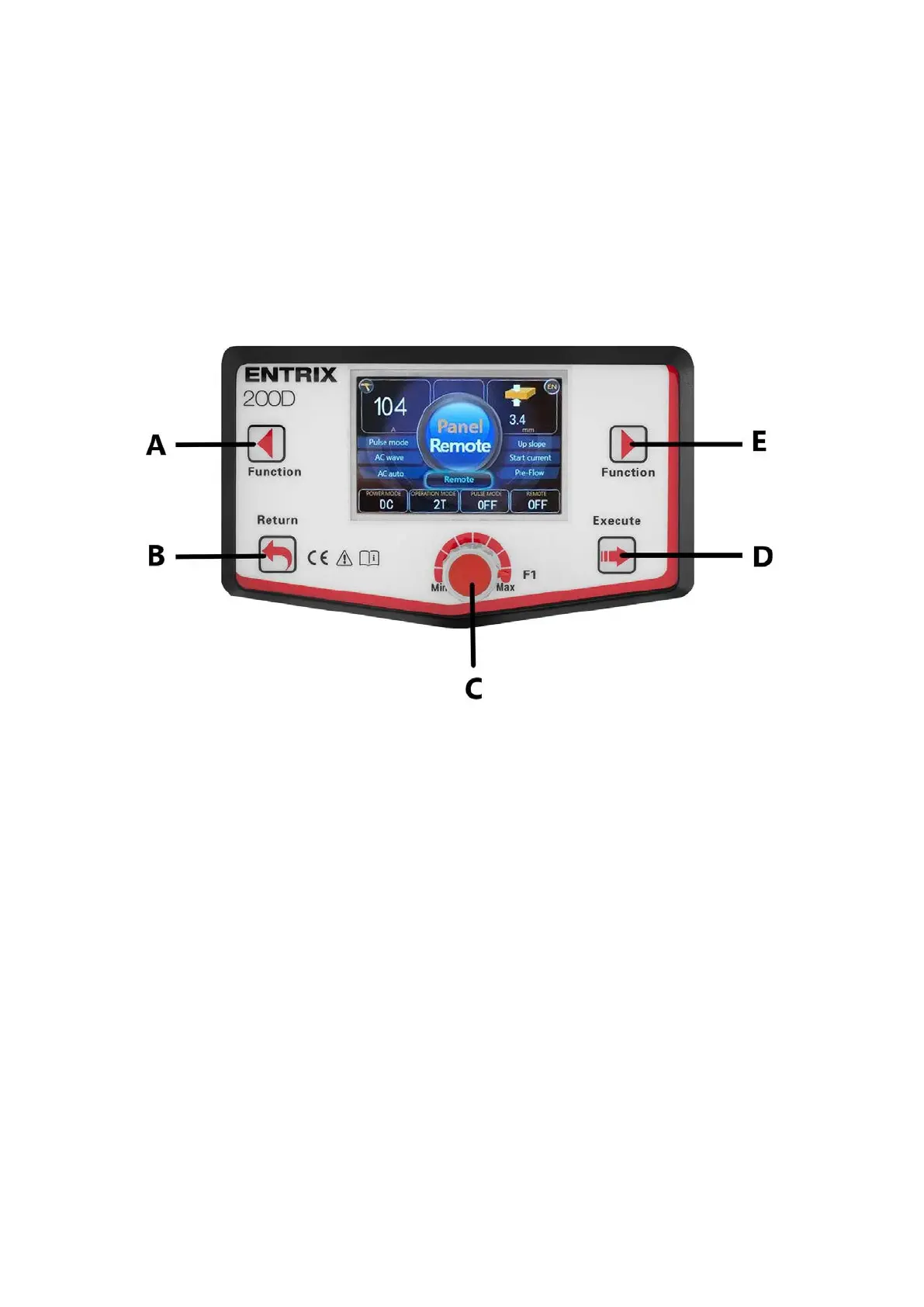
Control panel
A - Button for switching functions of the left menu. Press and hold for 5 seconds to go to the data page.
B - Back button: takes you back to the higher-level menu or back. Press and hold for more than 5 seconds to
return to factory settings.
C - Data adjustment knob. Quick adjustment: press and turn the knob at the same time for faster adjustment.
Fine adjustment: turn the knob for fine adjustment.
D - Confirm button: press to enter a submenu or perform the current operation. Press and hold for more than 5
seconds to save the current data.
E - Button for switching functions of the right menu. Press and hold for more than 5 seconds to enter the data
storage page.
TIG handle


 To Next Page