EasyManua.ls Logo

Welbilt ABM6000 - Programmable Timer

Welbilt ABM6000
15 pages
Print Icon
To Next Page IconTo Next Page
To Previous Page IconTo Previous Page
Loading...
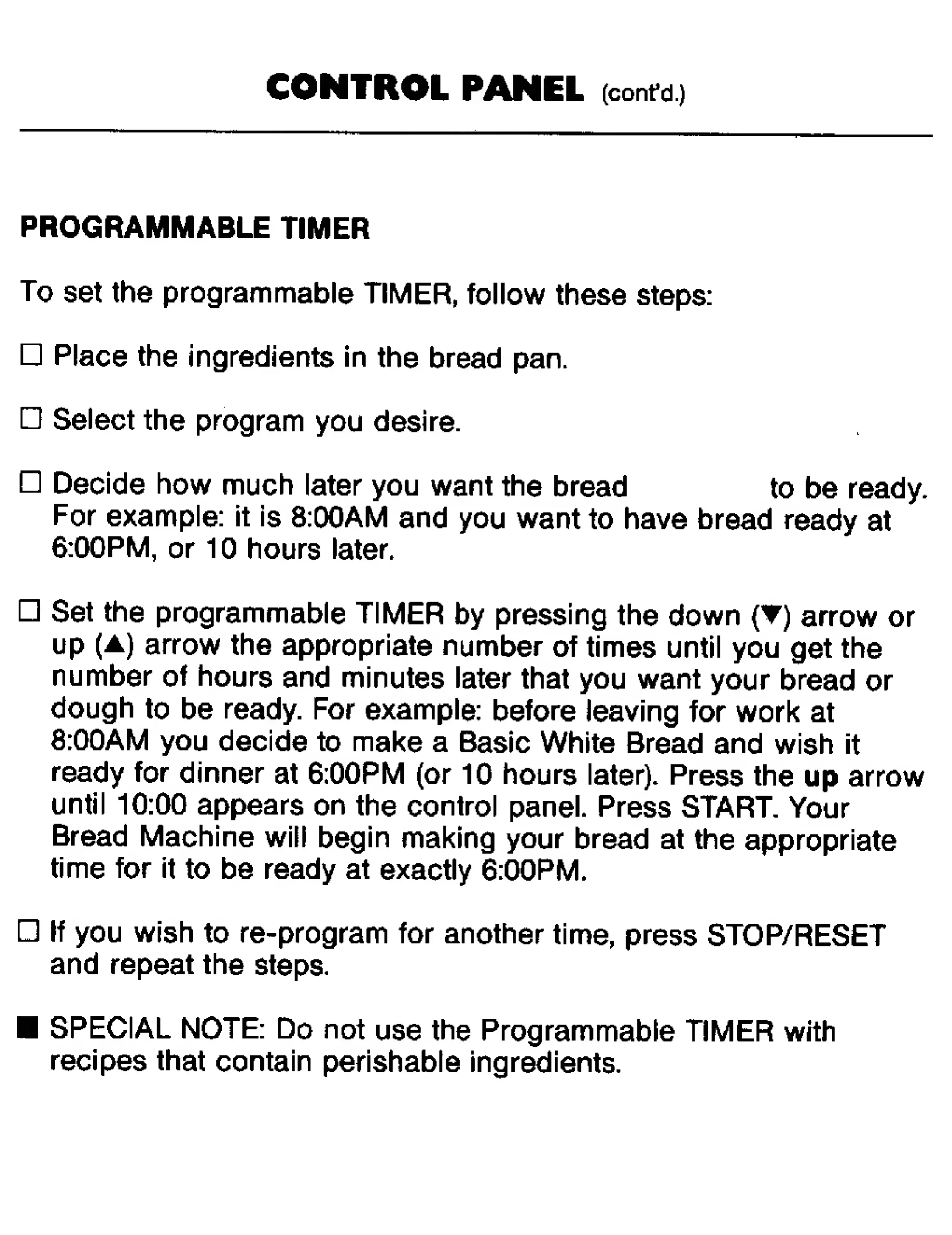
CONTROL
PANEL
(contu)
¥
PROGRAMMABLE
TIMER
To
set
the
programmable
TIMER,
follow
these
steps:
Place
the
ingredients
in
the
bread
pan.
Select
the
program
you
desire.
Decide
how
much
later
you
want
the
bread
to
be
ready.
For
example:
it
is
8:00AM
and
you
want
to
have
bread
ready
at
6:00PM,
or
10
hours
later.
Set
the
programmable
TIMER
by
pressing
the
down
{
)
arrow
or
up
(A)
arrow
the
appropriate
number
of
times
until
you
get
the
number
of
hours
and
minutes
later
that
you
want
your
bread
or
dough
to
be
ready.
For
example:
before
leaving
for
work
at
8:00AM
you
decide
to
make
a
Basic
White
Bread
and
wish
it
ready
for
dinner
at
6:00PM
(or
10
hours
later).
Press
the
up
arrow
until
10:00
appears
on
the
control
panel.
Press
START.
Your
Bread
Machine
will
begin
making
your
bread
at
the
appropriate
time
for
it
to
be
ready
at
exactly
6:00PM.
If
you
wish
to
re-program
for
another
time,
press
STOP/RESET
and
repeat
the
steps.
SPECIAL
NOTE:
Do
not
use
the
Programmable
TIMER
with
recipes
that
contain
perishable
ingredients.

Related product manuals