3
23
Understanding the LCD messages
The following messages may be displayed on the LCD during Handle operation.
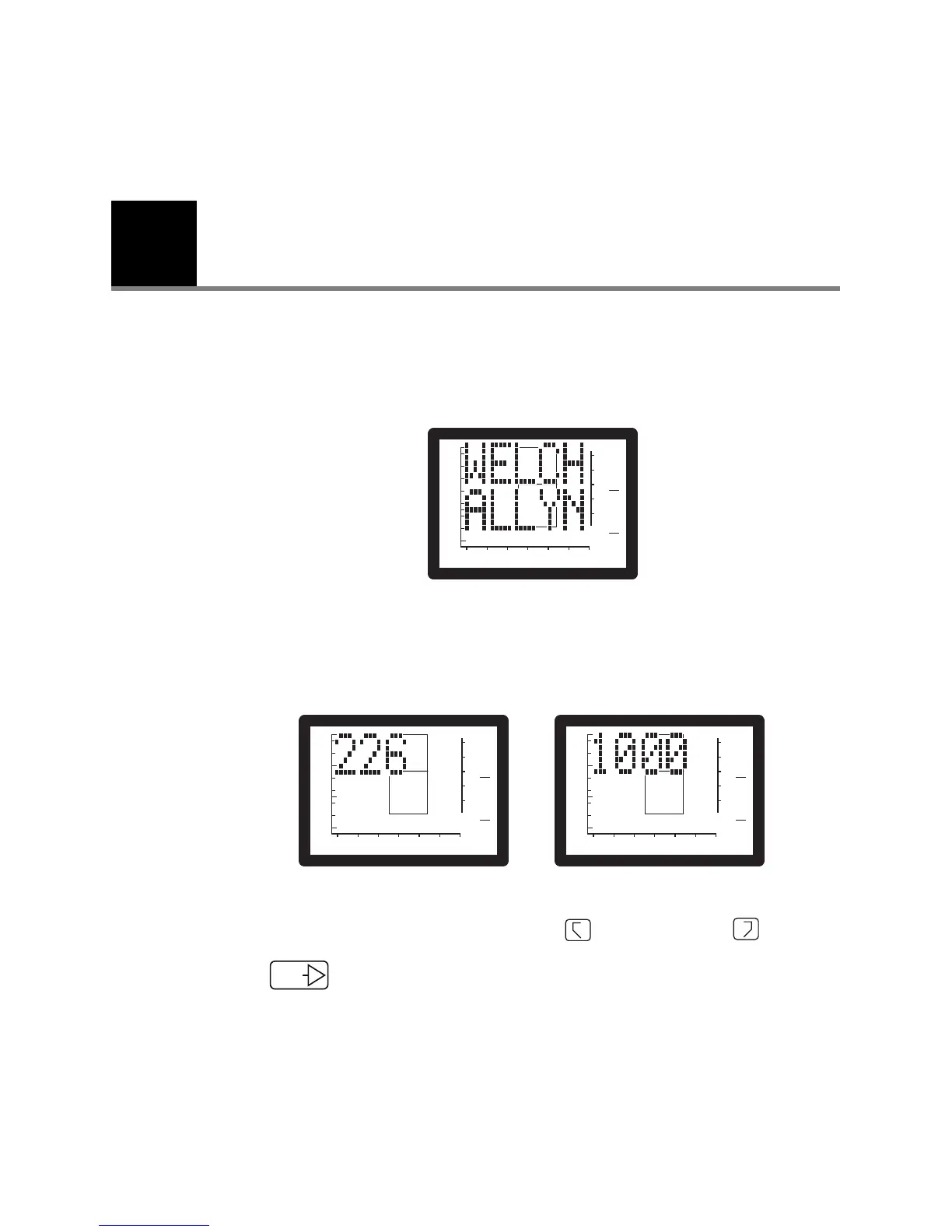
Company identification
The Welch Allyn message will appear when you press any button.
Frequency confirmation
These messages indicate the unit’s frequency options. You can toggle between
frequencies by simultaneously pressing both the Right memory and Left
memory buttons.
Press to confirm selected frequency and to exit frequency confirmation mode.
-400 -200 0 200
2
0.5
0
1.0
1
GR
A
GR
C
PRESSURE - daPa
Ya - mmho
+200 Vea - cc
-400 -200 0 200
2
0.5
0
1.0
1
GR
A
GR
C
PRESSURE - daPa
Ya - mmho
+200 Vea - cc
-400 -200 0 200
2
0.5
0
1.0
1
GR
A
GR
C
PRESSURE - daPa
Ya - mmho
+200 Vea - cc



 To Next Page
 Loading...






