32 ENGLISH
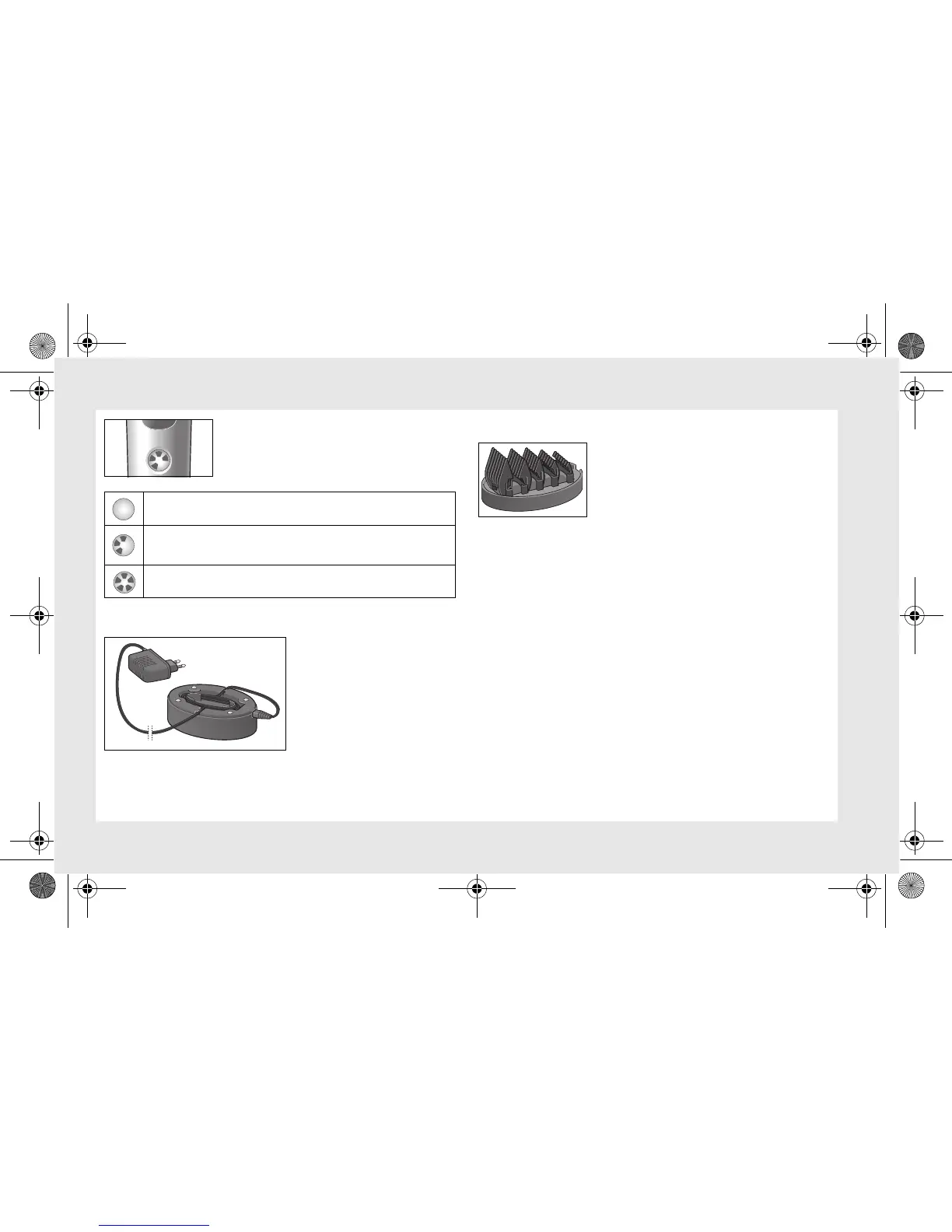
The charging indicator
6
shows the charging
status. The segments of the charging indica-
tor show the battery charge status:
2.2 Storing the power cord
If you do not need the entire
length of the power cord, you
can stow the surplus length
in
the compartment under the
charging unit
8.
2.3 Storing the comb attachments
You can keep the comb attachments
14
tidy in
the comb
attachment holder
9.
3 Operation
3.1 Function lock
When it leaves the factory, the appliance is protected against being
switched on accidentally. You can activate this function lock your-
self, e.g. for transporting the appliance.
Deactivating function lock:
•
Place the appliance in the charging unit
8
, which must be con-
nected to the mains. Alternatively you can connect the appliance
directly to the power cord.
The charging indicator
6
first flashes, then stays on continuously.
The function lock is now deactivated.
The battery is empty and needs recharging.
The more segments are displayed, the better the battery
charge status.
Battery is fully charged.
Xpert.book Seite 32 Mittwoch, 14. November 2012 11:20 11



 To Next Page