29
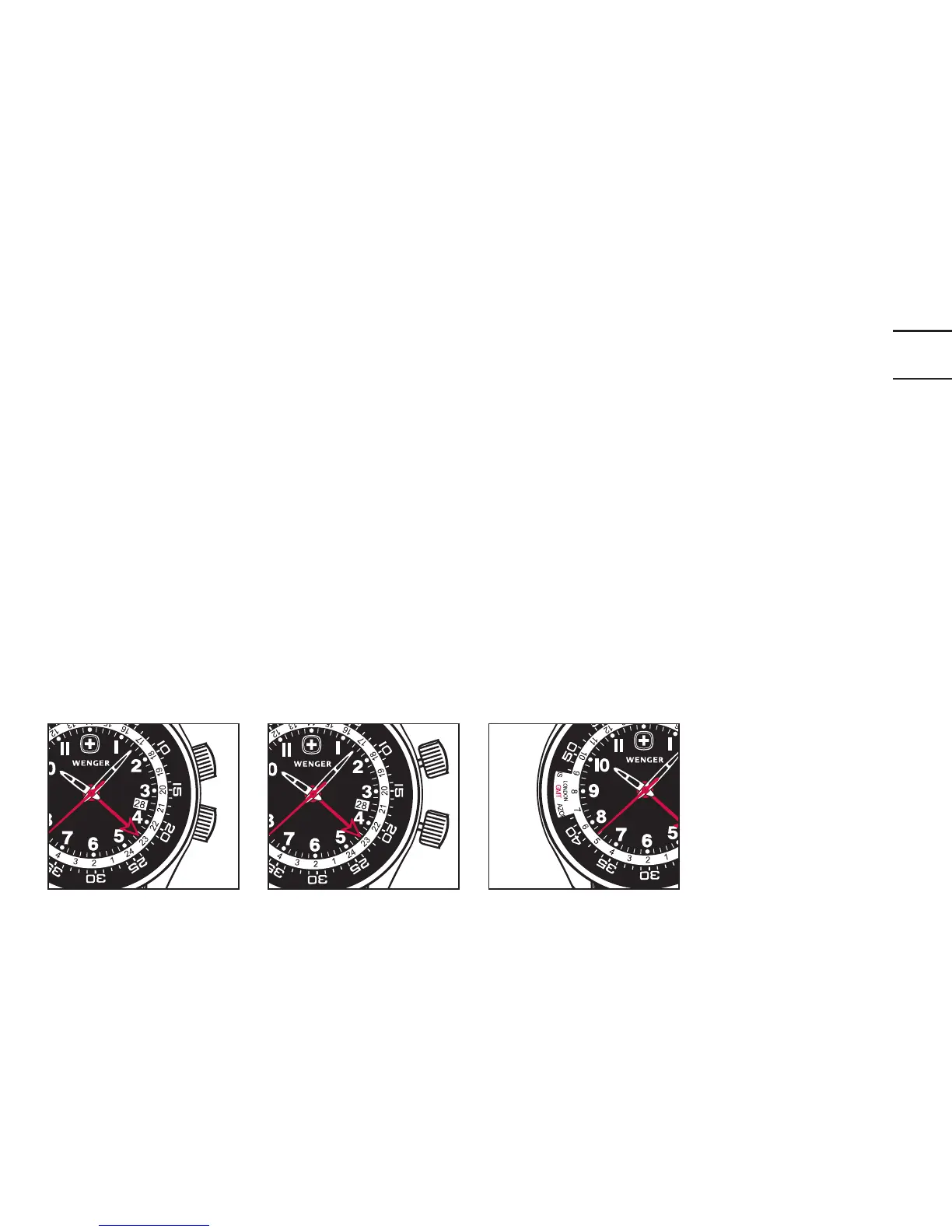
Position 1
Position 2
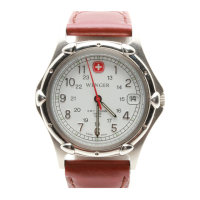
Inner bezel
Checking Additional Time Zones
Once the watch has been set as described, you can check other time zones at
any time by rotating the 2:00 crown.
Note: Certain time zones do not recognize daylight saving time (DST). You
must take this difference of +/- one hour into account when reading the sec-
ond time zone or whenever you set the second time zone (see table on pages
30-31).


 To Next Page