34
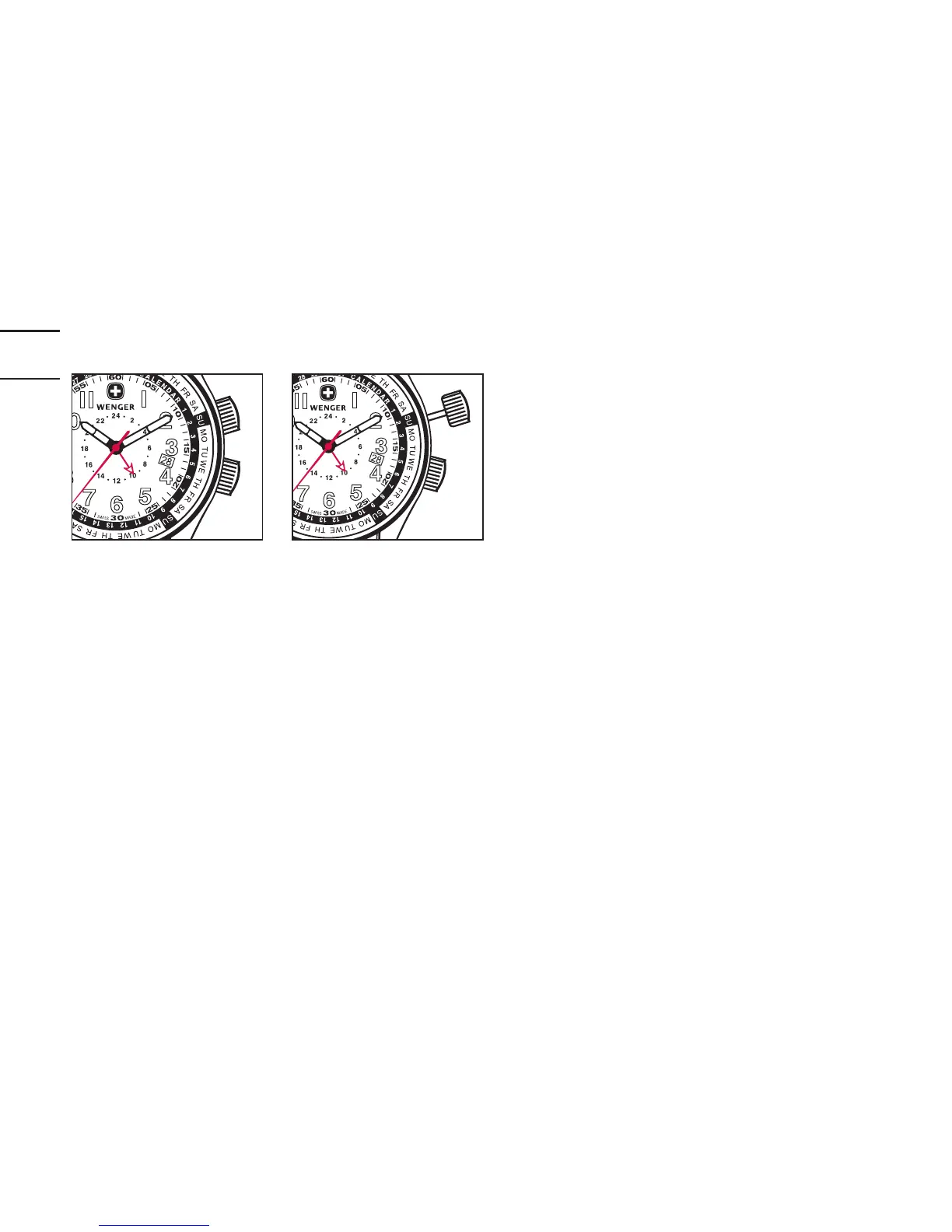
Position 1 Position 2
SETTING THE DAY AND DATE ON THE INNER
ROTATING BEZEL
Important note: The 2:00 crown screws down to prevent accidental reset.
Rotate the crown counterclockwise until the crown moves away from the
watch. Always screw down the crown after making any adjustments. This is
very important as the screw-down crown assures water resistance.
1. Rotate the 2:00 crown counterclockwise until it moves away from the
watch. This will set the crown to Position 2.


 To Next Page