46
DUAL TIME ZONE FEATURES
(for 2
nd
Time Zone Dual Subdial, see p. 40)
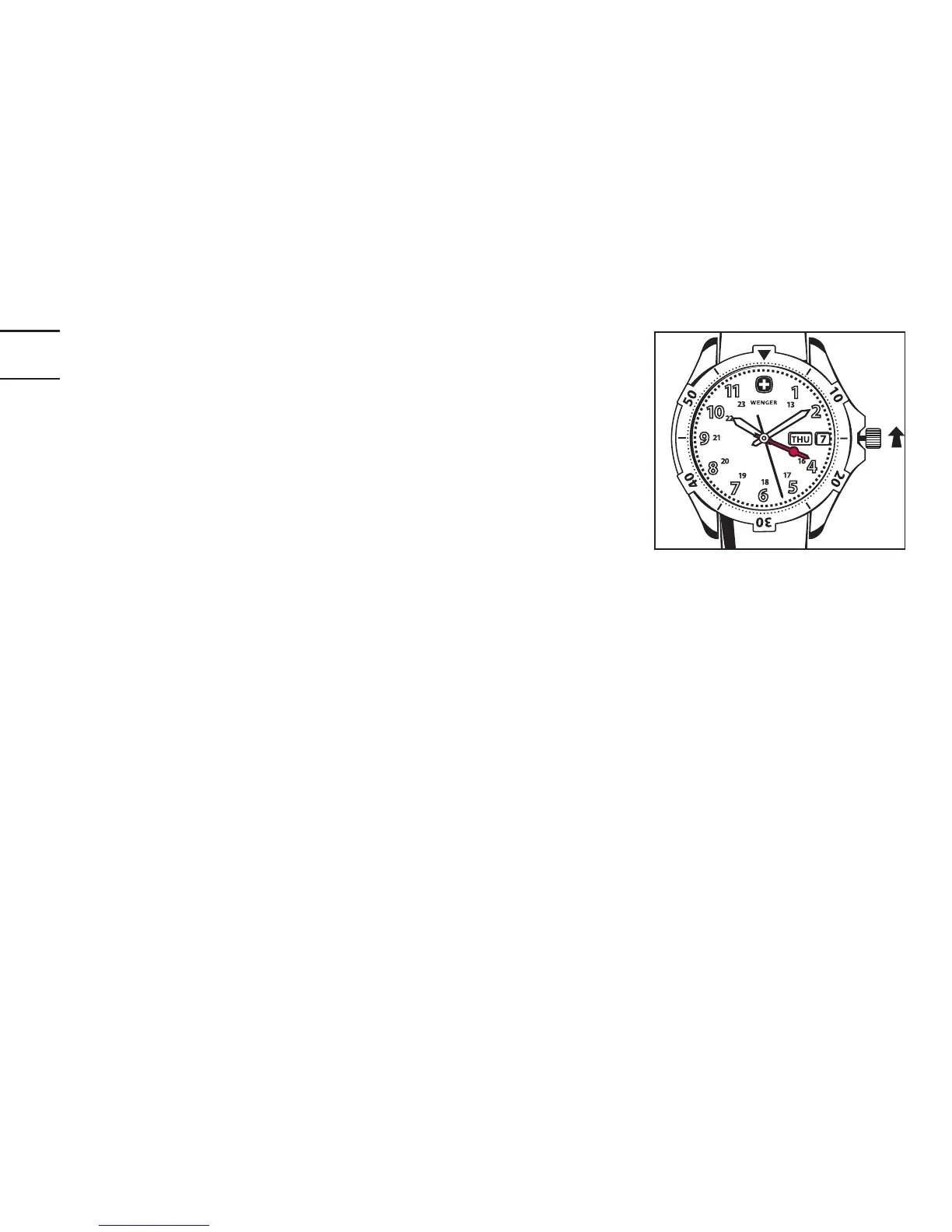
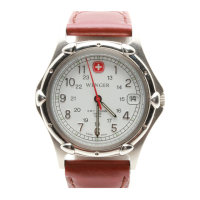
Note: The second time zone is read in military
time (1:00 p.m. = «13», 2:00 p.m. = «14», etc.).
The military time hours appear either on the dial,
or on some models, on the bezel of the watch.
1. Begin by setting the regular time by following
the instructions on pages 6ff.
2. To set the second time zone, pull out the crown to Position 2 (one «click»
out) and set the second time zone hand (indicated above in red) by turning
the crown clockwise.
3. Return the crown to the fully depressed Position 1, assuring the crown has
been screwed down on all diver watches.


 To Next Page