WERMA SIGNALTECHNIK Version 1.2.0 - 0911 12
5.2.4 Read
Type Command
Description
Read RD Information of current status.
RD<CR>
Return
Information of status
Example:
RD<CR> 02131 (Tier 1: Off; Tier 2: Blinking mode 1; Tier 3: On;
Tier 4: Blinking mode 2; Tier 5: On)
5.3 HyperTerminal
Windows HyperTerminal or a comparable Linux application shows how the USB terminal
element can be triggered. Using the same settings, the USB terminal element can be
triggered from other applications.
Note: As of Windows Vista, HyperTerminal is no longer included. But you can download this
free from the Internet or use another terminal program.
Example with HyperTerminal:
1. Connect the USB terminal element to a USB port on your computer.
2. Start the HyperTerminal: Start/Programs/Accessories/Communication/HyperTerminal
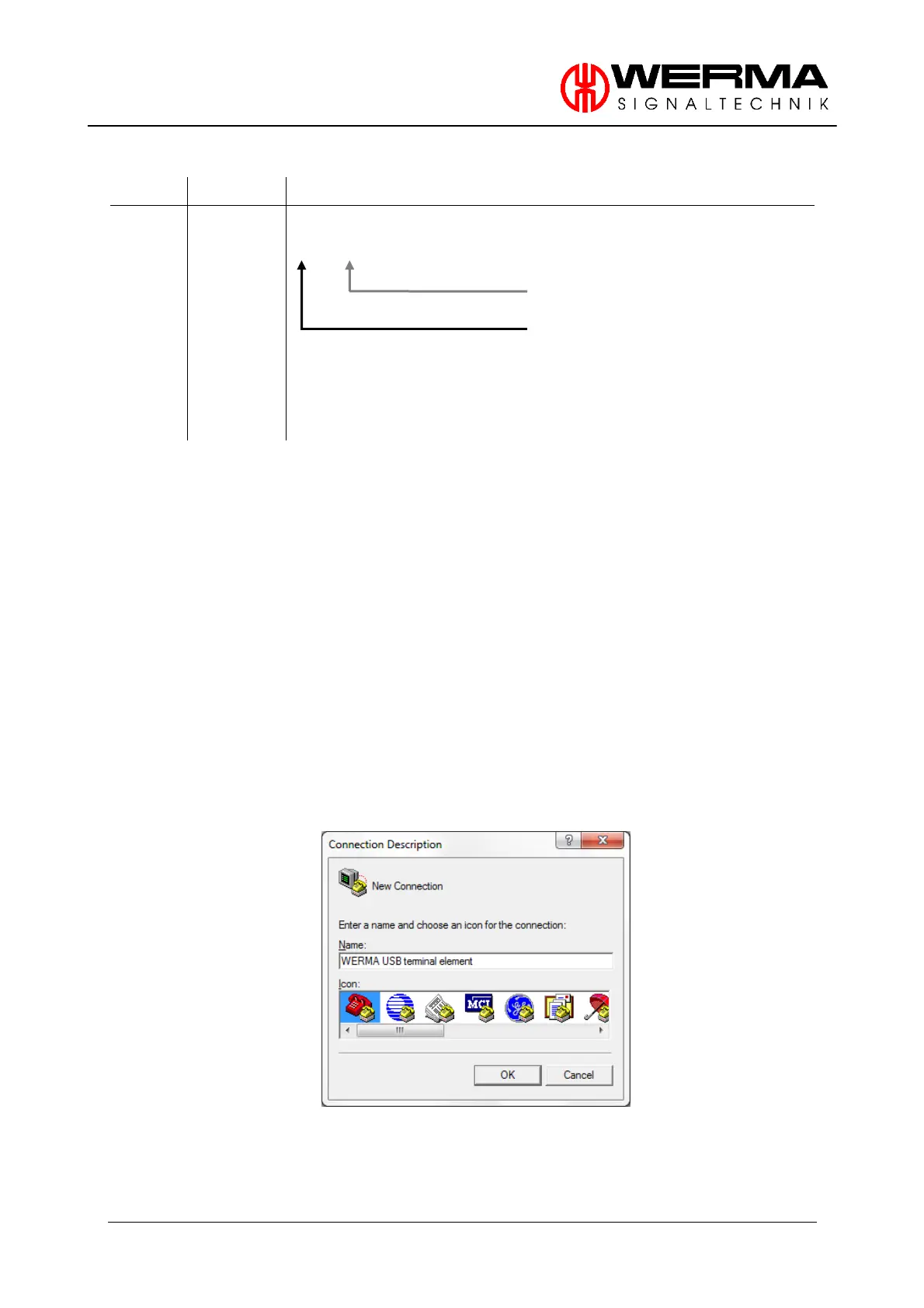
3. Enter a name in the first window (e.g. WERMA USB terminal element)


 To Next Page