EasyManua.ls Logo

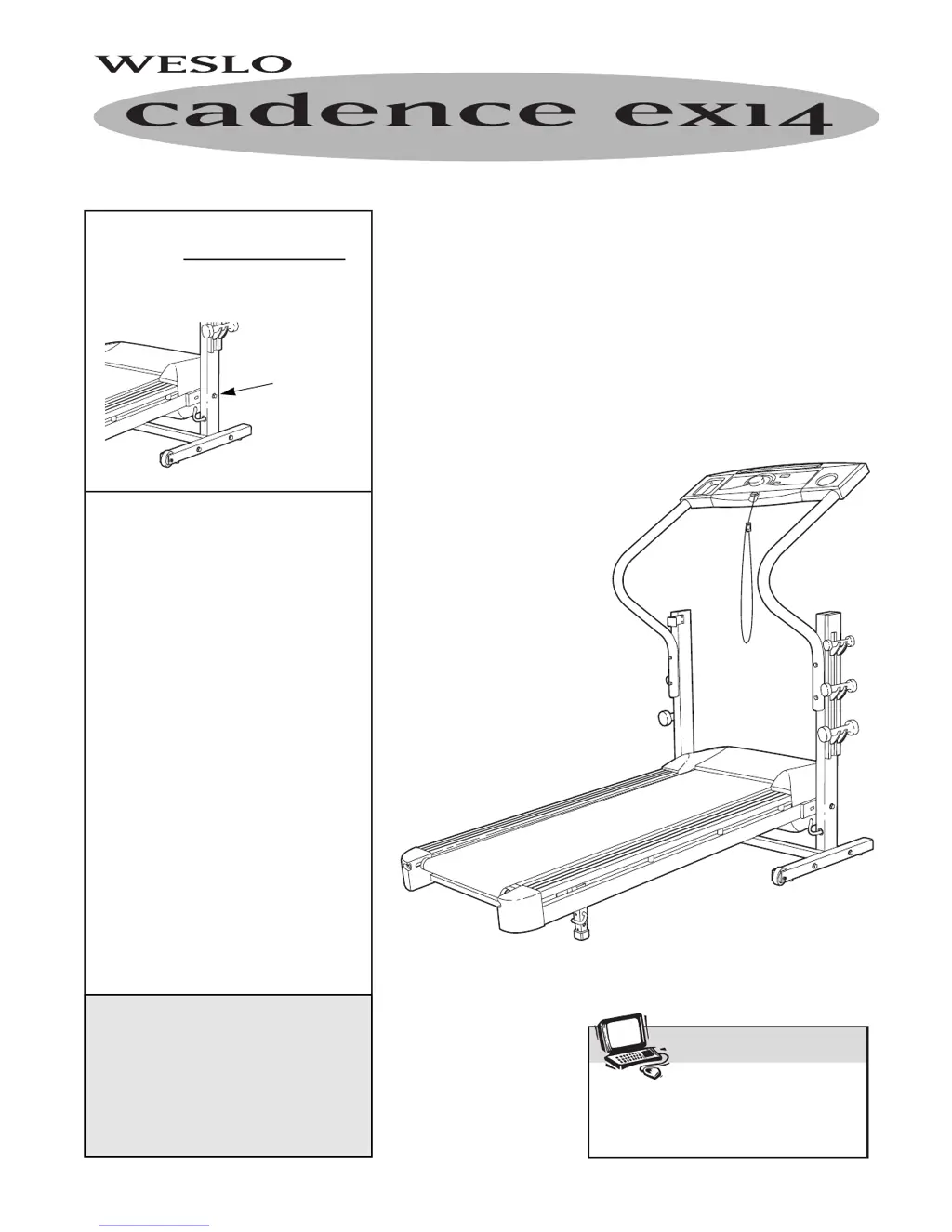
Weslo WLTL29200 - User Manual

Weslo WLTL29200
18 pages
Print Icon
To Next Page IconTo Next Page
Loading...
¨
USER'S MANUAL
QUESTIONS?
As a manufacturer, we are
committed to providing complete
customer satisfaction. If you
have questions, or if there are
missing parts, we will guarantee
complete satisfaction through
direct assistance from our factory.
TO AVOID UNNECESSARY
DELAYS, PLEASE CALL DIRECT
TO OUR TOLL-FREE CUSTOMER
HOT LINE. The trained techni-
cians on our customer hot line
will provide immediate assis-
tance, free of charge to you.
CUSTOMER HOT LINE:
1-800-999-3756
Mon.ÐFri., 6 a.m.Ð6 p.m. MST
Model No. WLTL29200
Serial No.
Write the serial number in the
space above for future reference.
CAUTION
Read all precautions and instruc-
tions in this manual before using
this equipment. Save this manual
for future reference.
Serial
Number
Decal
Visit our website at
www.weslo.com
new products, prizes,
fitness tips, and much more!

Questions and Answers

  • C
    Christina CoxAug 12, 2025
    How to fix Weslo WLTL29200 if the power does not turn on?
    • K
      Karen HinesAug 12, 2025
      If your Weslo Treadmill doesn't turn on, ensure the power cord is plugged into a surge suppressor, and that the surge suppressor is plugged into a properly grounded outlet. Use only a UL 1449 listed surge suppressor (TVSS) with specific electrical ratings. Note: The treadmill isn't compatible with GFCI-equipped outlets. Also, ensure the key is fully inserted into the console. Finally, check the circuit breaker on the treadmill frame; if tripped, wait five minutes, then press it back in.
  • B
    Brandon WilliamsAug 22, 2025
    What to do if my Weslo Treadmill power turns off during use?
    • J
      Jennifer CruzAug 22, 2025
      If your Weslo Treadmill's power turns off during use, first, check the circuit breaker located on the treadmill frame near the power cord. If it has tripped, wait five minutes, then press the switch back in. Also, ensure the power cord is securely plugged in. Try removing and reinserting the key fully into the console. If it still won’t run, please call our Customer Service Department, toll-free.
  • K
    Kelly TateSep 1, 2025
    Why are the displays of the Weslo WLTL29200 Treadmill console not functioning properly?
    • T
      Tamara MarquezSep 1, 2025
      If the displays of your Weslo Treadmill console aren't functioning properly, start by checking and replacing the console batteries, as drained batteries are a common cause. If that doesn't work, carefully remove the hood and check the Reed Switch and Magnet on the left side of the Pulley, ensuring there's a 1/8" gap between them. Adjust the Reed Switch slightly, retighten the screw, re-attach the hood, and test the treadmill.

Weslo WLTL29200 Specifications

General IconGeneral
Motor Power2.25 HP
Maximum Speed10 mph
Running Area16" x 50"
Maximum User Weight250 lbs
DisplayLCD
FoldableYes
Incline Range0-10%
Running Surface16" x 50"
Weight Capacity250 lbs
Programs6

Related product manuals