EasyManua.ls Logo

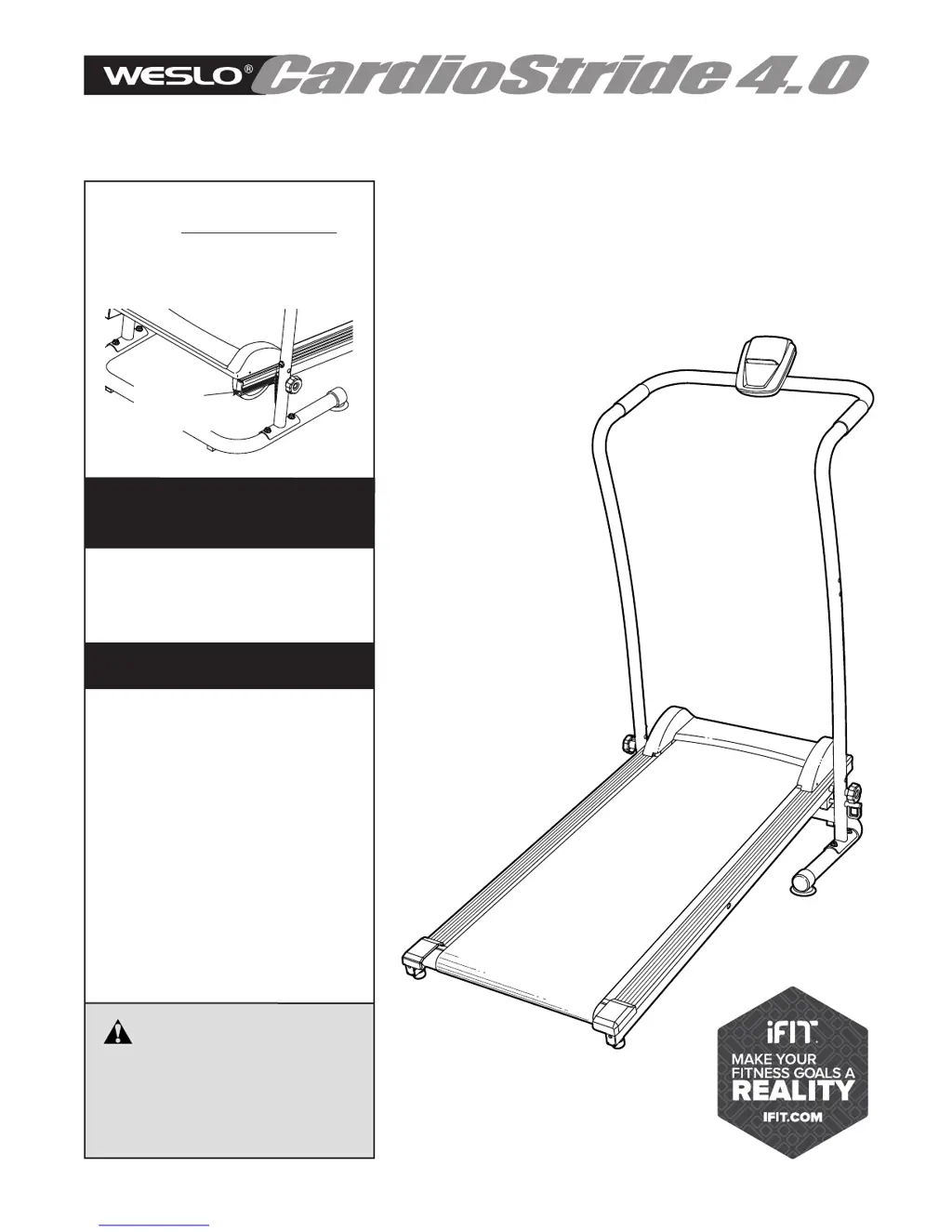
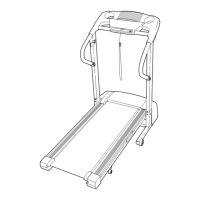
Weslo WLTL99616C.0 - User Manual

Weslo WLTL99616C.0
20 pages
Print Icon
To Next Page IconTo Next Page
Loading...
4.0
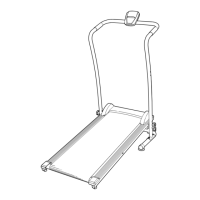
USER’S MANUAL
Model No. WLTL99616C.0
Serial No.
Write the serial number in the space
above for reference.
CAUTION
Read all precautions and
instructions in this manual before
using this equipment. Save this
manual for future reference.
weslo.com
ACTIVATE YOUR
WARRANTY
To register your product and
activate your warranty today, go
to iconservice.ca.
CUSTOMER CARE
Call toll-free 1-888-936-4266
Mon.–Fri. 7:30 a.m.–4:30 p.m. ET
(excluding holidays)
or email us at
customerservice@iconcanada.ca
Please do not contact the store.
Serial
Number
Decal

Questions and Answers

  • J
    Juan FosterAug 8, 2025
    What to do if the Weslo WLTL99616C.0 console does not function properly?
    • A
      Abigail HowardAug 8, 2025
      First, move the Reed Switch so that there is a 1/8" (3 mm) gap between the Reed Switch and the Magnet. Second, check if the handrail wire is plugged fully into the console. Third, apply anti-static spray to the handrail.

Weslo WLTL99616C.0 Specifications

General IconGeneral
Motor Power2.25 HP
Running Area16" x 50"
Maximum User Weight250 lbs
Speed0-10 MPH
DisplayLCD
FoldableYes
InclineManual, 2-position

Related product manuals