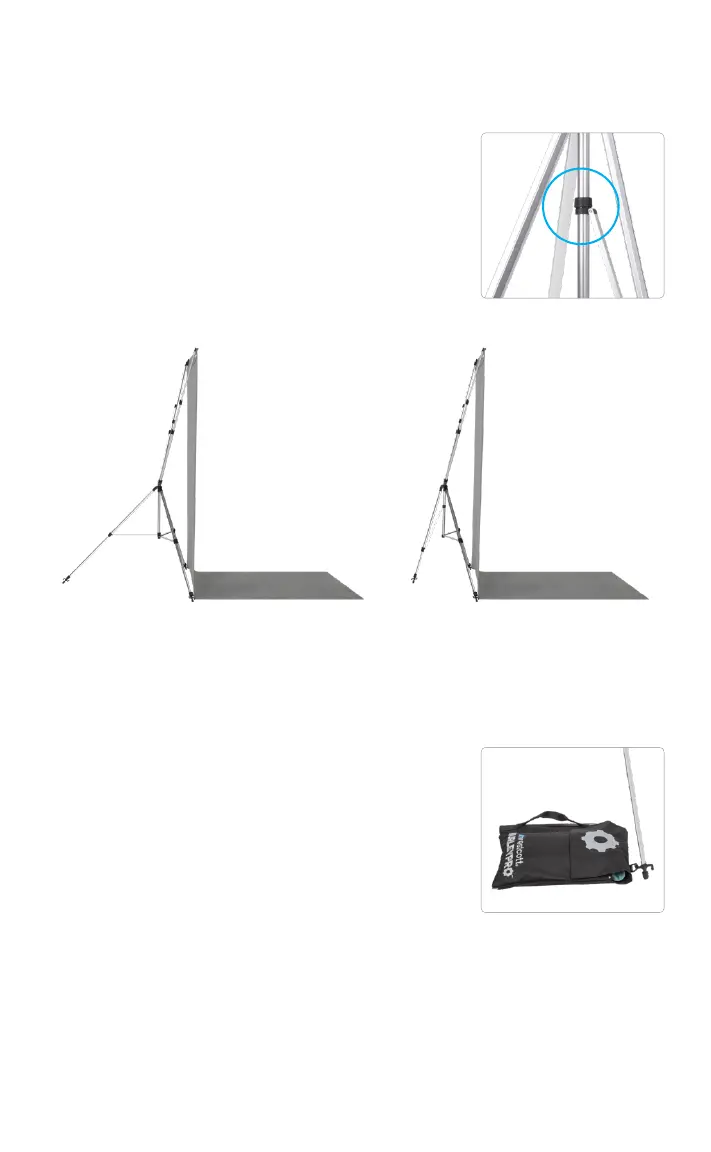
Reducing the X-drop Pro Footprint
Adding Stability with a Weight Bag
1. Loosen the dial on the runner located on
the center tube.
2. While holding the center hub, open the
lowest clasp on the rear leg and bring the
rear leg forward until the desired position
is achieved.
3. Close the clasp and retighten the dial to
secure the position. Do not over tighten.
• Each foot on the X-Drop Pro Stand has
a rear hook for attaching a weight bag
(sold separately) for additional support.
• Reducing the footprint of the stand
increases the chance of it tipping
forward. To avoid this, attach a weight
bag to the base of the rear leg for a
counterbalance.
• We strongly suggest attaching weight
bags to the base of each leg during
outdoor use.
• Remove all weight bags before moving
or transporting the backdrop system to
avoid damaging the stand.
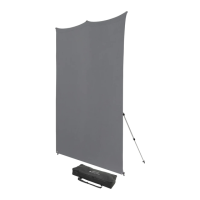
Rear Leg Fully Extended
Shown with H2Pro
Weight Bag #HP-WB1
Rear Leg Partially Extended
Step 1, Reducing Footprint


 To Next Page