Changing Switch Inserts
Caution
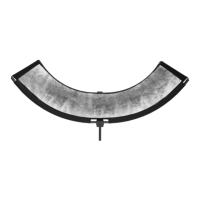
1. Remove the Switch Lantern from the light source
after it has cooled.
2. To remove the insert, locate the thumb lock on
the rear of the Switch Lantern, slide outward, and
gently slide up and away from the thumb lock.
Gently spot clean the diusion panel by hand with a damp cloth.
Do not apply cleaner to the diusion or reflective surface, as this may damage the product.
Care Instructions
• Failure to properly lock the Switch Insert in place may cause damage to the Switch Lantern
and light source.
• Failure to confirm that the Switch Lantern is properly assembled and mounted could place
unnecessary stress on the ribs and can cause permanent damage to your Switch Lantern.
• Failure to secure your light to the Switch Lantern could result in damage to your equipment
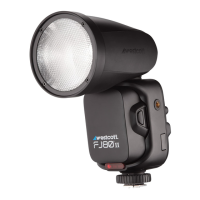
• Failure to secure your speedlite could result in damage to your light
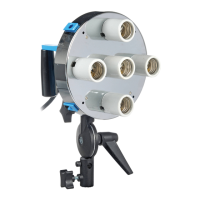
The Switch Lantern modifier is heat-rated for up to a maximum of 300-Watts (COB) and 1200Ws (strobe).



 To Next Page