USB Host and OS Compatibility
The following table lists the USB host and operating system combinations that can be
used with ArmorLock.
Table 1.3
When plugged into USB host... macOS Windows
You can use the macOS app to… Pair & Unlock ---
You can use the iPhone app to... Pair & Unlock Pair & Unlock
You can use the Android app to... Pair & Unlock Pair & Unlock
Bluetooth
™
Compatibility
Your
and G-DRIVE ArmorLock SSD communicate via Bluetooth. The G-
DRIVE ArmorLock SSD is compatible with the Bluetooth Low Energy (BLE) wireless
personal area network technology that is of the Bluetooth 4.2 and later wireless
technology standards. All of the operating systems included in the preceding list are
compatible with Bluetooth Low Energy.
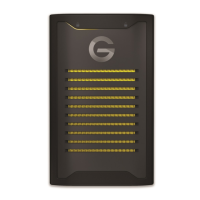
A Look at the ArmorLock Drive
The G-DRIVE ArmorLock SSD contains a number of prominent features:
▪
A USB-C
▪
Three (3) LEDs: locked, unlocked, and power/activity
▪
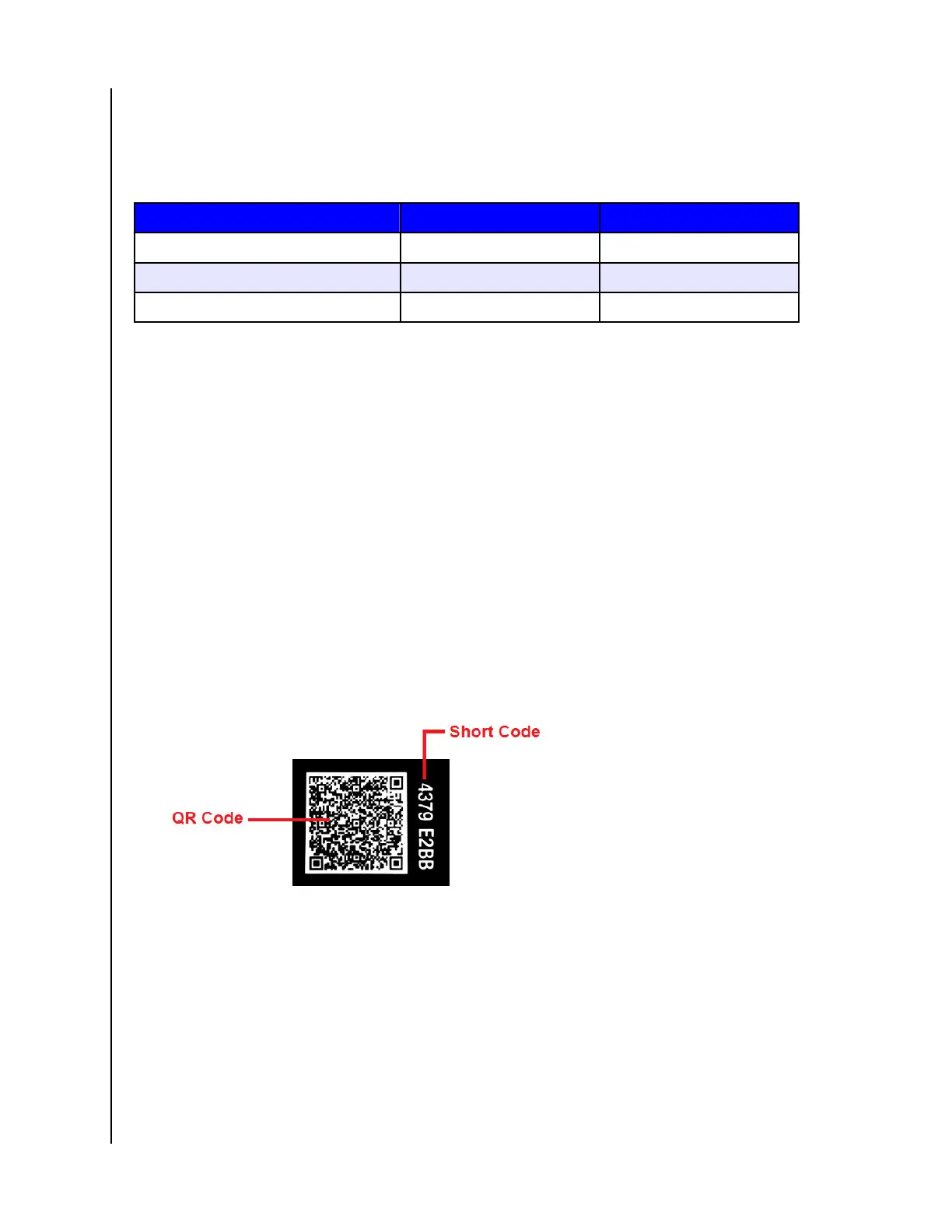
QR code and
Code unique to each individual drive (located on the back of the
drive). QR Code is to be used with a phone camera and the Code is to be
used with computers for app-to-drive pairing.
Welcome to ArmorLock
ArmorLock Encrypted NVMe SSD
User Manual
3












 To Next Page