THE DASHBOARD AT A GLANCE
66
WD MY CLOUD MIRROR PERSONAL CLOUD STORAGE
USER MANUAL
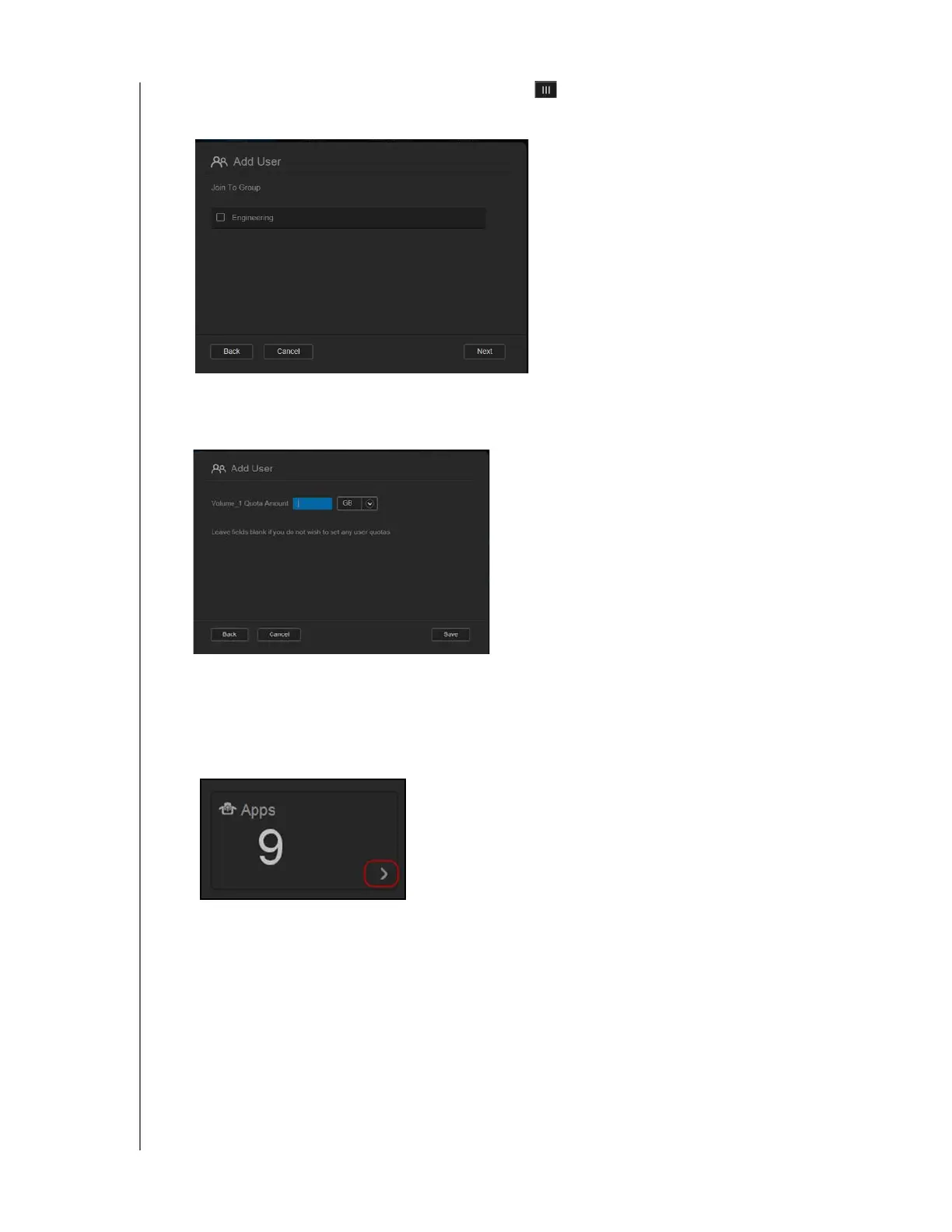
3. To assign a password, click the toggle button , enter a password and confirm your
password. Click Next to display the user group screen.
4. To assign a group to the new user, click the check box next to a group and click Next to
display the Add User screen.
5. Enter the Quota Amount or leave the values blank for unlimited space and click Save.
You’ve added a new user.
Apps
The Apps panel displays the apps currently installed on your WD My Cloud Mirror device.



 To Next Page