MANAGING STORAGE ON WD MY CLOUD MIRROR
92
WD MY CLOUD MIRROR PERSONAL CLOUD STORAGE
USER MANUAL
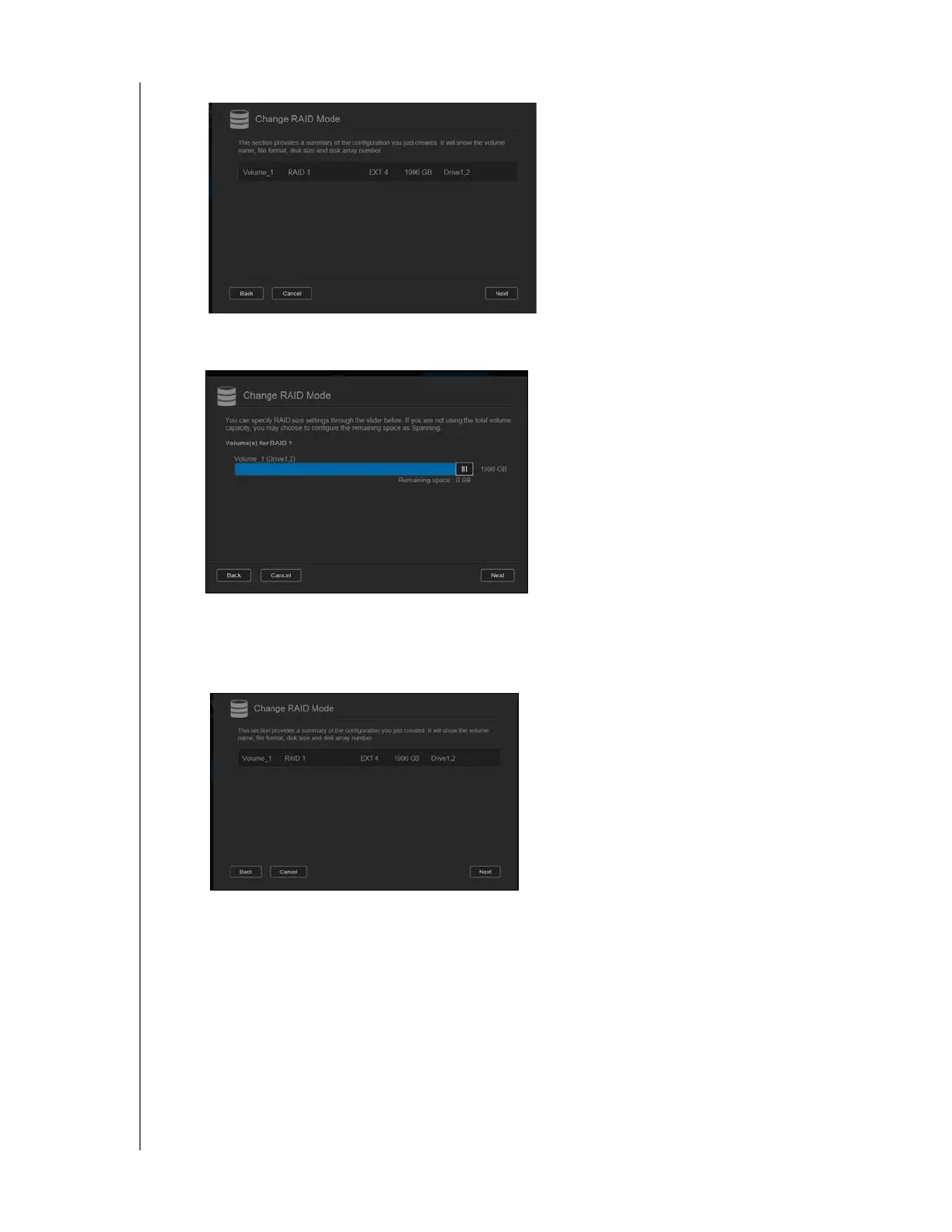
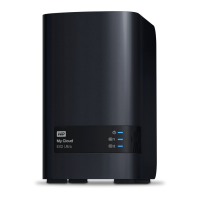
8. Review the status of your volumes and click Next.
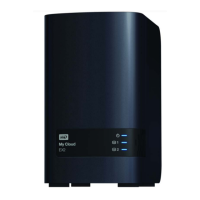
9. If the Volume slider displays, select the amount of space you’d like to dedicate to the
selected RAID mode. The Volume slider displays for RAID1 (default).
If you choose not to use the entire volume for your RAID selection, you can configure
the remaining disk space as Spanning by selecting the Configure the remaining
disk space as Spanning check box.
10. Click Next.


 To Next Page