EasyManua.ls Logo

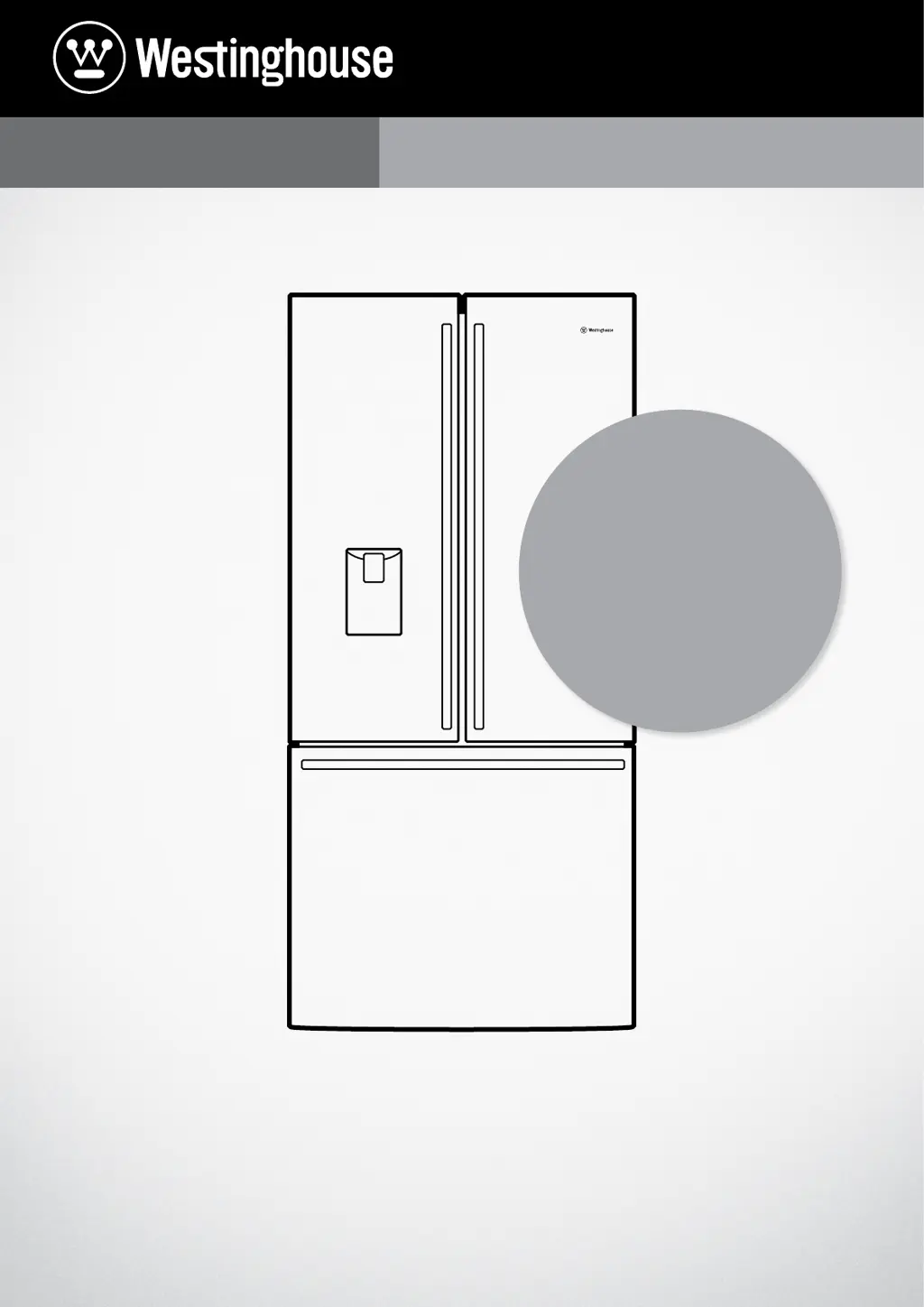
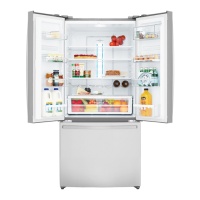
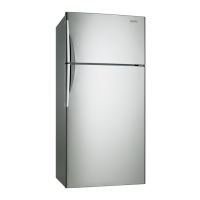
Westinghouse WHE6000SA - User Manual

Westinghouse WHE6000SA
32 pages
Print Icon
To Next Page IconTo Next Page
Loading...
USER MANUAL
REFRIGERATION
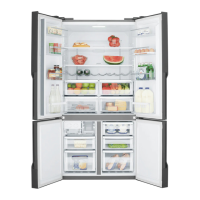
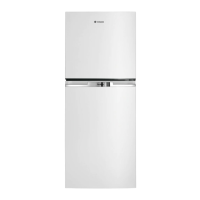
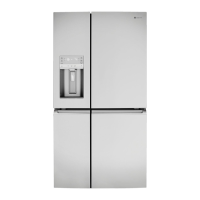
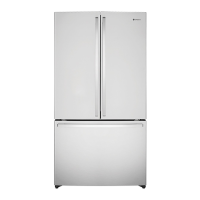
Top Mount, Bottom Mount, French Door & Single Door
WHE6000SA, WHE6060SA, WHE5200SA, WHE5260SA, WHE5200WA, WBE4504SA, WBE4514SA,
WBE4500WA, WBE4500SA, WBE5304SA, WBE5314SA, WBE5300WA, WBE5300SA, WBE5360SA,
WTB4600SA, WTB4600WA, WTB4604SA, WTB5400SA, WTB5400WA, WTB5404SA, WBE5360SA,
WRB5004SA, WRB5004WA, WFB4204SA, WFB2804WA
REGISTER YOUR
APPLIANCE TODAY
to get product tips, safety
notifications and more.
westinghouse.com.au/register

Questions and Answers

  • O
    ogarciaAug 19, 2025
    How to fix a Westinghouse Refrigerator that is too warm?
    • R
      Ryan HopkinsAug 19, 2025
      If your Westinghouse Refrigerator is too warm, there are several things you can check. First, adjust the refrigerator to a colder setting. Make sure that food is allowed to cool before you place it inside. Ensure the appliance is set up as per the instructions. Also, be sure that the contents are not blocking the cooling vents and that the door isn't being held open too long or opened too often. If you have a Top Mount model, review the temperature setting guidelines.
  • M
    marcusmoralesAug 21, 2025
    Why is my Westinghouse Freezer too warm and how can I fix it?
    • S
      Sandra FullerAug 21, 2025
      If your Westinghouse Freezer is too warm, try these solutions: Adjust the temperature to a colder setting. Ensure food cools down before you put it in the freezer. Make sure the appliance is set up correctly according to the instructions. Check that the contents aren't blocking the cooling vents. Avoid holding the door open for too long or opening it too frequently. If you have a Top Mount model, check the temperature setting guidelines.
  • D
    Dominic SanchezAug 25, 2025
    How to stop food from freezing in my Westinghouse WHE6000SA?
    • L
      Lisa GarrisonAug 25, 2025
      To address food freezing in your Westinghouse Refrigerator, adjust the temperature to a warmer setting. Also, make sure to store fruits and vegetables in the crisper. Avoid placing items with high water content near the cooling vents.
  • A
    Aaron RichardsonAug 26, 2025
    Why is my Westinghouse WHE6000SA Refrigerator ice maker not working?
    • S
      Steven SchneiderAug 26, 2025
      If the ice maker in your Westinghouse Refrigerator isn't producing ice or enough ice, make sure the refrigerator is plugged into a working power outlet and switched on. Verify that the water is connected, turned on, and the line isn't kinked. Ensure the ice maker is turned on via the user interface. Check that the water filter isn't blocked or expired, and confirm the water supply flow rate is adequate. If the freezer is too warm, refer to the 'freezer is too warm' solutions and wait 24 hours. Turn the unit off at the mains for 2 minutes, then back on to reset the icemaker; check again after 24 hours. Lastly, ensure there's no obstruction under the ice maker and that the ice bin is correctly fitted.
  • A
    Arthur DavisAug 28, 2025
    Why is the water dispenser not working on my Westinghouse WHE6000SA Refrigerator?
    • K
      Kimberly FoxAug 28, 2025
      If the water dispenser on your Westinghouse Refrigerator isn't working, first ensure that the appliance is plugged into a live, switched-on power outlet. Next, verify that the water supply is connected and turned on, and that the water line isn't kinked. Make sure the water dispenser is enabled in the user interface. Ensure the water line is purged. Check that the water filter isn't blocked or out of date. Finally, check the water pressure.
  • M
    Mrs. Courtney PhillipsAug 30, 2025
    Why are the lights not working in my Westinghouse WHE6000SA?
    • A
      Amy ThomasAug 30, 2025
      If your Westinghouse Refrigerator lights aren't working, start by ensuring the refrigerator is properly plugged into a working and switched-on power outlet. Check your household circuit breaker to confirm it hasn't tripped, and verify that no fuses have blown. Also, check if the user interface is in Sabbath Mode. Finally, consult the appliance features section to understand the specific lighting configuration for your model.
  • S
    Steven MartinezSep 2, 2025
    Why is the exterior of my Westinghouse Refrigerator warm?
    • R
      ricardobanksSep 2, 2025
      If the exterior of your Westinghouse Refrigerator is warm or hot to the touch, ensure the appliance has the recommended external clearances. This is normal, as the appliance transfers heat from the inside out through the outer panels and the divider between the doors.
  • A
    Anthony ThomasSep 4, 2025
    Why does the freezer door pop open on my Westinghouse WHE6000SA?
    • M
      megan83Sep 4, 2025
      If the freezer door of your Westinghouse Refrigerator pops open, this is normal and it should re-close. This usually happens when the refrigerator door is closed too quickly.
  • C
    Charles MartinSep 6, 2025
    What to do if my Westinghouse Refrigerator will not run?
    • M
      Marcus FrankSep 6, 2025
      If your Westinghouse Refrigerator appliance will not run, ensure that the power cord is properly plugged into a working outlet and that the outlet is switched on. Also, check the household circuit breaker to make sure it hasn't tripped, and verify that a fuse hasn't blown. It's also possible the appliance is in defrost mode; check again after about 30 minutes.
  • A
    Antonio BlankenshipSep 8, 2025
    Why does the ice or water from my Westinghouse WHE6000SA Refrigerator taste bad?
    • J
      James SwansonSep 9, 2025
      If the ice or water from your Westinghouse Refrigerator has a bad odor or taste, cover food to prevent the ice from absorbing odors. Check if the water filter is out of date. Consider cleaning the inside of the appliance or the ice bin. Discard old ice monthly to allow the ice maker to produce a fresh supply.

Summary

Important Safety Instructions

R600 a Refrigerant Warning

Warning concerning the safe installation and handling of R600a refrigerant.

Top Mount Refrigerator Features

Freezer Temperature Control

Details on adjusting the freezer temperature for top mount models.

Twist & Serve Ice Feature

Information on using the Twist & Serve ice feature.

LED Lighting System

Explanation of the LED lighting system in the refrigerator.

Deli Drawer Usage

Usage and removal instructions for the deli drawer.

Humidity Control Adjustment

How to adjust humidity levels for optimal food storage.

FlexFresh Crisper

Instructions for using the FlexFresh crisper for vegetables and fruit.

Crisper Divider Usage

How to use the divider to organize fruit and vegetables in the crisper.

SpillSafe Glass Shelves

Features and benefits of SpillSafe glass shelves.

Adjustable Freezer Bin Divider

How to use dividers to organize items in the freezer bin.

FamilySafe Lockable Compartment

Description of the lockable compartment for secure storage.

FlexStor Door Bins

How to adjust and remove FlexStor door bins.

Door Storage Bin

Instructions for removing and replacing door storage bins.

Bottle Storage Bin with Fingers

How to use and remove the bottle storage bin.

Refrigerator Control Panel

Overview of the refrigerator control panel functions.

Freezer Control

Explanation of the freezer temperature adjustment slide control.

Bottom Mount Refrigerator Features

LED Lighting

Explanation of the LED lighting system in the refrigerator.

Bottle Rack

Information on the bottle rack, available in selected models.

FlexFresh Crisper

Instructions for using the FlexFresh crisper for vegetables and fruit.

Humidity Control

How to adjust humidity levels for optimal food storage.

Crisper Divider

How to use the divider to organize fruit and vegetables in the crisper.

Twist & Serve Ice

Information on using the Twist & Serve ice feature.

Freezer Storage Bin

Details on removing and using the freezer storage bin.

FamilySafe Lockable Compartment

Description of the lockable compartment for secure storage.

FlexStor Bins

How to adjust and remove FlexStor door bins.

Door Storage Bin

Instructions for removing and replacing door storage bins.

Bottle Storage Bin with Fingers

How to use and remove the bottle storage bin.

SpillSafe Glass Shelves

Features and benefits of SpillSafe glass shelves.

Refrigerator;Freezer Control Panel

Overview of the refrigerator and freezer control panel.

French Door Refrigerator Features

LED Lighting

Explanation of the LED lighting system in the refrigerator.

Bottle Rack

Information on the bottle rack, available in selected models.

FlexFresh Crisper

Instructions for using the FlexFresh crisper for vegetables and fruit.

Humidity Control

How to adjust humidity levels for optimal food storage.

Crisper Divider

How to use the divider to organize fruit and vegetables in the crisper.

Twist & Serve Ice

Information on using the Twist & Serve ice feature.

Freezer Storage Bin

Details on removing and using the freezer storage bin.

FamilySafe Lockable Compartment

Description of the lockable compartment for secure storage.

FlexStor Door Bins

How to adjust and remove FlexStor door bins.

Door Storage Bin

Instructions for removing and replacing door storage bins.

Bottle Storage Bin with Fingers

How to use and remove the bottle storage bin.

SpillSafe Glass Shelves

Features and benefits of SpillSafe glass shelves.

Refrigerator;Freezer Control Panel

Overview of the refrigerator and freezer control panel functions.

Bottom Mount Ice & Water Refrigerator Features

LED Lighting

Explanation of the LED lighting system in the refrigerator.

Water Filter

Information about the refrigerator's water filter system.

Bottle Rack

Information on the bottle rack, available in selected models.

FlexFresh Crisper

Instructions for using the FlexFresh crisper for vegetables and fruit.

Humidity Control

How to adjust humidity levels for optimal food storage.

Crisper Divider

How to use the divider to organize fruit and vegetables in the crisper.

Automatic Ice Maker

Details on using the automatic ice maker feature.

Ice Bin & Ice Scoop

How to use the ice bin and scoop for ice storage.

Freezer Storage Bin

Details on removing and using the freezer storage bin.

FamilySafe Lockable Compartment

Description of the lockable compartment for secure storage.

FlexStor Door Bins

How to adjust and remove FlexStor door bins.

Door Storage Bin

Instructions for removing and replacing door storage bins.

Bottle Storage Bin with Fingers

How to use and remove the bottle storage bin.

SpillSafe Glass Shelves

Features and benefits of SpillSafe glass shelves.

Refrigerator;Freezer Control Panel

Overview of the refrigerator and freezer control panel.

French Door Ice & Water Refrigerator Features

LED Lighting

Explanation of the LED lighting system in the refrigerator.

Water Filter

Information about the refrigerator's water filter system.

Bottle Rack

Information on the bottle rack, available in selected models.

FlexFresh Crisper

Instructions for using the FlexFresh crisper for vegetables and fruit.

Humidity Control

How to adjust humidity levels for optimal food storage.

Crisper Divider

How to use the divider to organize fruit and vegetables in the crisper.

Automatic Ice Maker

Details on using the automatic ice maker feature.

Ice Bin & Ice Scoop

How to use the ice bin and scoop for ice storage.

Freezer Storage Bin

Details on removing and using the freezer storage bin.

FamilySafe Lockable Compartment

Description of the lockable compartment for secure storage.

FlexStor Door Bins

How to adjust and remove FlexStor door bins.

Door Storage Bin

Instructions for removing and replacing door storage bins.

Bottle Storage Bin with Fingers

How to use and remove the bottle storage bin.

SpillSafe Glass Shelves

Features and benefits of SpillSafe glass shelves.

Refrigerator;Freezer Control Panel

Overview of the refrigerator and freezer control panel.

Single Door Refrigerator Features

LED Lighting

Explanation of the LED lighting system in the refrigerator.

Deli Drawer

Usage and removal instructions for the deli drawer.

FlexFresh Crisper

Instructions for using the FlexFresh crisper for vegetables and fruit.

Humidity Control

How to adjust humidity levels for optimal food storage.

Crisper Divider

How to use the divider to organize fruit and vegetables in the crisper.

SpillSafe Glass Shelves

Features and benefits of SpillSafe glass shelves.

FamilySafe Lockable Compartment

Description of the lockable compartment for secure storage.

FlexStor Bins

How to adjust and remove FlexStor door bins.

Door Storage Bin

Instructions for removing and replacing door storage bins.

Bottle Storage Bin with Fingers

How to use and remove the bottle storage bin.

Refrigerator Control Panel

Overview of the refrigerator control panel functions.

Single Door Freezer Features

LED Lighting

Explanation of the LED lighting system in the freezer.

Storage Bins

Details on removing and using storage bins in the freezer.

Twist & Serve Ice

Information on using the Twist & Serve ice feature.

Freezer Control

Overview of the freezer temperature and function controls.

Installing Your New Appliance

Unpacking the Appliance

Procedures for unpacking the new appliance and checking for damage.

Locating the Refrigerator

Guidelines for choosing a suitable location for the refrigerator.

Adequate Ventilation

Recommended airspace for proper ventilation of the appliance.

Installing the Refrigerator

Step-by-step instructions for physically installing the refrigerator.

Fitting the Handles

Instructions for attaching the appliance handles.

Ice and Water Installation

Water Filter Information

Information about the refrigerator's water filter system.

Water Supply and Plumbing

Requirements for connecting the water supply to the appliance.

Replacing the Water Filter

Step-by-step guide for replacing the water filter cartridge.

Using Your Refrigerator

Normal Operation and Sounds

Explains typical refrigerator operation and sounds.

Removing Features

Crisper Bin Removal

Instructions for removing the crisper bin and shelf.

SpillSafe Glass Shelves

How to remove and replace SpillSafe glass shelves.

Freezer Shelf Removal

Steps to remove the freezer shelf.

Drawers with Telescopic Slides

How to remove and replace drawers with telescopic slides.

Freezer Bottom Bin Removal

Instructions for removing and refitting the freezer bottom bin.

Twist and Serve Ice Mechanism

Steps for removing and refitting the Twist & Serve ice mechanism.

Temperature Control

Factory Default Settings

Default temperature settings for different refrigerator models.

Adjusting Temperature

Guidelines for changing and monitoring temperature settings.

Freezer Temperature Setting Recommendation

Recommended freezer temperature settings for various conditions.

About the User Interface (Top Mount and Single Door Models)

Refrigerator Temperature Scale Icons

Indicates refrigerator compartment temperature settings.

Quick Chill On;Off Icon

Shows the status of the Quick Chill function.

Temperature Adjust;Quick Chill Button

Controls temperature and activates/deactivates Quick Chill.

Quick Chill Function Operation

How to use and cancel the Quick Chill function.

About the User Interface (Bottom Mount and French Door Models)

Quick Freeze On;Off Icon

Indicates the status of the Quick Freeze function.

Quick Freeze Button

Activates and deactivates the Quick Freeze function.

Refrigerator;Freezer Temperature Scale Icons

Displays temperature settings for fridge and freezer.

Temperature Adjust Button

Adjusts the temperature for the selected compartment.

Compartment Select Button

Selects the refrigerator or freezer compartment for adjustment.

About the User Interface (Bottom Mount Ice & Water and French Door Ice & Water Models)

Compartment Selector Button

Selects the compartment to be controlled.

Lock Icon

Indicates if the user interface is locked.

ECO Icon

Shows if the appliance is in energy-efficient mode.

Digital Display

Displays temperature of the selected compartment.

Increase Button

Increases the temperature of the selected compartment.

Decrease Button

Decreases the temperature of the selected compartment.

Mode Indicators

Indicates appliance operation modes.

Display Lock Button

Locks or unlocks the user interface.

Mode Select Button

Selects different appliance operation modes.

Filter Status Indicators

Shows filter replacement timing.

Ice & Water On;Off Button

Enables or disables ice maker and water dispensing.

Functions of the User Interface (Bottom Mount Ice and Water Models)

Setting the Freezer Temperature

How to adjust the freezer temperature.

Setting the Refrigerator Temperature

How to adjust the refrigerator temperature.

Shopping Mode

Operation of the shopping mode for increased cooling.

Quick Freeze Mode

How to activate and use the quick freeze function.

Holiday Mode

Energy saving mode for extended periods away.

Display Lock

How to lock and unlock the user interface controls.

Drinks Chill

Using the timer to quickly chill drinks.

Ice & Water On;Off

Enabling/disabling ice maker and water dispenser features.

Eco Mode

Indication of energy-efficient operating temperatures.

About the User Interface (Single Door Freezer Models)

Quick Freeze On;Off Icon

Indicates the status of the Quick Freeze function.

Drinks Chill On;Off Icon

Indicates the status of the Drinks Chill function.

Quick Freeze;Drinks Chill Button

Activates Quick Freeze and Drinks Chill functions.

Freezer Temperature Scale Icons

Displays freezer compartment temperature settings.

Temperature Adjust Button

Adjusts the freezer temperature.

Error Codes & Alarms

Alarms

Information on freezer temperature and door alarms.

Error Codes

Details on communication, sensor, and water fill error codes.

Cleaning Your Refrigerator

Doors and Exterior Cleaning

How to clean the exterior surfaces of the appliance.

Stainless Steel Care

Specific instructions for cleaning stainless steel surfaces.

Interior Cleaning

Guide to cleaning the inside of the refrigerator.

Door Seals Cleaning

Proper methods for cleaning refrigerator door seals.

Switching Off Your Refrigerator

Steps to follow when switching off the appliance for extended periods.

Food Storage Guide

Meat Storage

Guidelines for storing various types of meat.

Poultry Storage

Recommendations for storing chicken and other poultry.

Seafood Storage

Advice on storing fish, lobster, crab, and prawns.

Dairy Storage

Storage recommendations for milk, yoghurt, cheese, and butter.

Fruit & Vegetables Storage

Tips for storing fresh fruits and vegetables.

Leftovers Storage

Guidance on storing homemade meals and leftovers.

Troubleshooting

Appliance Temperature Issues

Solutions for refrigerator or freezer temperature problems.

Appliance Noise Troubleshooting

Explanations for normal and abnormal appliance sounds.

Crisper Operation Troubleshooting

Troubleshooting excess moisture and bin removal problems.

Refrigerator Operation Issues

Solutions for appliance not running or compressor running too long.

User Interface Control Issues

Steps to resolve issues with the control panel.

Refrigerator Alarm and Frost Issues

Addressing issues like sounding alarms and frost build-up.

Refrigerator Odours and Lighting

Troubleshooting odours and LED lighting problems.

Door Operation Problems

Solutions for freezer door popping open or not sealing.

Ice & Water System Troubleshooting

Troubleshooting ice maker and water dispenser issues.

Electrolux Warranty

Westinghouse WHE6000SA Specifications

General IconGeneral
BrandWestinghouse
ModelWHE6000SA
CategoryRefrigerator
Defrost SystemFrost Free
FinishStainless Steel

Related product manuals