7. Product Filling / Refilling
4. PR ODU CT S A LE S O PE R A T I ON S
Ensure sale prices are set
Ensure change tubes are filled
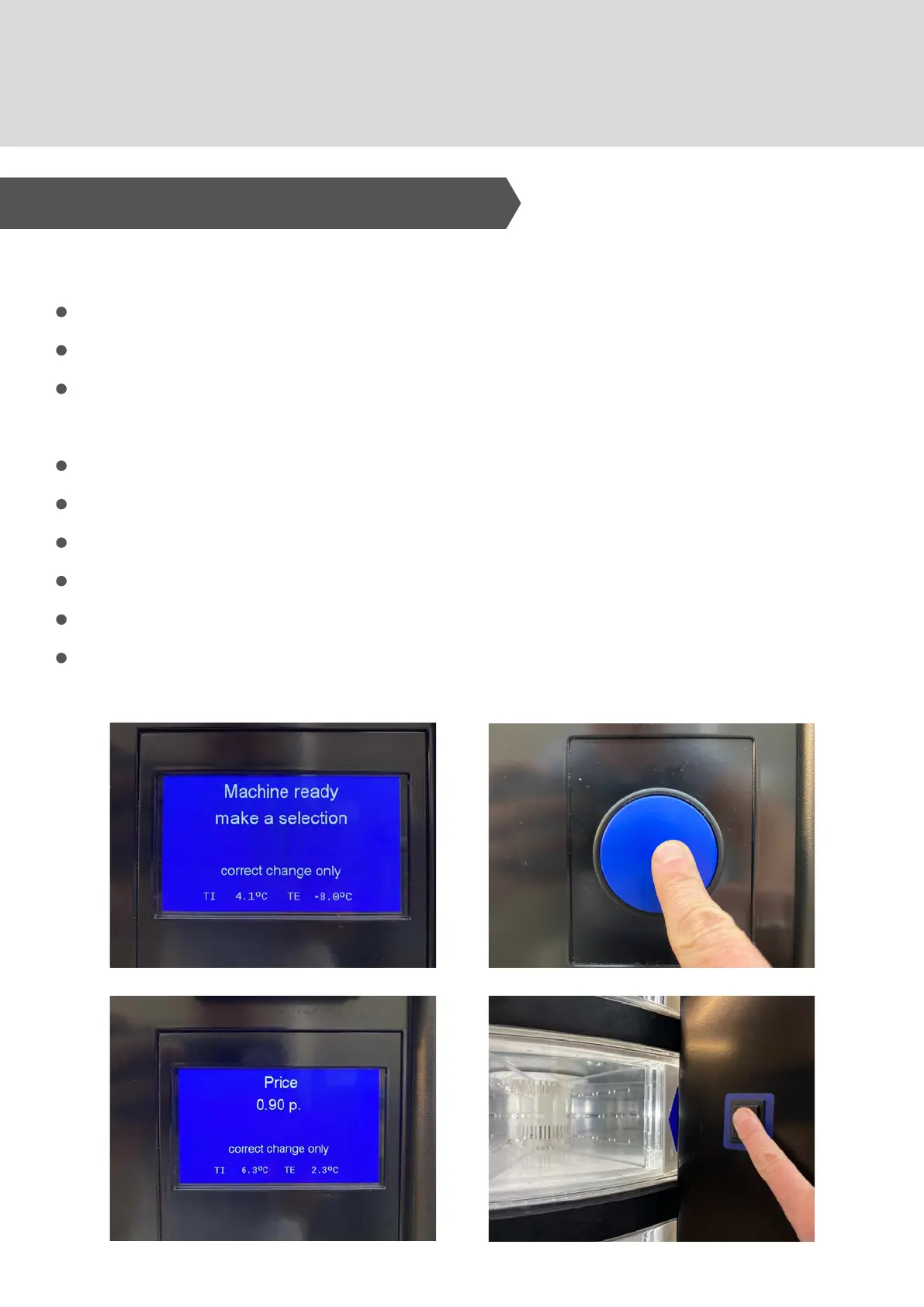
Check the machine message - "Machine Ready - make a
selection"
Rotate the drums using the Shopper Button
Ensure product is in sales position
Check the cost of the product on the display
Insert money / payment method
Confirm choice of product - press selection button
Retrieve product from compartment - opens automatically
After Filling:



 To Next Page