EasyManua.ls Logo

Westone Bluetooth Cable - Pairing Your Device; Pairing Steps; Passcode and Confirmation

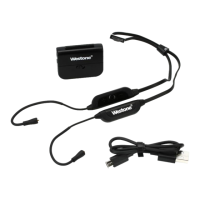
Westone Bluetooth Cable
16 pages
Print Icon
To Next Page IconTo Next Page
To Previous Page IconTo Previous Page
Loading...
Pairing
your
Device
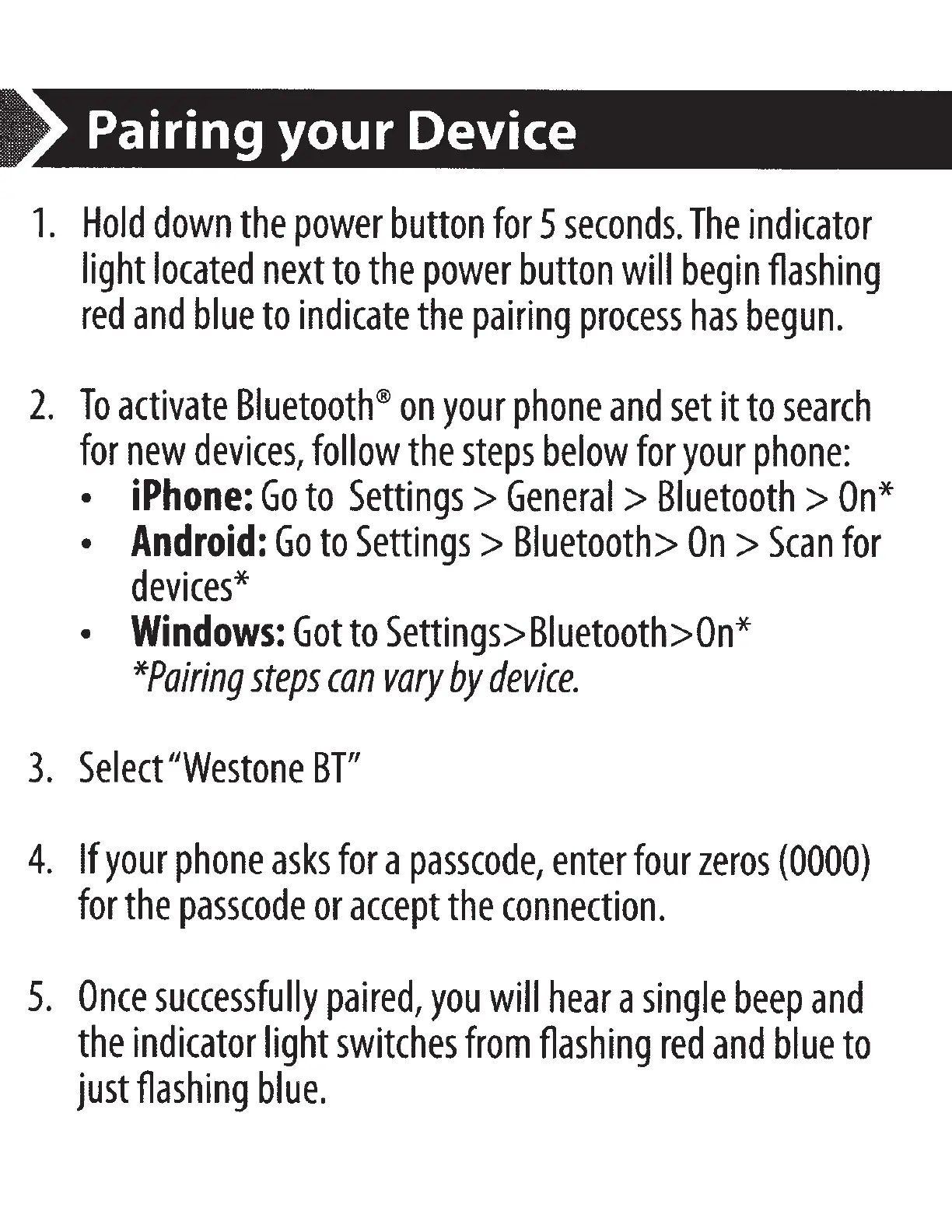
1.
Hold
down
the
power
button
for
5
seconds.
The
indicator
light
located
next
to
the
power
button
will
begin
flashing
red
and
blue
to
indicate
the
pairing
process
has
begun.
2.
To
activate
Bluetooth®
on
your
phone
and
set
it
to
search
for
new
devices,
follow
the
steps
below
for
your
phone:
iPhone:
Go
to
Settings>
General
>
Bluetooth
>
On*
Android:
Go
to
Settings>
Bluetooth>
On>
Scan
for
devices*
Windows:
Got
to
Settings>Biuetooth>On*
*Pairing
steps
can
vary
by
device.
3.
Select
"Westone
BTl/
4.
If
your
phone
asks
for
a
passcode,
enter
four
zeros
(0000)
for
the
passcode
or
accept
the
connection.
5.
Once
successfully
paired,
you
will
hear
a
single
beep
and
the
indicator
light
switches
from
flashing
red
and
blue
to
just
flashing
blue.

Other manuals for Westone Bluetooth Cable

Related product manuals