5
4RYL2, 4RYL3, 4RYL5, 4RYL6, 4RYL8, 4RYL9
Westward O
eratin
Instructions and Parts
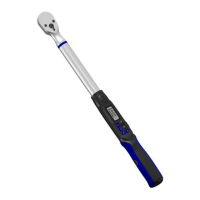
Digital Torque Wrench
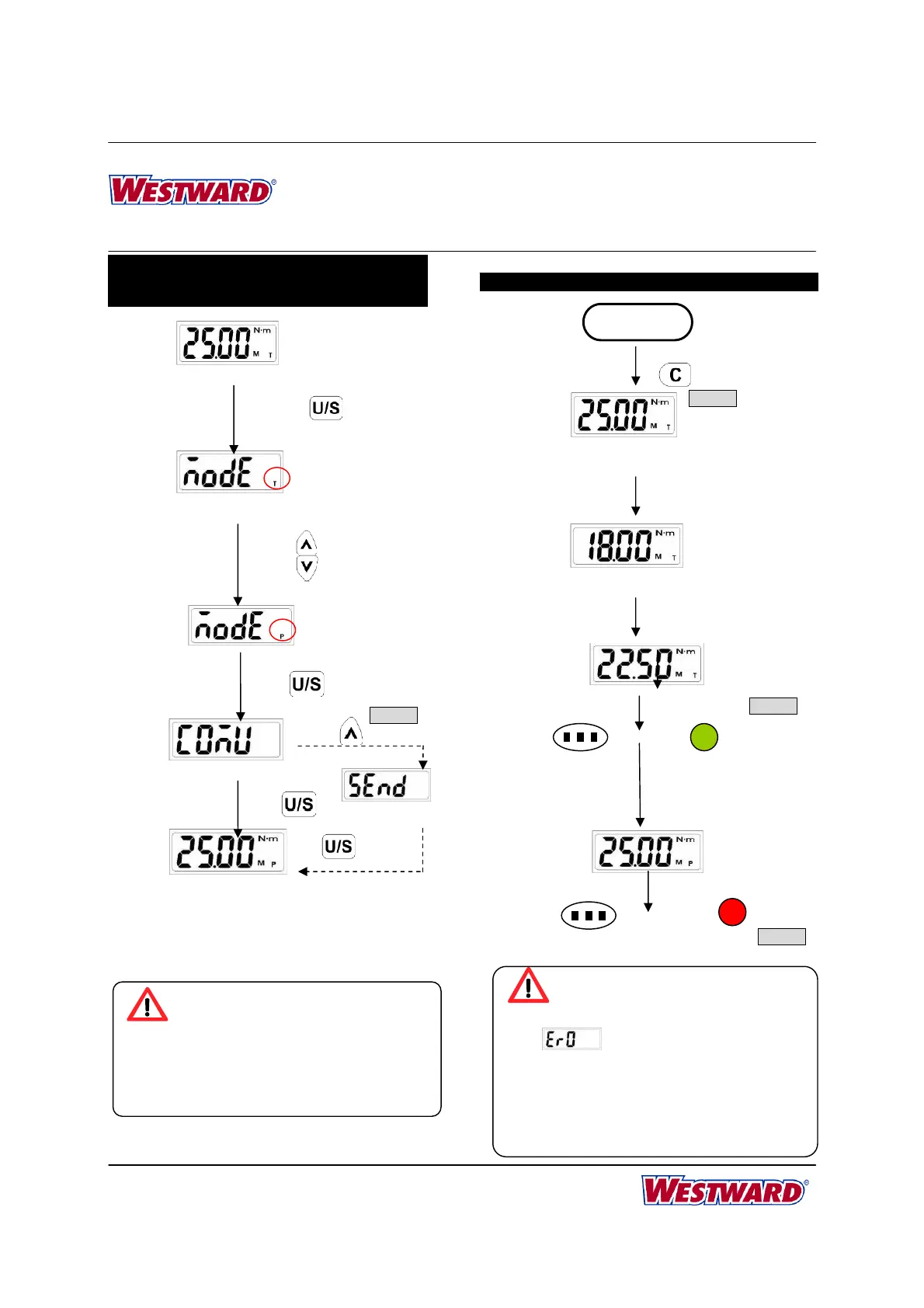
STEP 3 : PEAK HOLD /TRACK MODE
SELECTION
TRACK MODE OPERATION
Set Peak/Track mode
Set Peak/Track mode
Track Mode
Long Press
Press for Selection
Press
Press
Peak Hold Mode
Communication
Communication
Exit
Note:
1. Communication is for calibration of torque
wrench. Please contact your local dealer for
more information.
*Note 1
Note:
1. If
is appeared, that means this
wrench has ever been applied more than
110% of the max. torque.
2. The green LED will be on for 90% of target
torque.
3. When reaching the target torque, the green
and red LED will be on at the same time.
Apply Torque
Current Torque Value
Current Torque Value
*Note 1
START
(System initial)
((…((… …))…)) ((…((… …)) …))
Buzzer
Setting Target Torque
Green LED
Reach 90% of Target Torque
Reach Target Torque
Reach 90% of Target Torque
*Note 2
Buzzer
(((((((( )))))))) ((((((( )))))))
Red LED
Reach Target Torque
*Note 3


 To Next Page