6
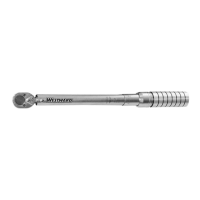
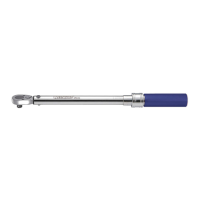
4RYL2, 4RYL3, 4RYL5, 4RYL6, 4RYL8, 4RYL9
Westward O
eratin
Instructions and Parts
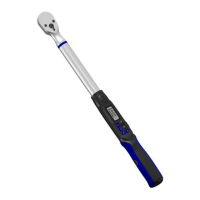
Digital Torque Wrench
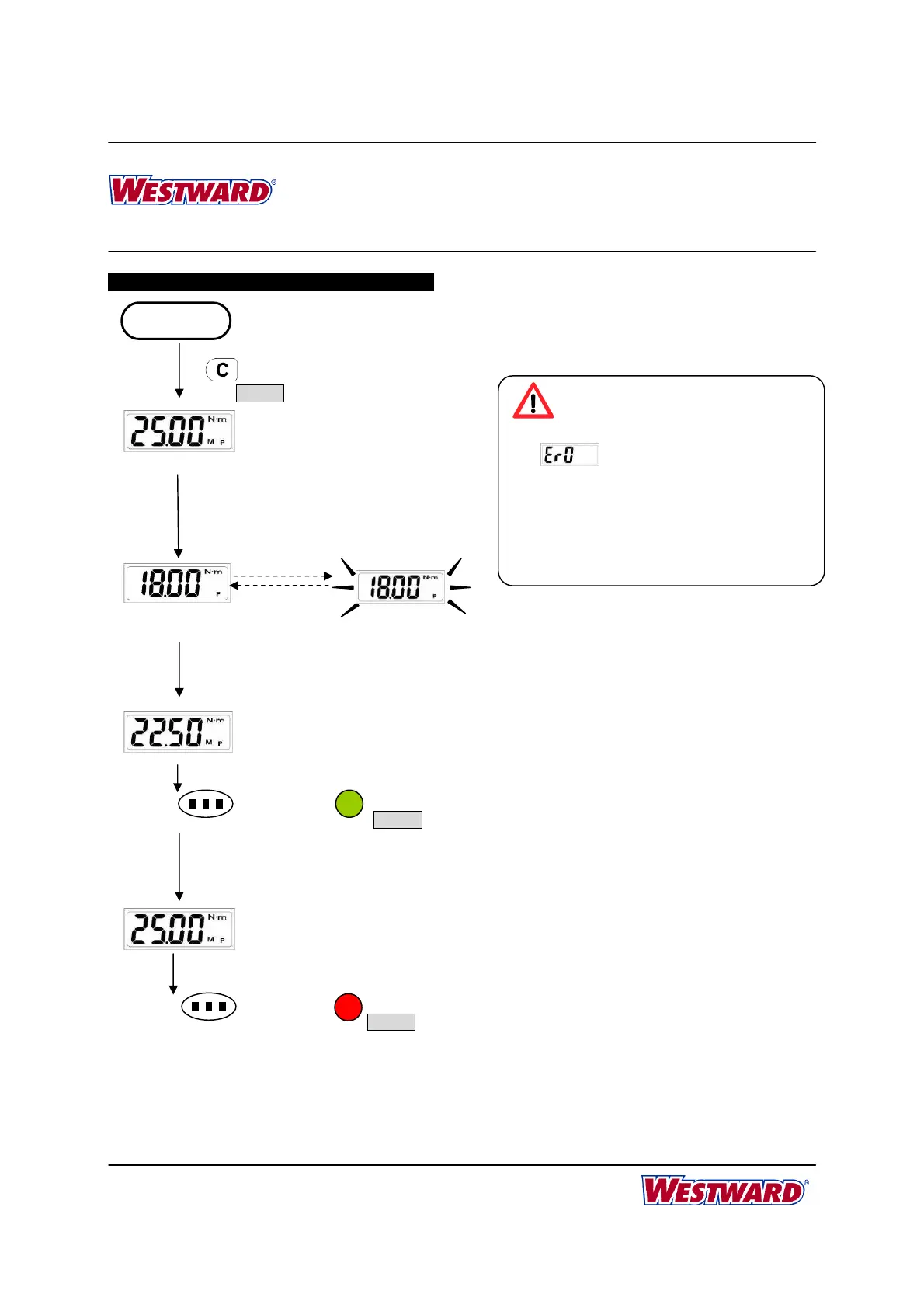
PEAK HOLD MODE OPERATION
Red LED
Reach Target Torque
Buzzer
(((((((( )))))))) ((((((( )))))))
Reach Target Torque
Current Max. Value
(Peak Hold)
START
Apply Torque
((…((… …))…)) ((…((… …)) …))
Buzzer
Green LED
Reach 90% of Target Torque
Flashing
Apply Torque
Released
Setting Target Torque
Reach 90% of Target Torque
*Note 1
(System initial)
*Note 2
*Note 3
Note:
1. If
is appeared, that means this
wrench has ever been applied more than
110% of the max. torque.
2. The green LED will be on for 90% of target
torque.
3. When reaching the target torque, the green
and red LED will be on at the same time.


 To Next Page