28
ENG
6. HOW TO MAC OS
Version Information:
Supported MAC OS 10.4 or higher
6.1. DRIVERS INSTALL
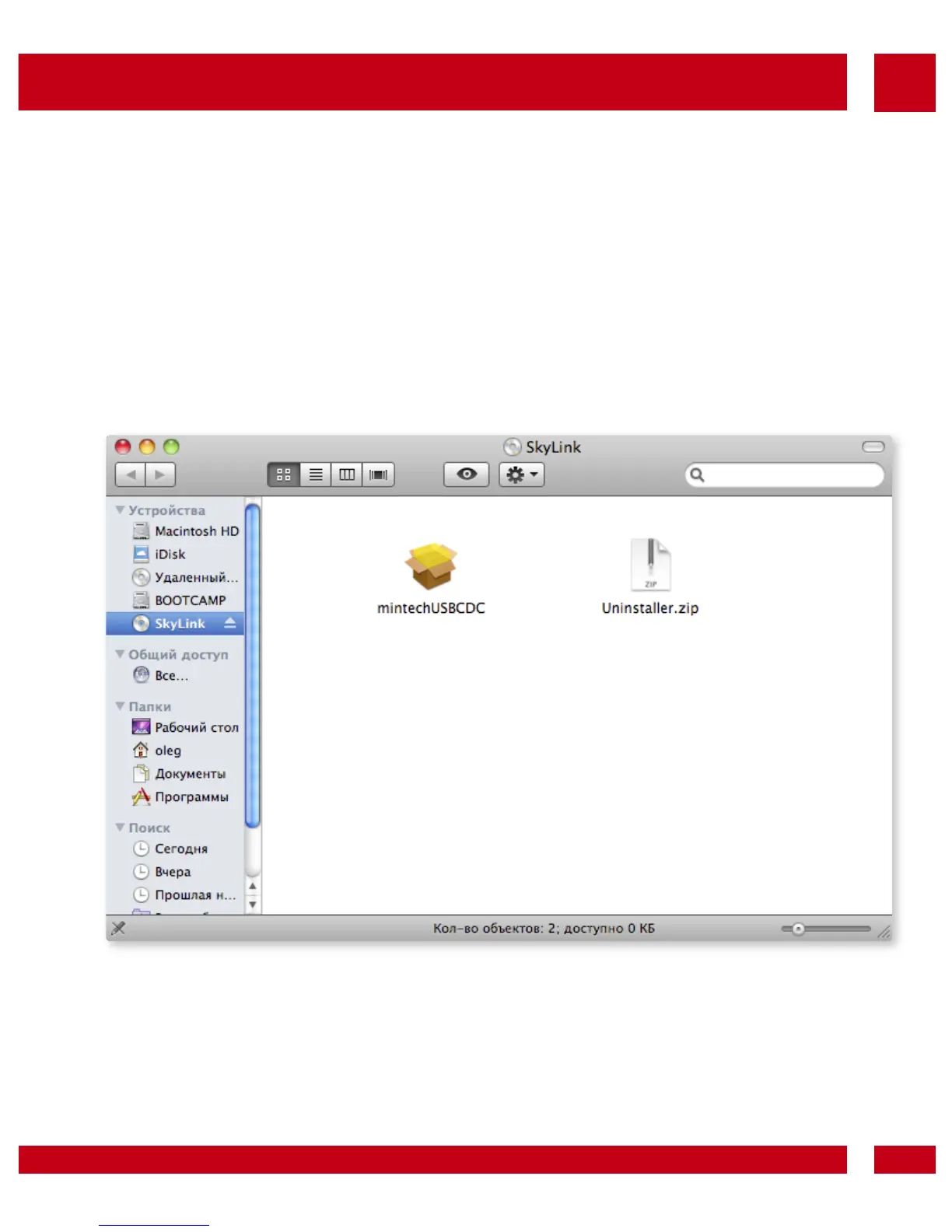
• Plug the WM-D200 modem in USB port. Open МТS CD,
start mintechUSBCDC and install MAC Drivers.
• Restart MAC PC.
• Execute any connection manager for WeTelecom Mobile
Products.
• Enter the User ID, Password and Number in Network
Preference, and connect Internet.



 To Next Page