CONNECT 1002FX / 1202FX
8
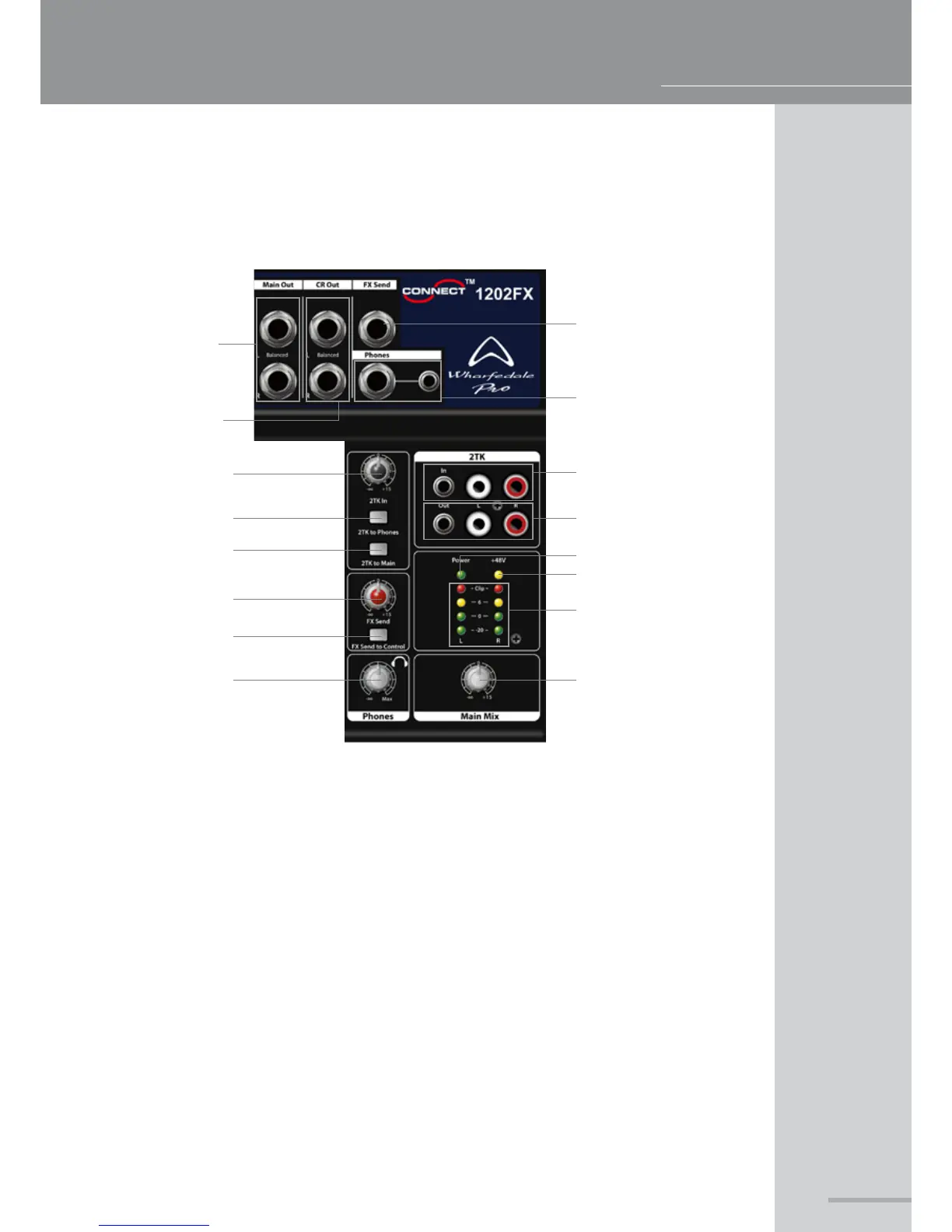
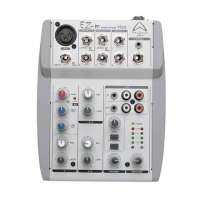
MASTER SECTION WALKTHROUGH
1. Balanced/unbalanced TRS main outputs
2. Used for control room monitoring, connect directly to your power amplier or active speakers
3. For connecting FX send
4. For connecting headphones
5. 2-Track inputs for playback devices (⅛" jack takes priority)
6. 2-Track outputs for recording devices (⅛" jack takes priority)
7. Indicates +48v phantom power activity
8. Indicates AC power supply
9. Controls the level of the 2-Track inputs
10. When depressed sends the 2-Track input to the headphone outputs
11. When depressed sends the 2-Track input to the main mix bus
12. Displays the realtime level present at the main output bus
13. Controls the level of FX send or pass effect from main out outputs
14. Select the level of the main headphone or to control room outputs
15. Controls the level of the headphone outputs
16. Controls the master level of the main mix bus
1
2
3
4
5
6
7
8
12
16
9
10
11
13
14
15



 To Next Page