OPERATING MANUAL AND USER GUIDE
6
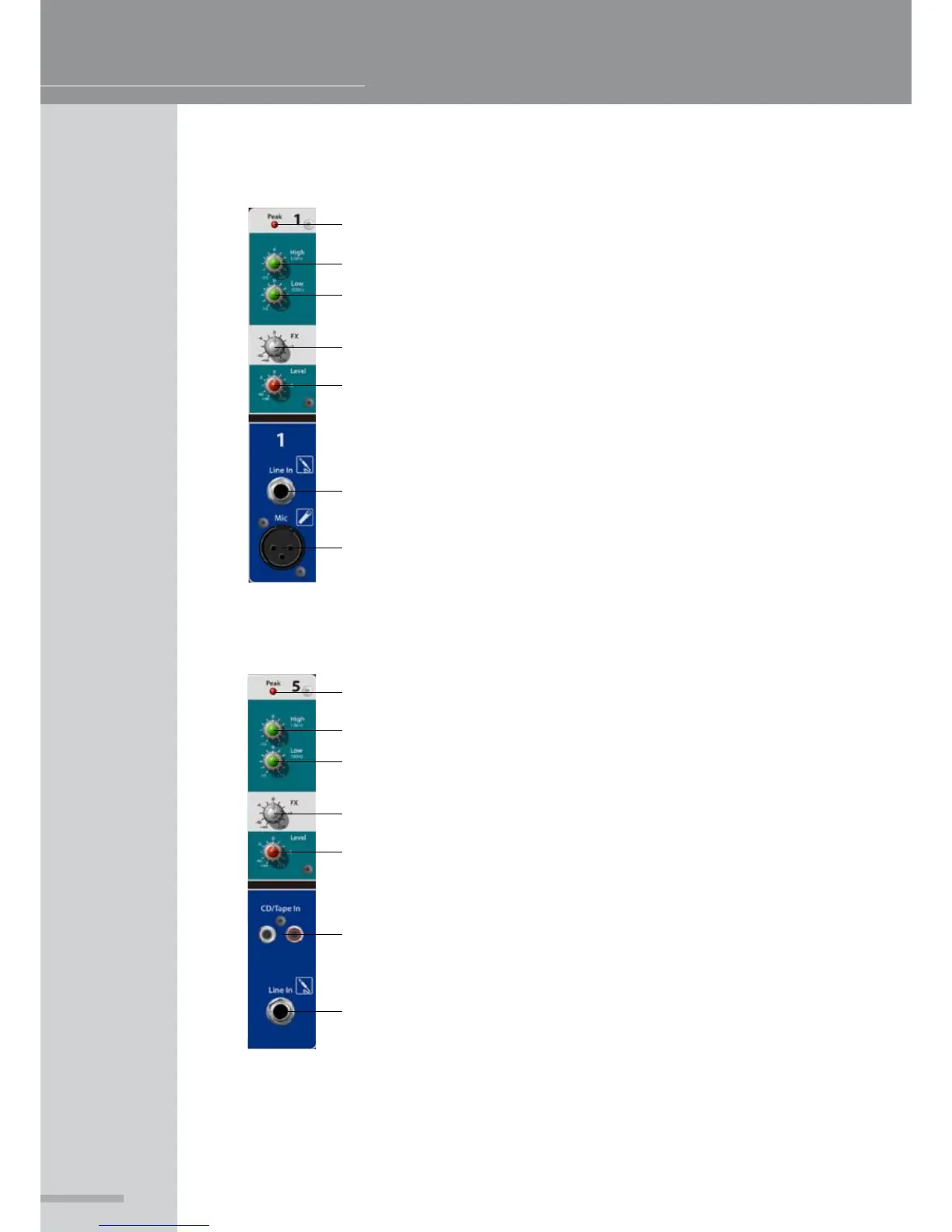
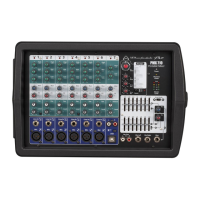
PMX 500 CHANNELS 1-4
1. Peak LED - Illuminates when the channel is clipping
2. High - High frequency shelving EQ, centered around 12kHz
3. Low - Low frequency shelving EQ, centered around 100Hz
4. FX Send - Sends signal to the built-in FX processor
5. Level - Controls the overall volume of the channel
6. Line in - Balanced / unbalanced ¼” TRS input for line level sources
7. Mic - Balanced XLR microphone input with switchable +48v phantom
powering (Global Phantom power switch on rear of PMX unit)
PMX 500 CHANNEL 5
1. Peak LED - Illuminates when the channel is clipping
2. High - High frequency shelving EQ, centered around 12kHz
3. Low - Low frequency shelving EQ, centered around 100Hz
4. FX Send - Sends signal to the built-in FX processor
5. Level - Controls the overall volume of the channel
6. CD/Tape In - Dual phono inputs for connection of consumer level
stereo sources, the input will be summed to mono
7. Line in - Balanced / unbalanced ¼” TRS input for line level sources
1
2
3
4
5
6
7
1
2
3
4
5
6
7



 To Next Page