PMX
Powered Mixer
7
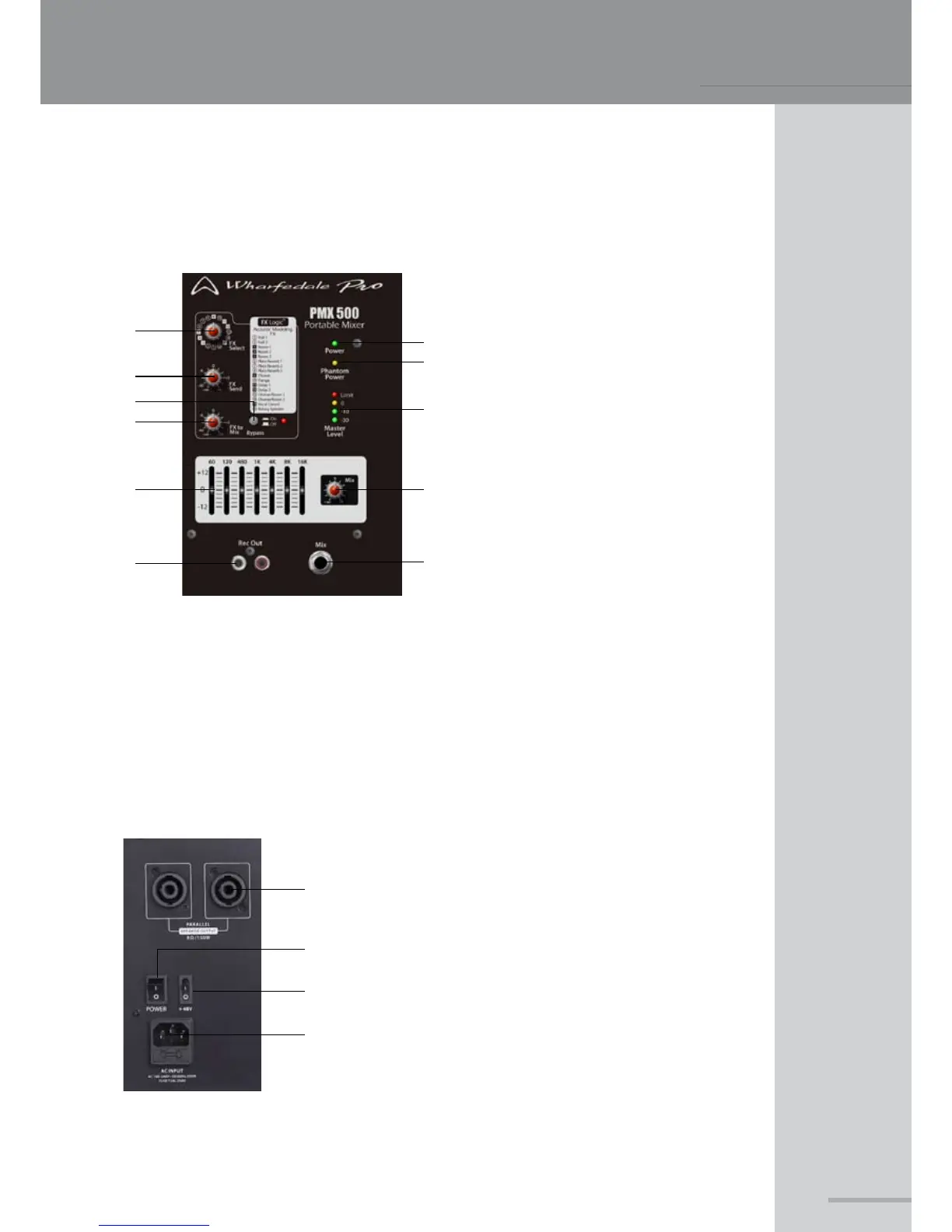
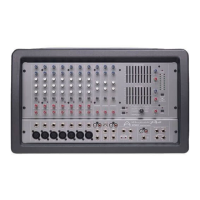
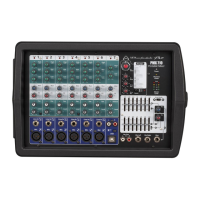
PMX 500 MASTER SECTION
7. FX to Mix - Controls the output level of the internal FX processor to the master buss
8. 7-band EQ - Master section EQ to ne tune the overall sound
9. Rec Out - Line level output using phono connectors, provides connection to recording devices
1
0. Mix Level - Controls the main master volume
11. Mix output - Balanced / unbalanced ¼” TRS master output
1. Speakon™ outputs - Parallel outputs for connection to
your loudspeakers
PLEASE MAKE SURE THAT THE TOTAL
IMPEDANCE OF THE LOAD IS NOT LESS
THAN 4 OHMS.
2. Power Switch - Turns the unit on or off, ensure that AC
is supplied and that the levels have been turned down
to protect your speakers
3. Phantom Power switch - Activates the +48v phantom
powering for the 4 XLR inputs
4. IEC receptacle - Allows input of the supplied IEC lead
for AC supply
PMX 500 REAR PANEL
1
2
3
4
5
6
7
1
0
9
8
1
2
3
4
1
. FX Select - Selects the effect type that
will be used
2. Power LED - Indicates AC supply
3. Phantom Power LED - Indicates +48v
phantom powering is supplied to all of
the XLR inputs. Please check that all
connected microphones can withstand
+48v power input
4. FX Send - Allows for master adjustment
of the FX send buss
5. Master Level LED’s - 4 segment LED
metering for the master buss, if the
limit LED illuminates constantly lower
the master level to avoid damage to
your loudspeakers
6. Bypass - Used to switch the internal FX
processor on or off
11



 To Next Page