EasyManua.ls Logo

Wharfedale Pro WH-D10 - User Manual

Wharfedale Pro WH-D10
12 pages
Print Icon
To Next Page IconTo Next Page
Loading...
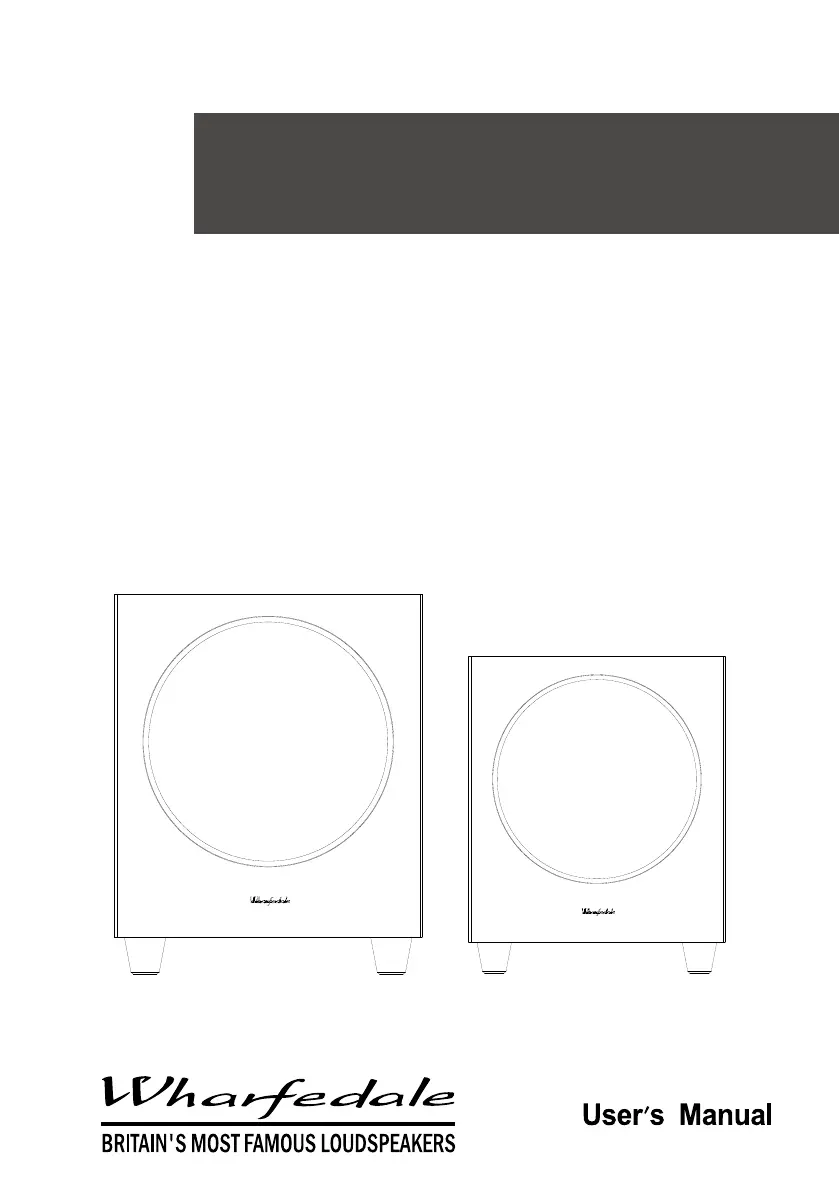
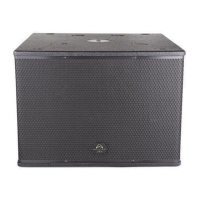
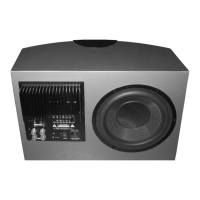
WH-D8 & WH-D10
subwoofer
WH-D8
WH-D10

Questions and Answers

  • K
    Kevin CampbellAug 9, 2025
    Why is my Wharfedale Pro Subwoofer producing distorted bass at high volumes?
    • G
      gerald71Aug 9, 2025
      If you're experiencing excessive or distorted bass at high volumes with your Wharfedale Pro Subwoofer, it could be due to several factors. First, the system level might be set too high, so try reducing it. Also, check the bass control and adjust if it's set too high. Finally, the subwoofer might be too close to room corners; try moving it away from the corners.
  • J
    Jeanne MendozaAug 15, 2025
    What to do if my Wharfedale Pro Subwoofer has no sound?
    • W
      wwiseAug 15, 2025
      If you are getting no sound from your Wharfedale Pro Subwoofer, there are a few things to check: * Ensure the system is switched on. * Inspect the speaker cables for any shorting at the terminals. * Verify that the correct source is selected.
  • I
    Ivan WareAug 22, 2025
    What to do if my Wharfedale Pro WH-D10 is popping?
    • D
      Dr. Danielle Hopkins DDSAug 22, 2025
      If your Wharfedale Pro Subwoofer is producing popping or thumping sounds, it might be because the system level, subwoofer level, or LFE level is set too high. Try reducing each of these levels to see if the issue resolves.
  • E
    Eric BrownAug 27, 2025
    How to improve bass reproduction on my Wharfedale Pro Subwoofer?
    • D
      Denise LeeAug 27, 2025
      If you're experiencing a lack of bass reproduction from your Wharfedale Pro Subwoofer, try correcting the subwoofer phase. Also, adjust the subwoofer crossover control.
  • J
    Jason GallegosSep 2, 2025
    What to do if my Wharfedale Pro Subwoofer is distorting the TV picture?
    • G
      gbentleySep 2, 2025
      If the color on your television picture is distorted, and you have a Wharfedale Pro Subwoofer, it might be too close to the TV. To resolve this, switch off the system and TV, move the units away from each other, wait for 15 minutes, and then switch them back on.

Summary

IMPORTANT SAFETY INFORMATION

INTRODUCTION

INSTALLATION

Guides users through the process of unpacking and preparing the subwoofer for setup.

Power Connection

Explains how to connect the subwoofer to the mains power supply and voltage checks.

Positioning the Subwoofer

Provides recommendations on optimal placement for bass response and remote control functionality.

Multi-Channel Room Placement

Illustrates Dolby Labs recommended 7.1 channel placement for surround sound systems.

CONNECTING THE SUBWOOFER TO THE SYSTEM

Control Panel of the WH-D8 Subwoofer

Details the controls and connections found on the rear panel of the WH-D8 model.

Control Panel of the WH-D10 Subwoofer

Details the controls and connections found on the rear panel of the WH-D10 model.

A;V Processor Connections

Explains how to connect the subwoofer to an A/V processor via LFE or line level outputs.

Stereo Line Output Connections

Details connecting the subwoofer using stereo line outputs from an amplifier.

Pre Out - Main in Connections

Describes connecting the subwoofer using pre-amplifier and main amplifier outputs.

OPERATING YOUR SUBWOOFER

Initial Settings

Sets initial levels for Volume, Crossover, and Phase controls before powering on.

Switching On

Procedure for powering on the subwoofer and checking the power indicator light.

Basic Tuning

Guides on adjusting Volume, Phase, and Crossover for optimal bass performance.

Auto-Sense Switch

Explains the power-saving feature that mutes the unit when no signal is detected.

Mains Operation

Recommendations for switching the subwoofer on/off and its impact on bass output.

TROUBLESHOOTING

Subwoofer Maintenance

SERVICING

Specifications

Wharfedale Pro WH-D10 Specifications

General IconGeneral
BrandWharfedale Pro
ModelWH-D10
CategorySubwoofer
LanguageEnglish

Related product manuals