8
4. USE OF YOUR PRODUCT
Use of mechanical timer
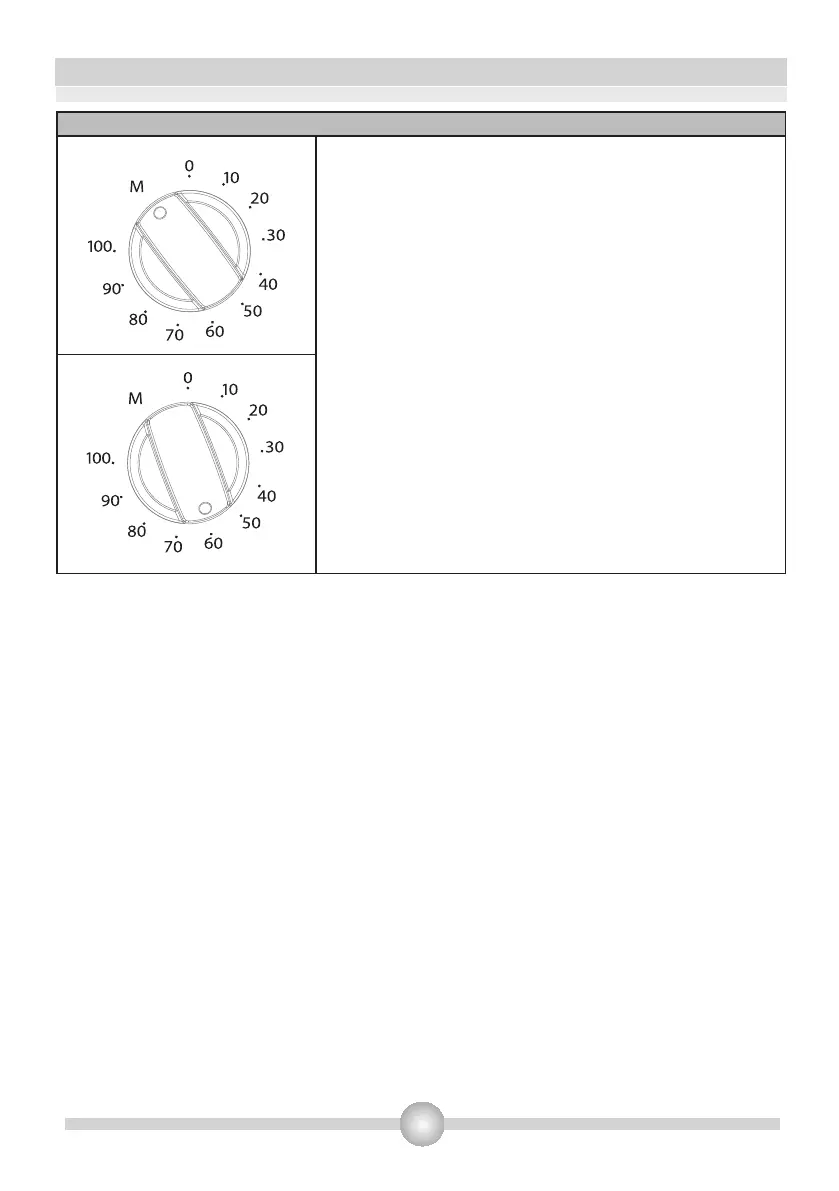
Manual Operation:
When you set the timer button to the position indicating M as
shown on the picture, you can continuously run your oven.
When the timer button is in 0 position the oven will not
operate.
Operating by adjusting the time:
Set the desired cooking time by turning timer button to a
certain time range between 0 - 100 minuted. At the end of
this time period, the oven will stop working and the timer will
give an audible warning once.



 To Next Page