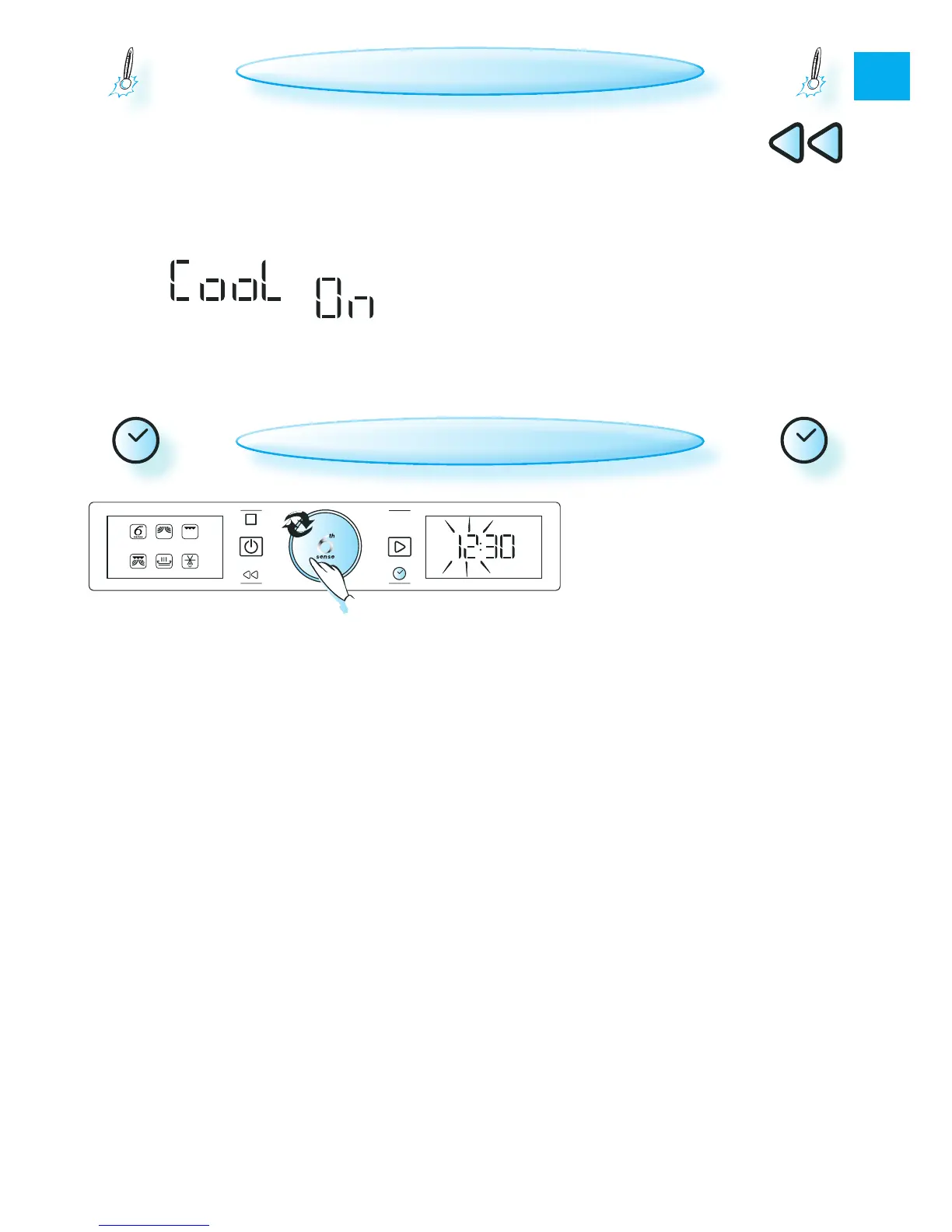
when a funcTion is finisheD,
the oven may per-
form a cooling process. This is normal and the
display shows “Cool On”.
After this process, the oven switches off auto-
matically.
to temporarily
view the 24-hour clock when “Cool
On” is displayed.
can be interrupted without
damaging the oven by opening the door.
COOLING DOWN
q
press The clock buTTon (½ a seconD).
(The two digits on the left (hours) flash).
w
(The two digits on the right (minutes) flash).
r
again to confirm the change.
The clock is seT anD is in operaTion.
when The appliance is firsT pluggeD in
it will ask you to set the clock.
the clock will
flash and needs to be reset.
Power







 To Next Page