39
EN
KEEP WARM
q
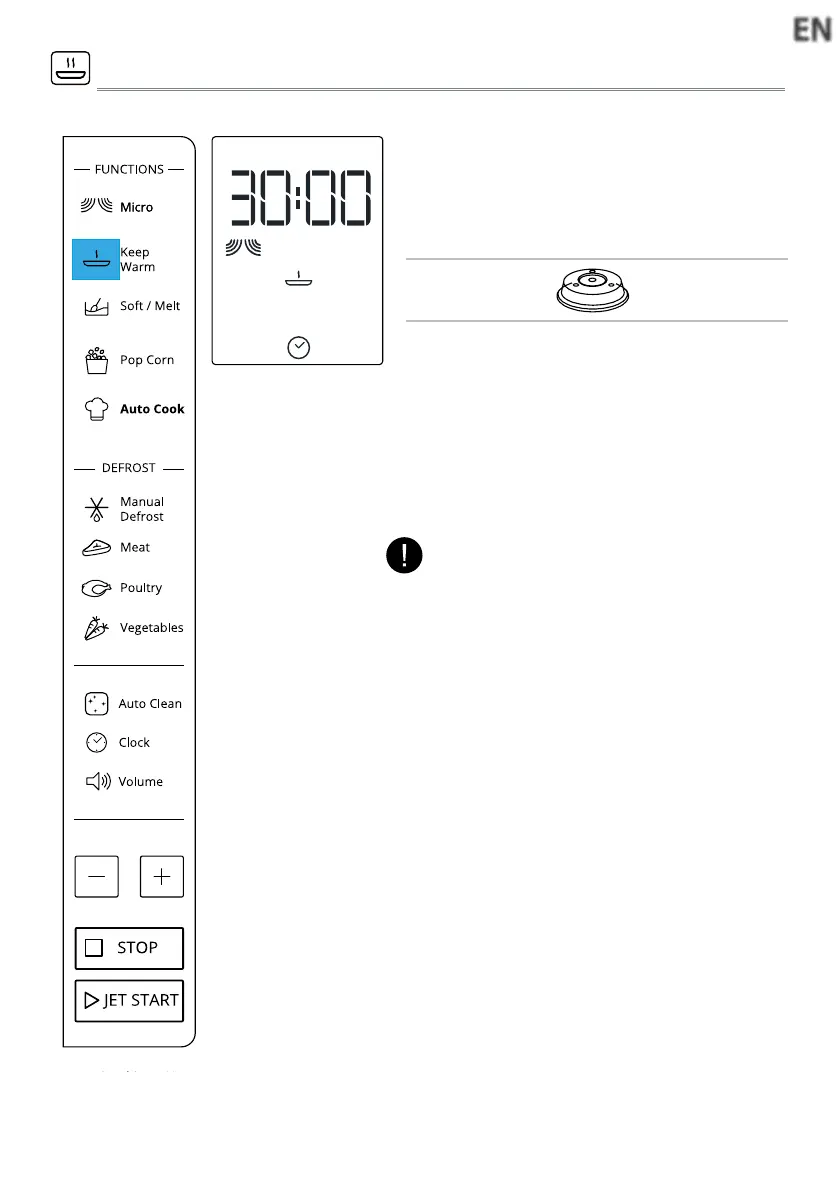
Press the Keep Warm button. The display
shows as left side.
w
Press +/- button to select suitable time,
then press JET START button.
This function allows you to keep your dishes
warm
automatical l y .
Suggested
Accessory:
Plate Cover
(sold separately)
NOTE:
The keep warm cycle is 15minutes, to ensure
keep perfect eect,please select the time more
than 15minutes



 To Next Page