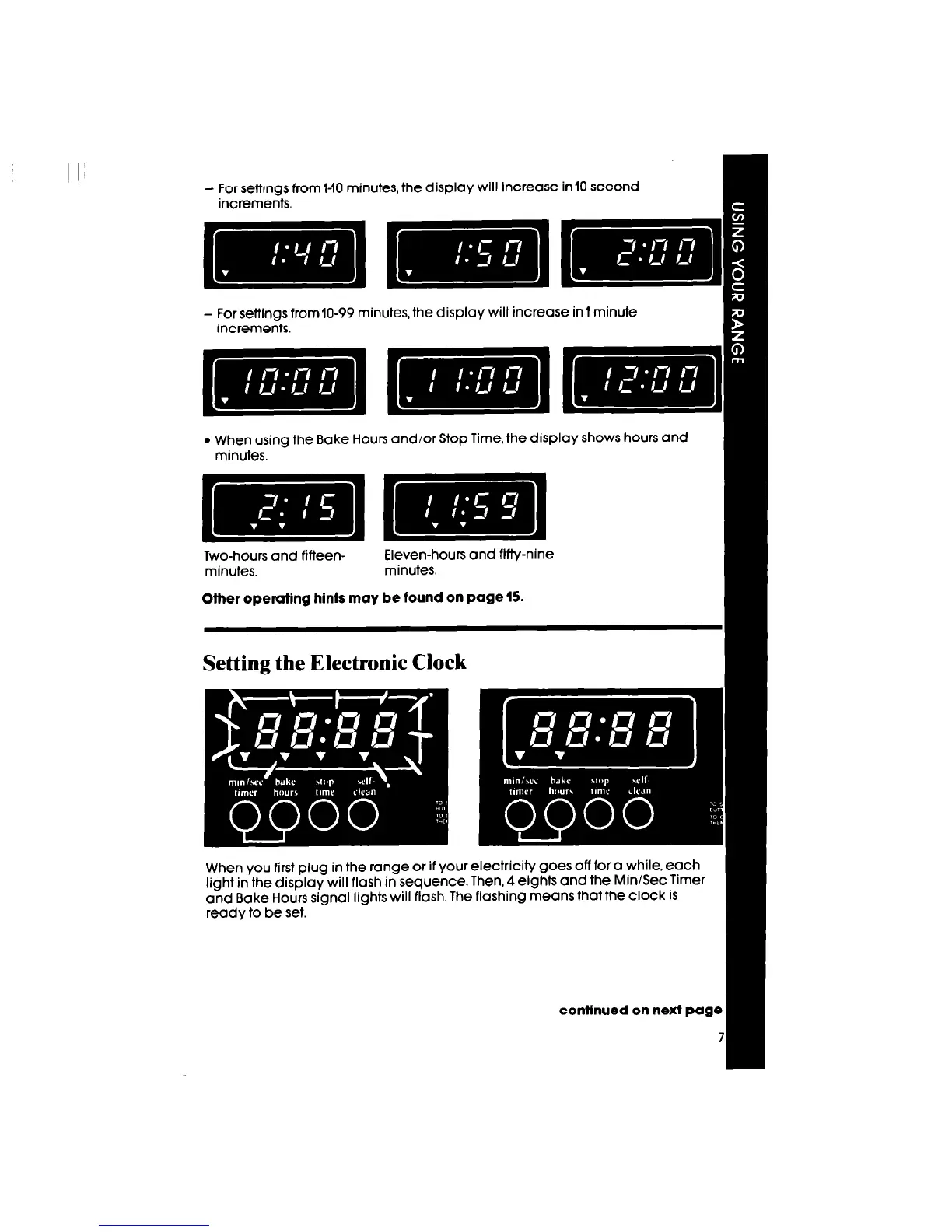
- For settings from l-10 minutes, the display will increase in 10 second
increments.
- For settings from10-99 minutes, the display will increase in1 minute
increments.
ml=]
l
When using the Bake Hours and/or Stop Time, the display shows hours and
minutes.
imlllmlm
Two-hours and fifteen-
Eleven-hours and fifty-nine
minutes.
minutes.
Other operating hints may be found on page 15.
Setting the Electronic Clock
When you first plug in the range or if your electricity goes off for a while, each
light in the display will flash in sequence. Then, 4 eights and the MinlSec Timer
and Bake Hours signal lights will flash. The flashing means that the clock is
ready to be set.
contfnued on next page



 To Next Page