Optional Rotisserie
If you would like a rotisserie for your oven, you can order a kit (Part No.
RCK-79/261881) from your Whirlpool Dealer. The kit includes easy installation
instructions.
Optional Door Panel Pat
If you would like to change the color of your oven door glass to white or
almond, you can order one of these kits; White (Kit No. 814071) or Almond (Kit
No. 814072) from your Whirlpool Dealer. The kits include easy installation
instructions.
Caring for your range
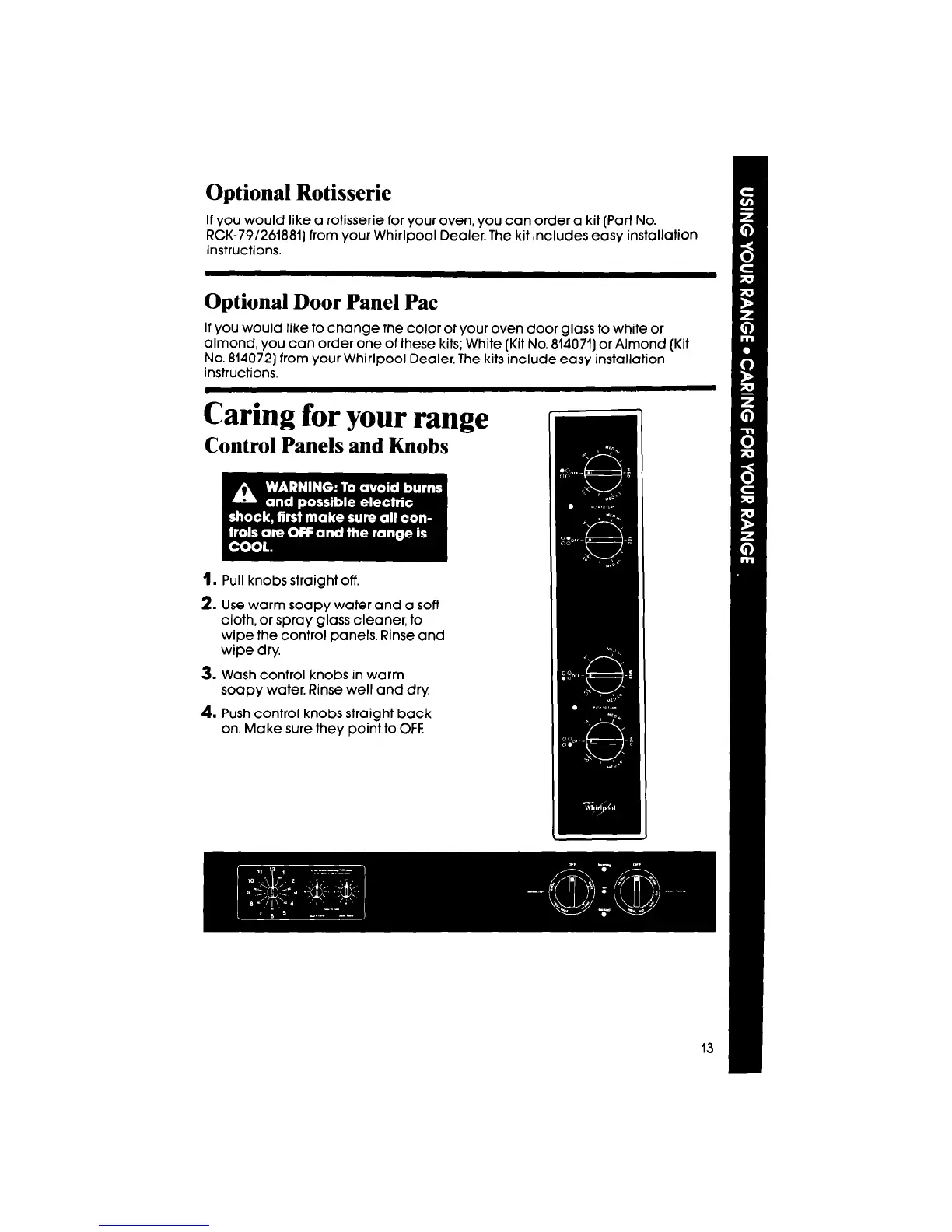
Control Panels and Knobs
1. Pull knobs straight off.
2. Use warm soapy water and a soft
cloth, or spray glass cleaner, to
wipe the control panels. Rinse and
wipe dry.
3. Wash control knobs in warm
soapy water. Rinse well and dry.
4. Push control knobs straight back
on. Make sure they point to OFF.



 To Next Page