To start baking now and stop automatically:
1.
Position rack(s) properly, and place the food in the oven.
2. Make sure the clock is set to the correct time of day.
3. Push in and turn the Stop Time Knob
clockwise
to the time you want the
oven to shut off.
4. Set the Oven Control on the baking temperature you want.
5. After baklng is done or to stop the oven before the preset time,
turn the
Oven Control to OFF.
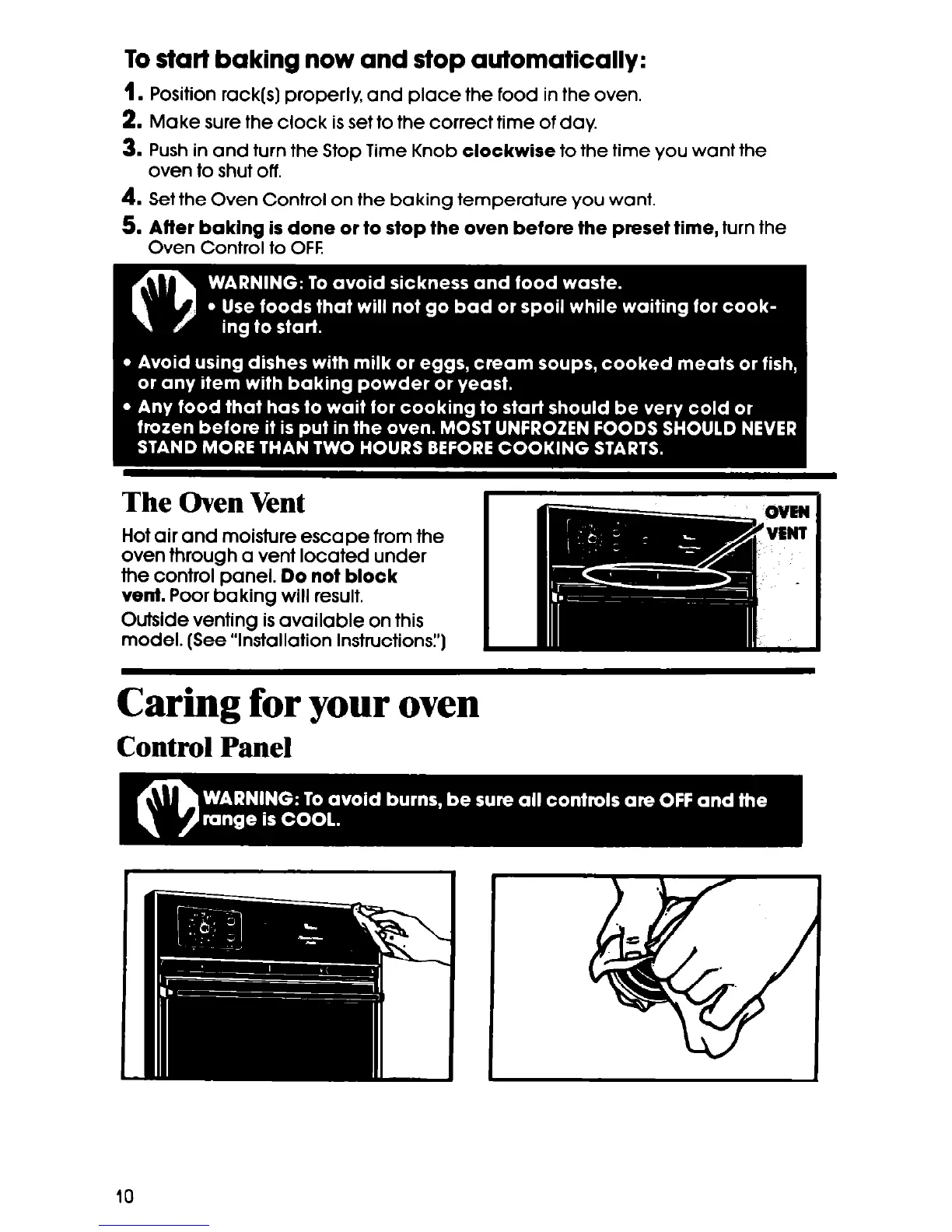
The Oven Vent
Hot air and moisture escape from the
oven through a vent located under
the control panel.
Do not block
vent. Poor baking will result.
Outside venting is available on this
model. (See “Installation Instructions:‘)
Caring for your oven
Control Panel
10





 To Next Page