65
Allrepairingoperationsrequiredforyourmachineshouldbe
carriedoutbyourauthorisedservice.Ifyourmachinere-
quiresarepairorifyoucannotremovethefaultbythehelp
oftheinformationprovidedasfollows:
• Unplugyourmachine.
• Turnthewaterfaucetoff.
(*)Seethechapterregardingmaintenanceandcleaningof
yourmachine.
65
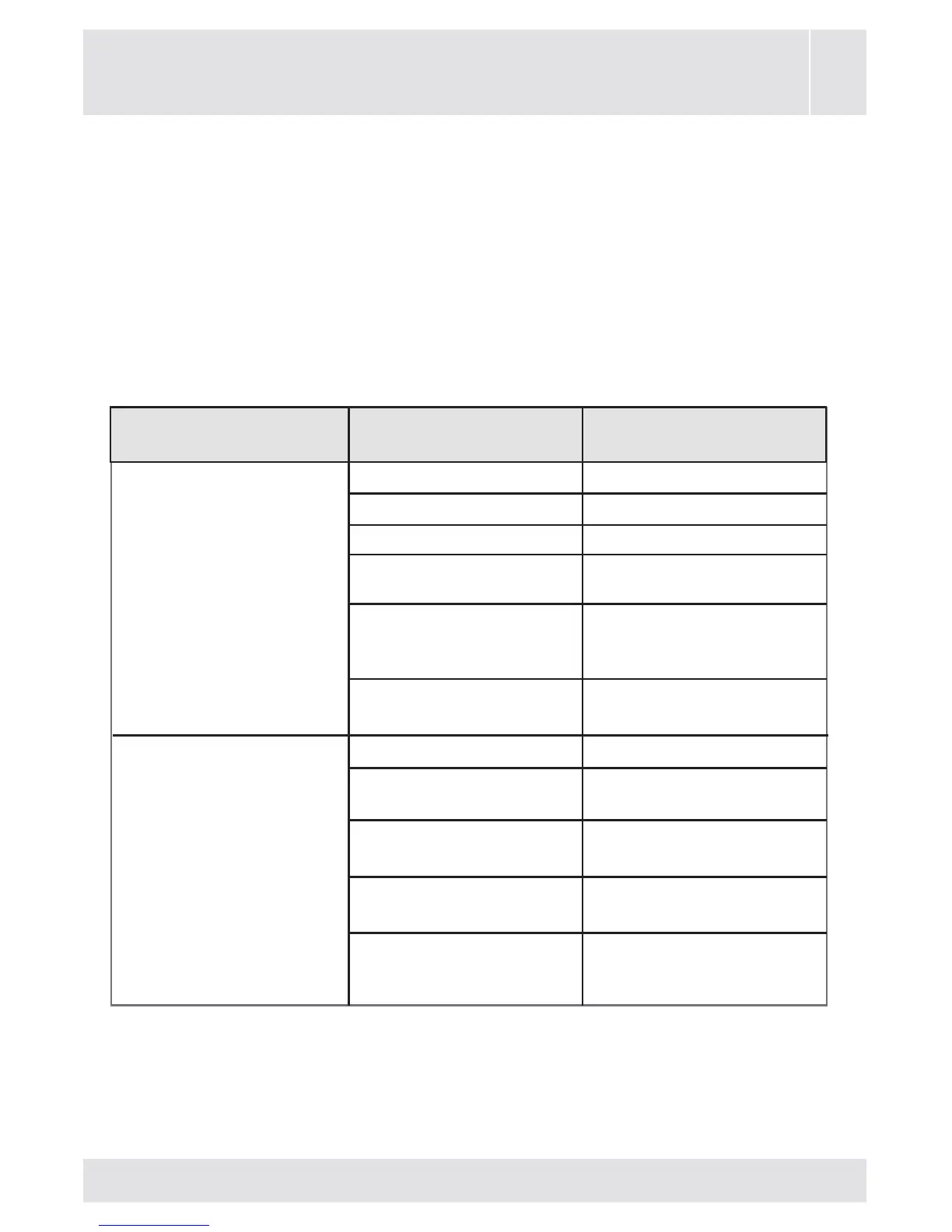
CHAPTER -9: TROUBLESHOOTING
FAULT
Yourmachinedoes
notstart.
Yourmachinedoes
notintakewater.
Itisnotplugged. Plugmachinein.
Replacethefuses.
Checkmainspower.
PressonStart/
Pausebutton.
Switchtheprogramme
buttontothedesired
position.
Closethemachine
door.
Turnyourfauceton.
Checkwaterinlet
hoseanduntwist.
Cleanwaterinlethose
lters.(*)
Cleanthevalve
inletlters.(*)
Closethemachine
door.
Fusesoutoforder.
Electricitycut-off.
Start/Pausebutton
notpressed.
Programmedial
‘stop’position.
Themachinedooris
notcompletelyclosed.
Watertapisturnedoff.
Waterinlethose
maybetwisted.
Waterinlethose
clogged.
Valveinletlter
clogged.
Themachinedoor
notcompletely
closed.
POSSIBLE
CAUSE
TROUBLE-
SHOOTING



 To Next Page