EasyManua.ls Logo

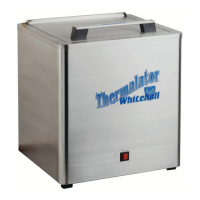
Whitehall Thermalator T-8-S - User Manual

Whitehall Thermalator T-8-S
17 pages
Print Icon
To Next Page IconTo Next Page
Loading...
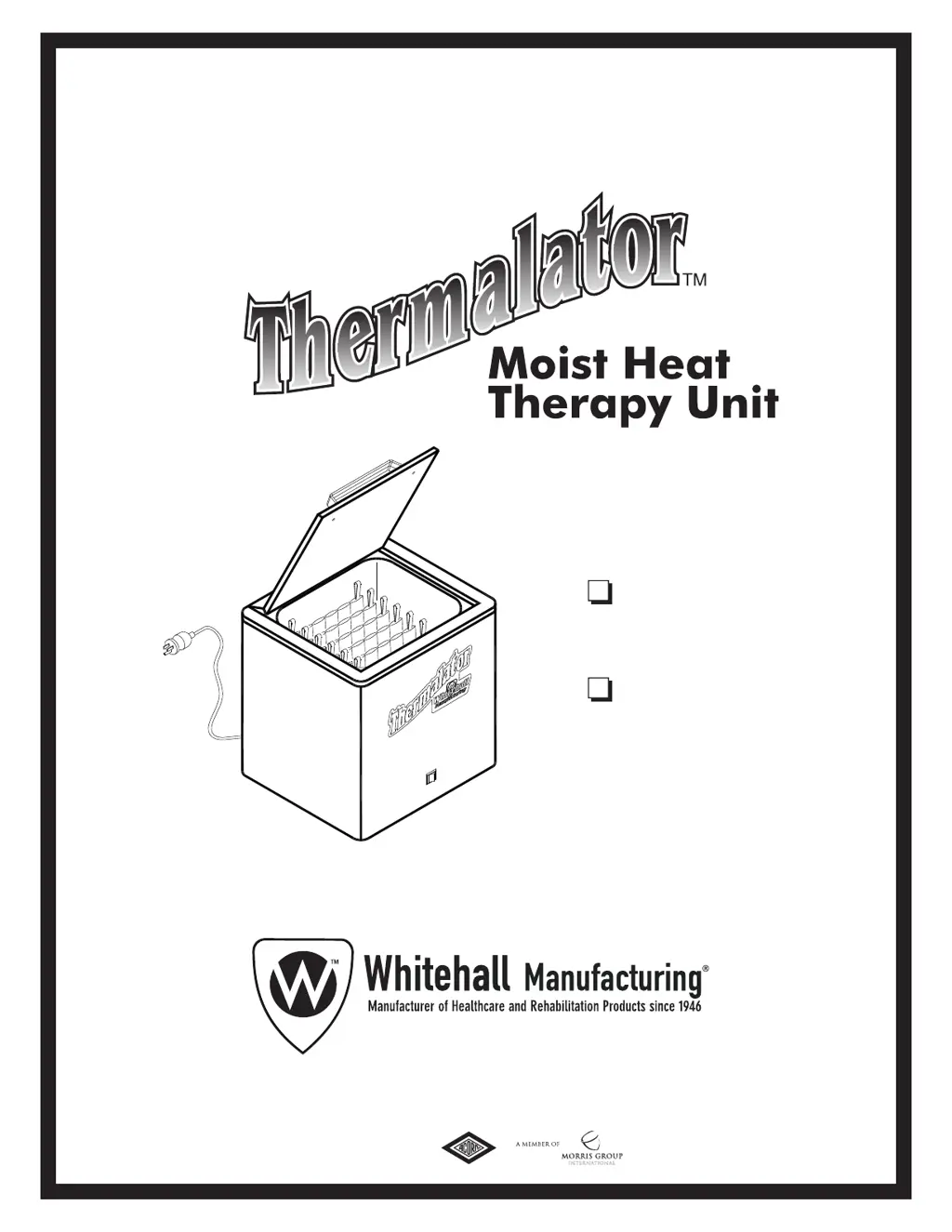
INSTRUCTIONS FOR
OPERATION AND CARE OF
Mobil 8 Pack
Thermalator
Model T-8-S
Mobil 8 Pack
Thermalator, 220 Volt
Model ET-8-S
6701-115-000
800-782-7706 • 626-968-6681 • www.whitehallmfg.com
P.O. Box 3527 • City of Industry, CA, 91744-0527, U.S.A.
Division of
®
Acorn Engineering Company
Revised: October 2018

Questions and Answers

  • Z
    zoe54Aug 6, 2025
    Why Whitehall Thermalator T-8-S Medical Equipment water is not getting hot?
    • O
      omckenzieAug 6, 2025
      If the Whitehall Medical Equipment water is not getting hot even when plugged in and switched on, it could be due to several reasons. First, the circuit breaker might be off; in this case, adjust the thermostat. Alternatively, the thermostat itself might be faulty and need replacement. Lastly, the heating element could be burned out, requiring replacement.
  • K
    Karen BradyAug 12, 2025
    What to do if Whitehall Thermalator T-8-S Medical Equipment Thermal Packs are too cool?
    • J
      Jay WhitakerAug 12, 2025
      If the Thermal Packs in your Whitehall Medical Equipment are too cool, it could be due to a few reasons. The thermostat might be set too low, so adjust the thermostat accordingly. Another possibility is a broken thermostat, which would require replacement. Finally, there might be a power failure; in this case, check the circuit and turn on the breaker.
  • A
    Annette GrahamAug 18, 2025
    Why Whitehall Thermalator T-8-S Thermal Packs are too hot?
    • D
      dixonrobertAug 18, 2025
      If the Thermal Packs in your Whitehall Medical Equipment are too hot, there are a couple of potential causes. The thermostat might be set too high, so adjust the thermostat to a lower setting. Alternatively, the thermostat itself might be broken and need to be replaced.
  • F
    fwilsonAug 23, 2025
    What to do if Whitehall Thermalator T-8-S Medical Equipment water is cloudy?
    • K
      Kristy DicksonAug 25, 2025
      If the water in your Whitehall Medical Equipment is cloudy, it could be due to two main reasons. The Thermo Packs might be worn out and seeping, in which case they need to be replaced. Another cause could be infrequent cleaning. To resolve this, drain, clean, and refill the unit.
  • R
    Richard ClarkAug 30, 2025
    Why Whitehall Thermalator T-8-S Thermal Packs are too hot and then too cool?
    • J
      justinhamiltonAug 31, 2025
      If the Thermal Packs in your Whitehall Medical Equipment are alternately too hot and then too cool, the most likely cause is a broken thermostat, which will need to be replaced.

Summary

Thermalator Safety Warnings

Electrical Safety Precautions

Connect to grounded GFCI outlets; avoid shock hazards.

Thermal Hazard Warnings

Avoid contact with hot water and surfaces; use tongs for packs.

Operational Safety Guidelines

Do not operate without water, avoid flammable liquids, cool before moving.

Thermalator Model Overview

Model T-8-S Specifications

100-120 Volts, 50/60 Hz, 15 Amps details and features.

Model ET-8-S Specifications

200-240 Volts, 50/60 Hz, 6 Amps details and features.

Operating Environment Limits

Indoor use, altitude, ambient temperature, and humidity limits.

Operator Training and Initial Setup

Operator Qualifications and Training

Requires trained personnel with knowledge of therapy procedures and manual.

Pre-Operation Inspection

Check packaging and unit for shipping damage before starting.

Unit Setup Procedures

Includes unpacking, placement, and pre-soaking thermal packs.

Filling the Thermalator Unit

Preparation for Filling

Ensure unit is unplugged; remove all packaging, especially near heating element.

Adding Water and Leveling

Fill unit about 3/4 full using provided hose; avoid spills into enclosure.

Loading Thermal Packs

Place wire rack inside and load pre-soaked thermal packs with tabs oriented correctly.

Emptying the Thermalator

Shutting Down and Disconnecting

Turn power switch OFF and unplug the unit before emptying.

Draining Water Safely

Attach filler hose to drain outlet and release water into a sink or floor drain.

Using the Thermal Packs

Safe Pack Handling

Use tongs to carefully remove hot packs; avoid skin contact to prevent burns.

Pack Preparation for Treatment

Wrap packs in a cover or toweling before applying to the treatment area.

Important Usage Warning

Operate only as directed; any other use can cause injury.

Daily Operation and Pack Management

Daily Water Replenishment

Add water if necessary to keep thermal packs submerged during heating.

Daily Pack Orientation

Arrange all blue or white tabs consistently for starting the day's use.

Temperature Control and Rack Setup

Adjusting Water Temperature

Use the thermostat knob to adjust temperature; requires a thermometer for accurate setting.

Wire Rack Adapter Usage

Utilize rack adapters for specific pack sizes; use wire rack for oversize packs.

Maintenance and Cleaning Procedures

Routine and Monthly Tasks

Keep packs submerged, clean racks/packs, maintain pH 7.4-7.8 for scale prevention.

Annual Maintenance Checks

Replace worn packs; have electrician check electrical components and wiring.

Unit Care and Storage

Cleaning Guidelines and Precautions

Use mild cleaners, avoid bleach, inspect heating element and cord for damage.

Storage Recommendations

Store unit upright in dry area; store packs moist in freezer or dry in ventilated area.

Troubleshooting and Repair Information

Common Operational Issues and Solutions

Addresses water temperature, clarity, pack issues, and rust.

Unit Service and Return Procedures

Contact Whitehall Manufacturing for service, estimates, and warranty repairs.

Exploded View of Thermalator

Component Identification Diagram

Visual diagram showing all numbered parts of the Thermalator unit.

Model T-8-S Parts List

T-8-S Component Details and Numbers

List of items, part numbers, and descriptions for the 120 VAC T-8-S model.

Model ET-8-S Parts List

ET-8-S Component Details and Numbers

List of items, part numbers, and descriptions for the 220 VAC ET-8-S model.

Electrical Parts Disassembly Diagram

Electrical Component Layout View

Diagram illustrating internal electrical components: fuses, thermostat, switch, heating element.

Manufacturer Warranty and Support Contact

Warranty Terms and Limitations

One-year warranty against defects; excludes labor, misuse, and improper care.

Technical Assistance and Registration

Contact info for questions, technical help, and e-warranty registration.

Packaging Requirement for Claims

Customer must retain original packaging for warranty claims.

Whitehall Thermalator T-8-S Specifications

General IconGeneral
BrandWhitehall
ModelThermalator T-8-S
CategoryMedical Equipment
LanguageEnglish

Related product manuals