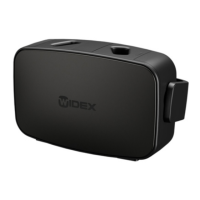
Light indicators Possible cause Solution
The hearing aid has a
critical error
Remove the hearing aid,
disconnect from the pow-
er for 10 seconds and then
try again
If the charger is still
flashing red, contact your
hearing care professional
Both indicators
flashing red
The charger has a critical
error
Remove the hearing aid,
disconnect from the pow-
er for 10 seconds and then
try again
If the charger is still
flashing red, contact your
hearing care professional
17


 To Next Page