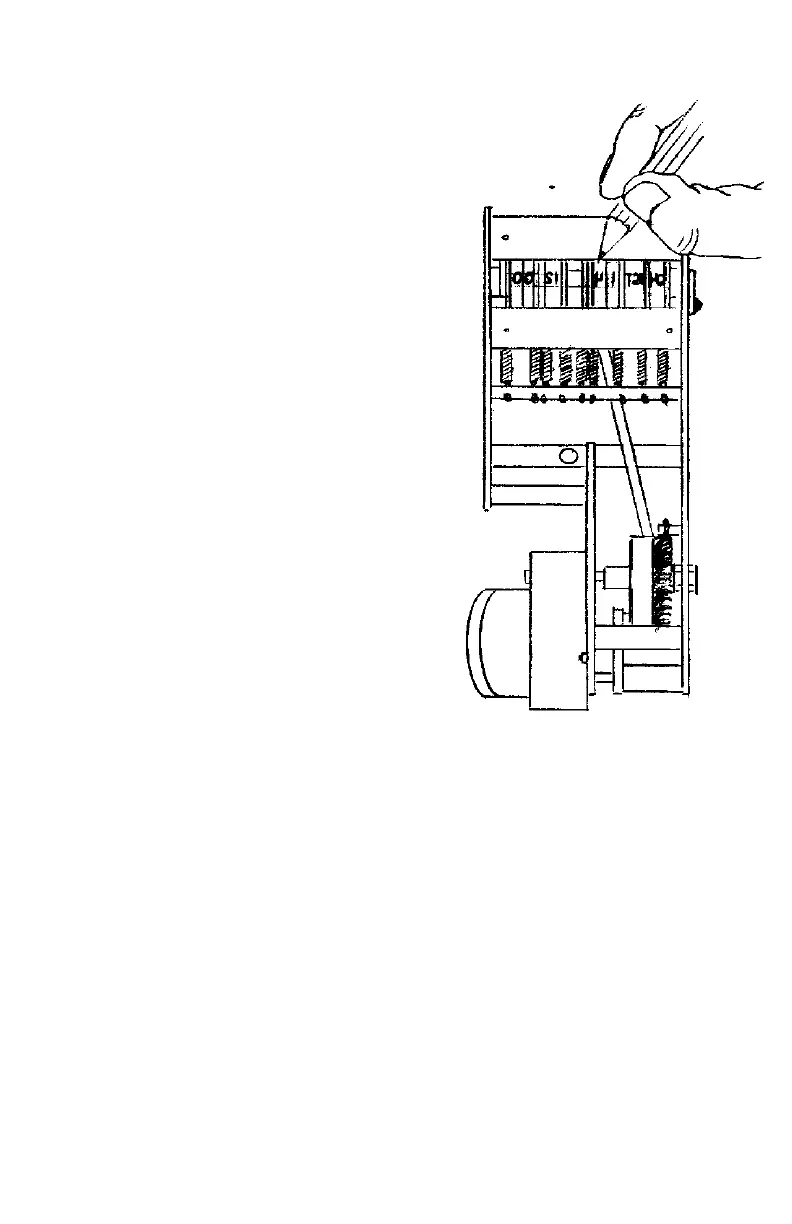
TO SET THE DATE:
Insert case key in lock and rotate key
towards you. Lift up the top of the machine and
set the wheels by using a wooden stylus or pencil
to rotate the wheels in a downward direction;
setting each wheel to the month, date and year.
Note: Date units must be set on a daily basis.
TO SET THE NUMBER:
Proceed as above To open the lid –
rotate the wheels downward and always set the
number to 1 digit lower than the number that you
wish to print. For example: to print the number
000001, set the machine to 000000.
KEY SECURITY LOCK:
For added protection, many seal embossing machines are furnished with electric security
locks to prevent tampering. Since this device interrupts the power to the stamp when turned ”off”, it
must be in the “on” position to activate the stamp.



 To Next Page