Getting Started
~ Inserting the SIM Cards
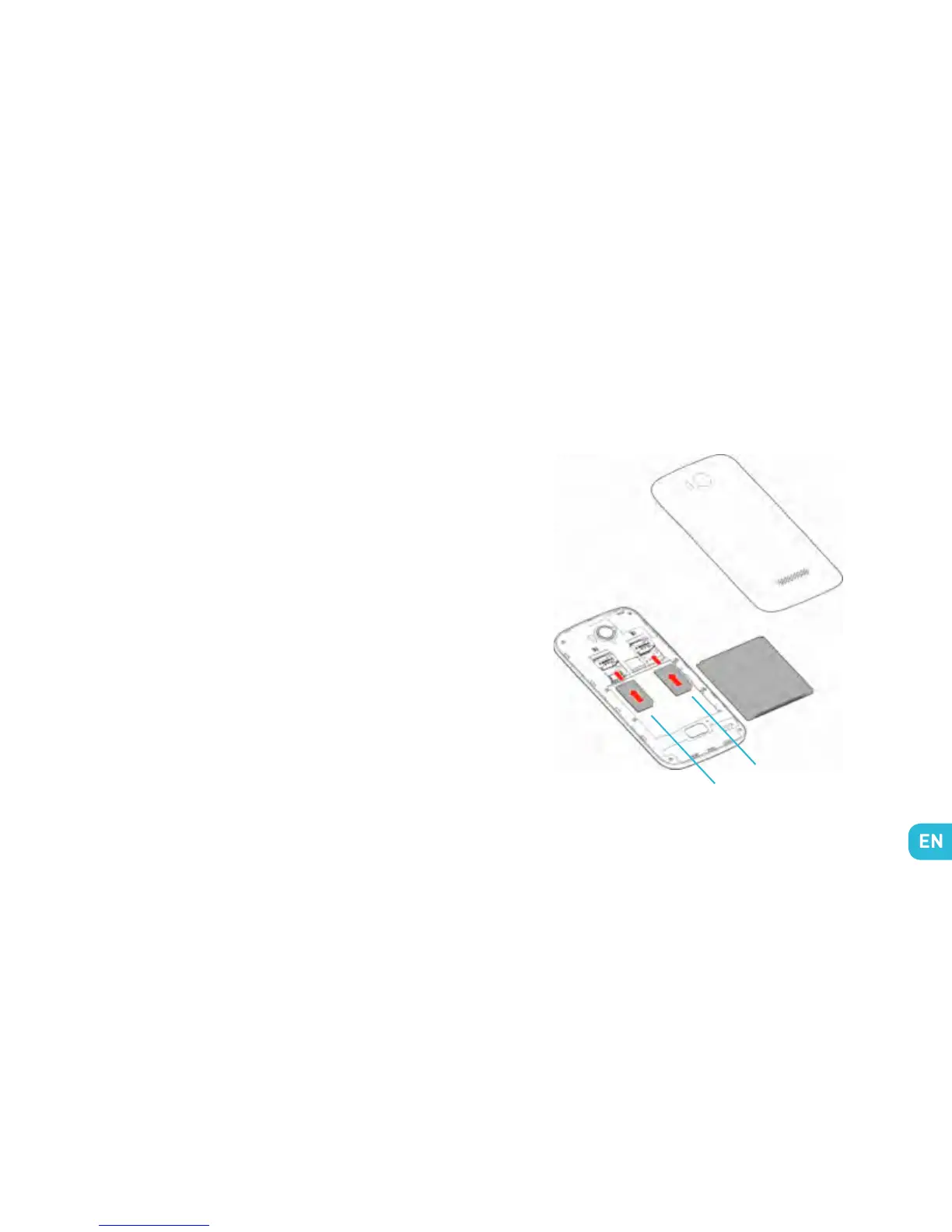
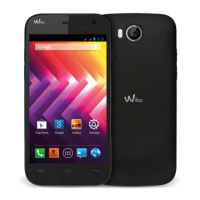
IGGY is a dual SIM card Android mobile phone. You must
insert the SIM card before using the phone. Use the small
notch at the base of the phone to open the cover. Insert the
SIM cards as shown in the diagram below.
~ Installing the Battery
Note : only use batteries, chargers and accessories ap-
proved by WIKO.
Put the battery into its slot by aligning the phone and
battery contacts, then press lightly on the battery to fit it
into place.
SIM 1
SIM 2


 To Next Page