~ Charging the Battery
Your phone is powered by a rechargeable battery.
The status light changes colour to indicate the charging
level of the phone. A flashing red light indicates that the
battery level is very low: the battery should be recharged
because, if the level is too low, it may shorten the life of
the battery.
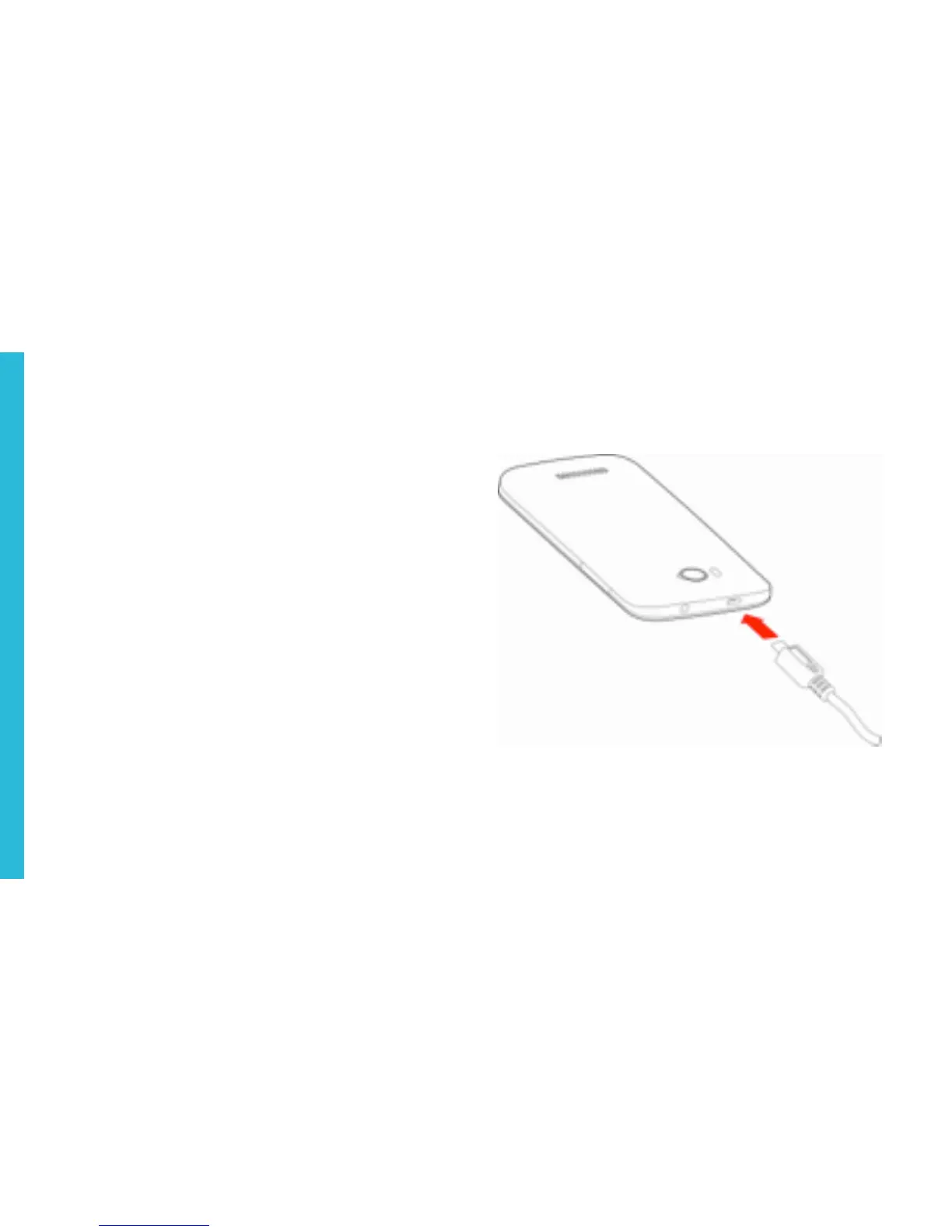
Connect the charger to a power outlet and the micro USB
connector to the phone’s USB port.
For more information, refer to the Safety Information
section.



 To Next Page