10
Turn your phone o
There are two ways you can use to turn your phone o.
• Using Power key
1. Press and hold the Power key.
2. Tap Power o.
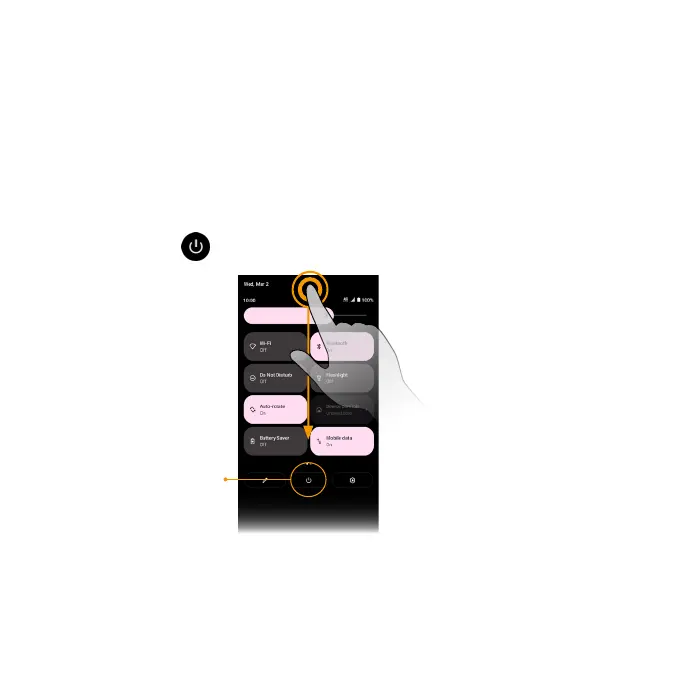
• Via Quick Seings Panel
1. Swipe down on the Status bar twice to enter Quick Seings panel.
2. Tap Power icon
> Power o.
Power icon
Complete the setup screens
Once your phone is powered on, you will need to run Setup. The Setup Wizard will appear
to guide you through the basic seings on your device. Follow the instructions to nish
your phone setup.



 To Next Page