9
Charge the baery
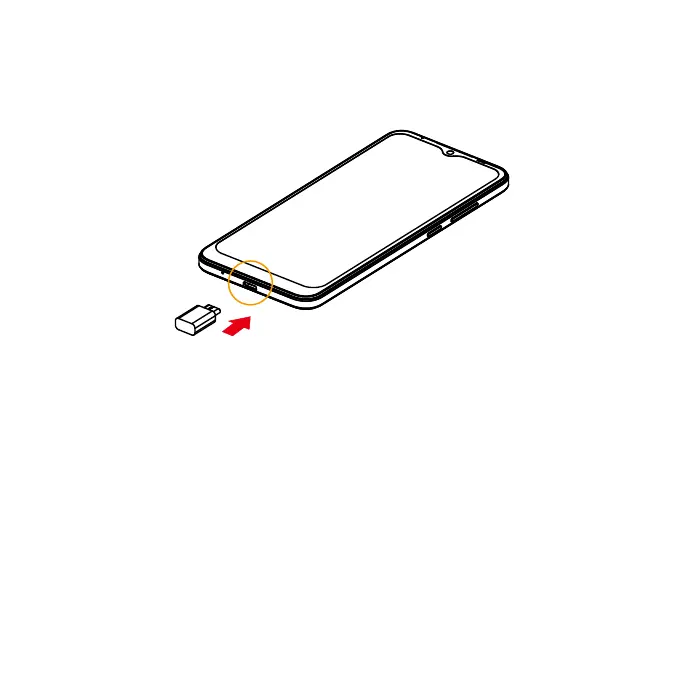
1. Connect one end of the data cable to the USB po located on the boom of your
phone.
2. Connect the other end to the power adapter.
3. Connect the power adapter to an electrical outlet to fully charge your phone.
Note: Use the power adapter that comes with your phone; using other adapters may
damage your phone.
Turn your phone on and o
The instructions below explain how to turn your phone on and o.
Turn your phone on
Press and hold the Power key until the device turns on.



 To Next Page