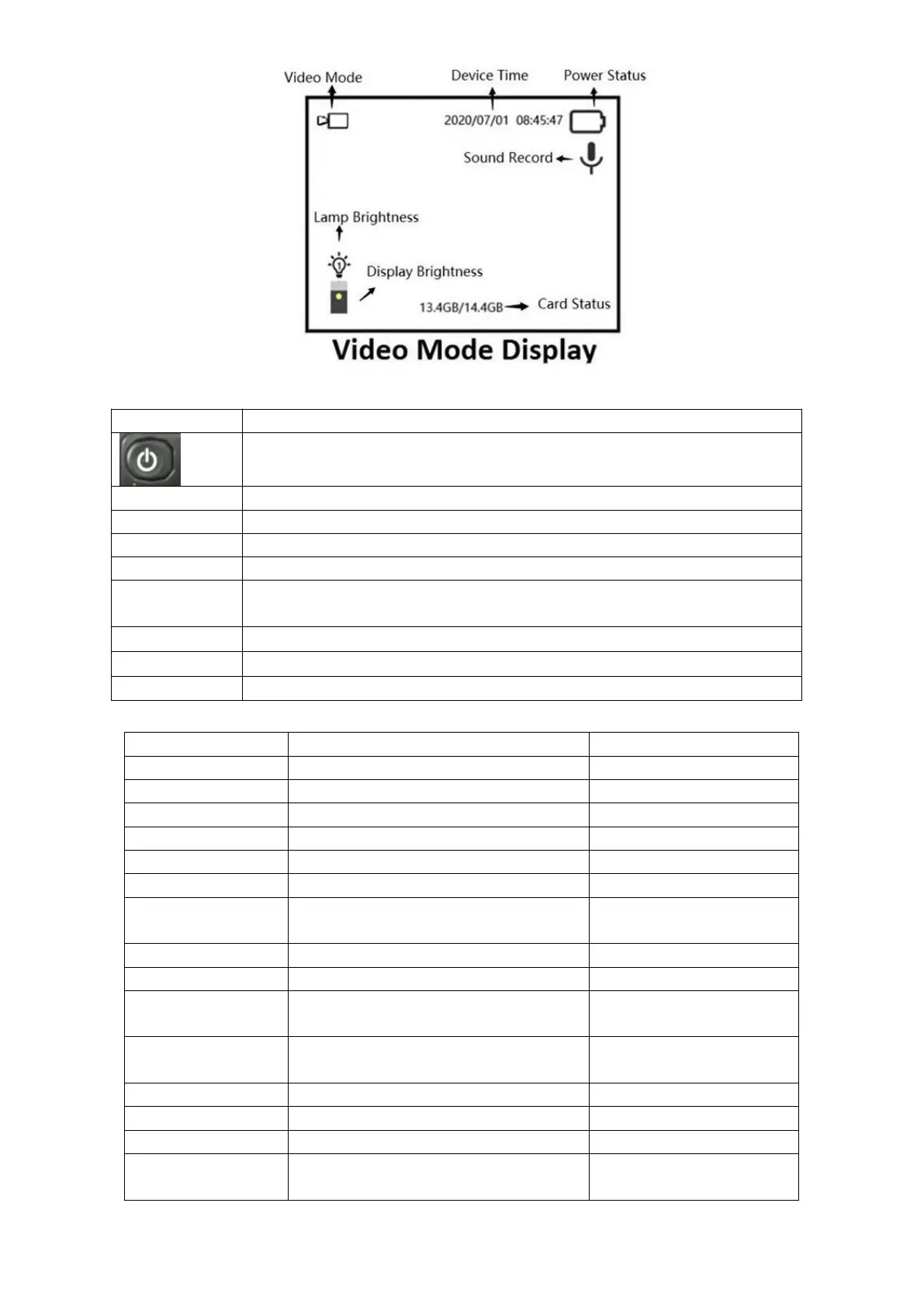
Button Function list
Menu Function List
Image resolution options:
Image quantity per shooting
To choose how long video is needed
Sound record can be ON or OFF
Data/time info will be shown on
picture/video or not
D/M/Y, M/D/Y, Y/M/D Format
There are three levels to choose
The lamp will be off within 3min,
5min, or 10min, or it will not off auto.
This device will be off within 3min,
5min, or 10min, or it will not off auto.
Micro SD card can be loop-record
Quick format this memory card
Setup can be back to factory default
User can check firmware version
information
Turn ON/OFF video when keeping pressing
When press in a short time, the display brightness will be switched.
Back to menu or enter menu
Picture mode, Video mode or Review mode
Zoom function is cycled within this button
IR Lamp brightness is cycled within this button
In image mode, shot to get one picture; in video mode, press it and
start/stop video recording
Check sub-menu, and check picture/video when in review mode
Check sub-menu, and check picture/video when in review mode
When set up sub-menu, press OK button to confirm



 To Next Page