In order not to be distracted by calls received via Phone app, go to Phone App Settings -> -> Advanced Allow
= ON (in this case Phone app does not open automatically during an incoming call)usage of other VoIP Apps
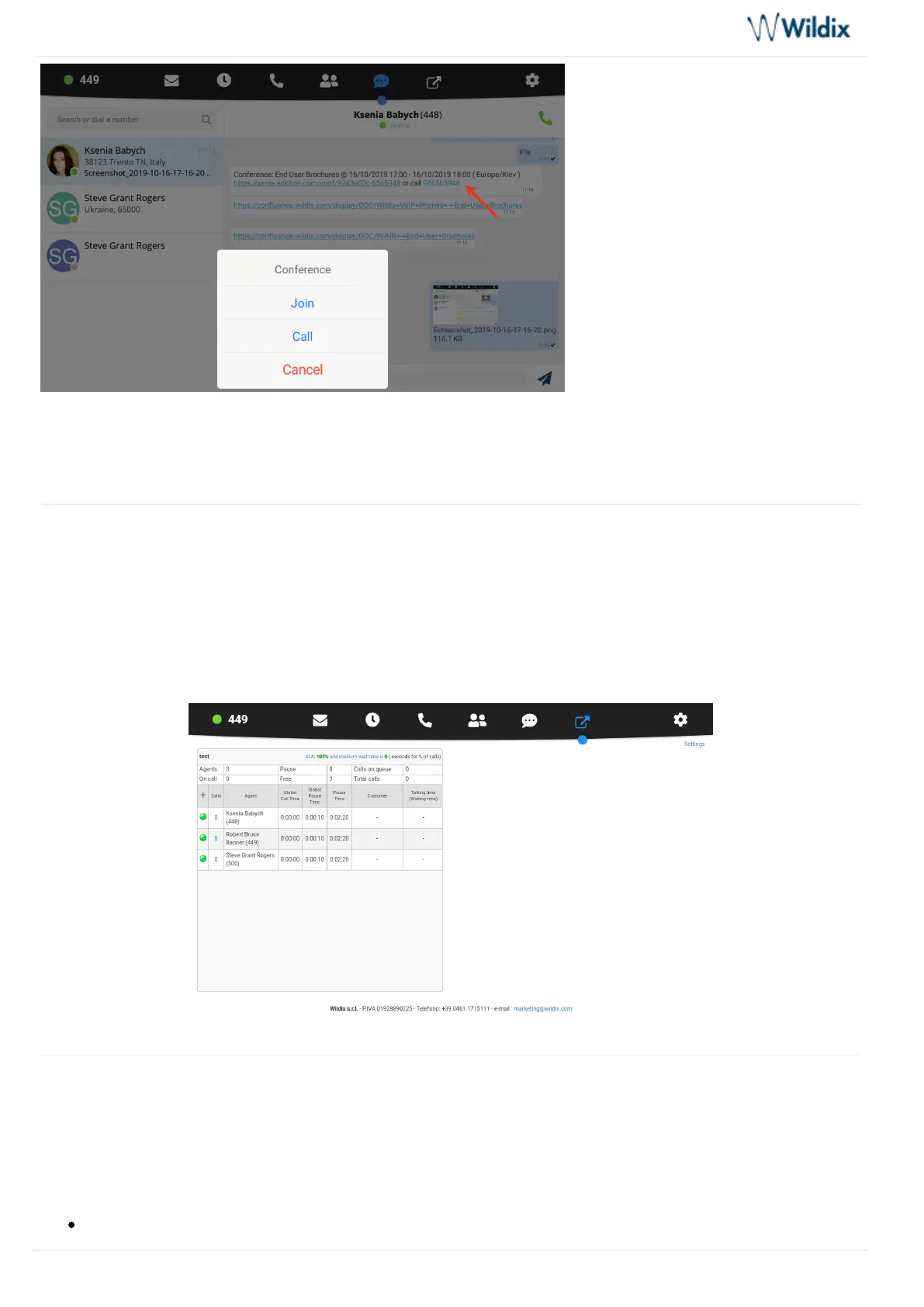
Web application Integration
Web application integration can be configured in App -> -> It allows opening Settings Advanced Integration URL.
a web application inside Wildix Phone App.
You can also select the web application to be opened automatically in App -> ->Settings Advanced Default tab
and pecify timeout after which an application is automatically opened (the default timeout is 120 sec). s
Settings
Personal and Call features for each Call class is synced with the PBX.
Personal and Account settings
Account: Login to Wildix Phone application



 To Next Page