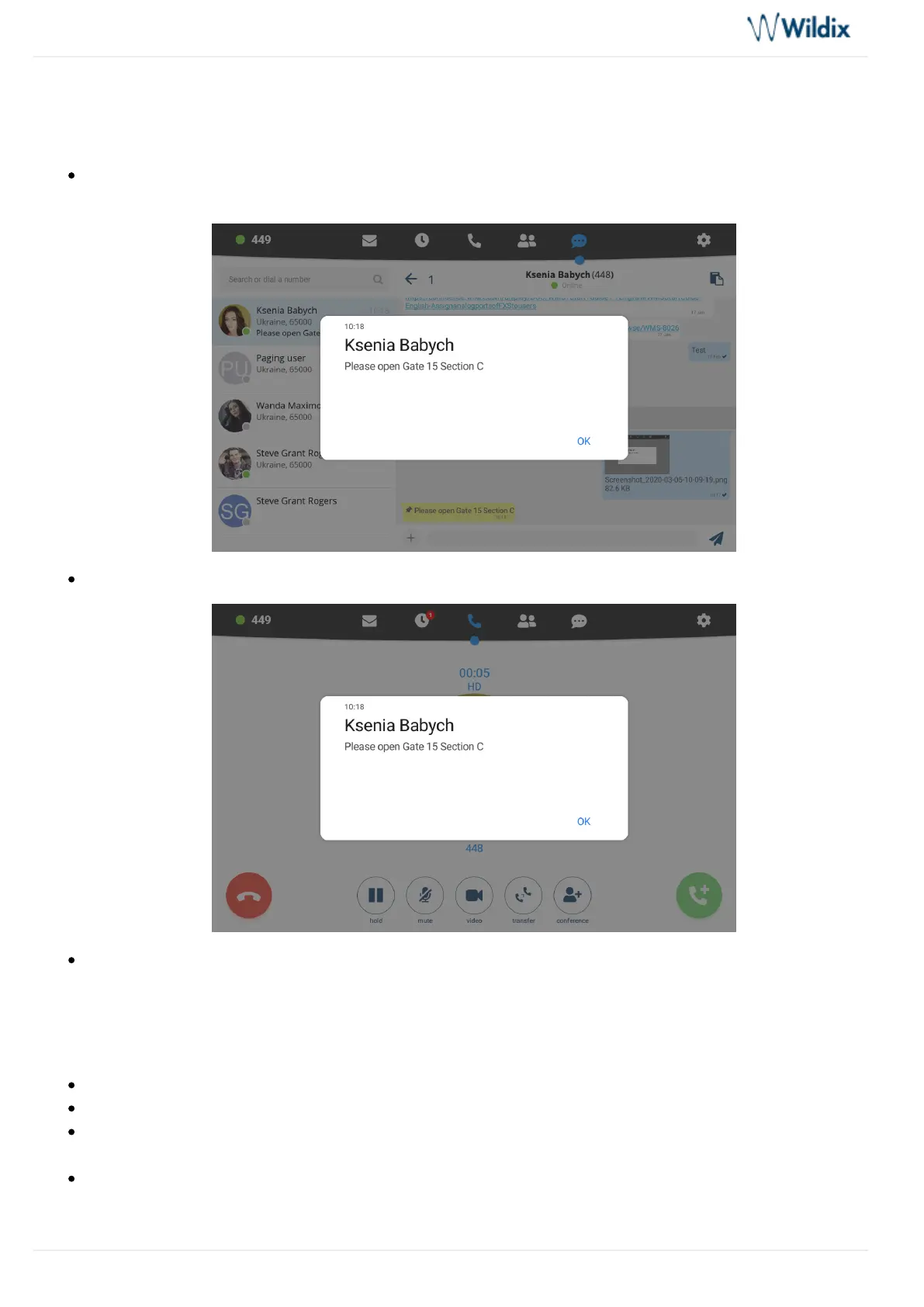
Important Post-it
Important Post-it note sent via Collaboration is displayed as a modal window above all the menus and
blocks access to the app:
It is only possible to answer/ hang up a call:
To unblock, you need to respond by tapping OK
Join Wizyconf Videoconference
It is impossible to start Wizyconf videoconference from Vision, you can only participate (you must be invited).
To participate in a conference, you must be invited by a PBX user. You receive the invitation to chat
Tap the invitation link to access the conference
Select to enter the conference room or to access the conference in audio-only mode. Follow Join Call
for detailsWizyconf Videoconference User Guide
To leave the conference room, tap ( )Exit the conference X



 To Next Page