WP410, WP480G, WP490G Wildix Phones Guide
WP410, WP480G, WP490G Wildix Phones Guide
Page 7 of 13
1.
2.
1.
2.
3.
1.
2.
3.
1.
2.
3.
4.
5.
Hold / Second call
Press Soft key during a callHold
Press Soft key to resumeResume
If you have several calls on hold: use keys to select the call, then press Navigation Resume
Make a second call:
Press Soft keyNew
Dial a number or press Soft key to search for a contact in History or in Phonebook Select
Transfer
Blind transfer
Transfer without notifying the person who receives the call transfer:
Press Soft key or key during a call (the call is put on hold)Trans Transfer
Dial the number
Hang up or press Soft keyTrans
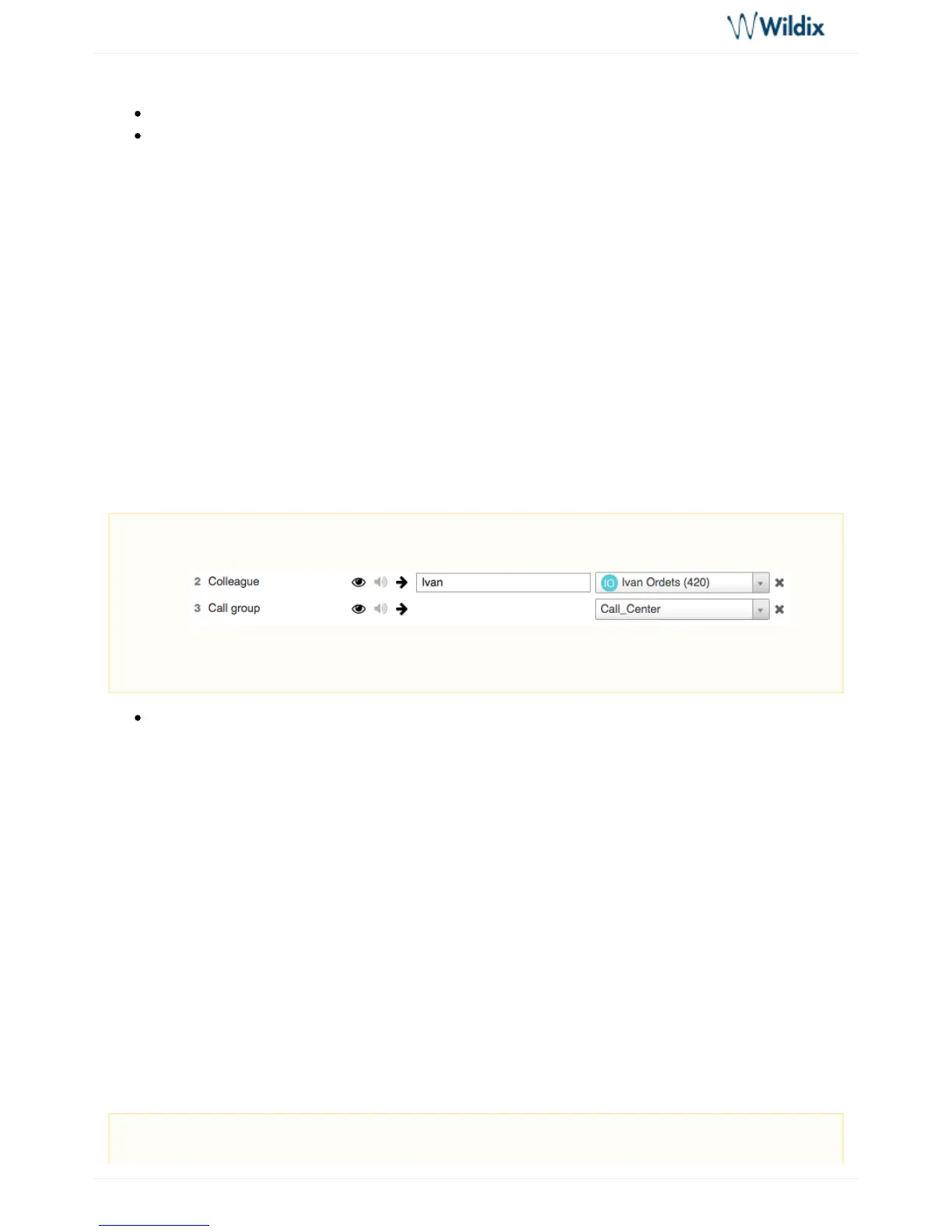
Blind transfer via BLF keys:
Press the key configured as "Colleague" or "Call group" during a callBLF
Attended transfer
Transfer with notification to the person who receives the transfer:
Press Soft key or key during a call (the call is put on hold)Trans Transfer
Dial the number and wait till the person answers
To complete the transfer, hang up or press Soft key or keyTrans Transfer
Attended transfer to contact / contact from : Phonebook Call history
Press Soft key or key during a call (the call is put on hold)Trans Transfer
Press Soft key Select
Select and press Soft keyHistory / Phonebook Enter
Select the contact, press Soft key and wait till the person answers Dial
To complete the transfer, press Soft key or key againTrans Transfer
Attended transfer via BLF keys:
Prerequisite: BLF key "Colleague" or "Call group" with "Direct Transfer" option enabled must be
configured:
Read the ( ) for more information about settingCollaboration User Guide Settings -> Function Keys
BLF keys.
Prerequisite: BLF key "Colleague" or "Call group" ("Direct Transfer" option disabled) must be



 To Next Page